
Hit the Notes with Vocaberry PC
adhocapp
Download Hit the Notes with Vocaberry on PC With GameLoop Emulator
Hit the Notes with Vocaberry on PC
Hit the Notes with Vocaberry, coming from the developer adhocapp, is running on Android systerm in the past.
Now, You can play Hit the Notes with Vocaberry on PC with GameLoop smoothly.
Download it in the GameLoop library or search results. No more eyeing the battery or frustrating calls at the wrong time any more.
Just enjoy Hit the Notes with Vocaberry PC on the large screen for free!
Hit the Notes with Vocaberry Introduction
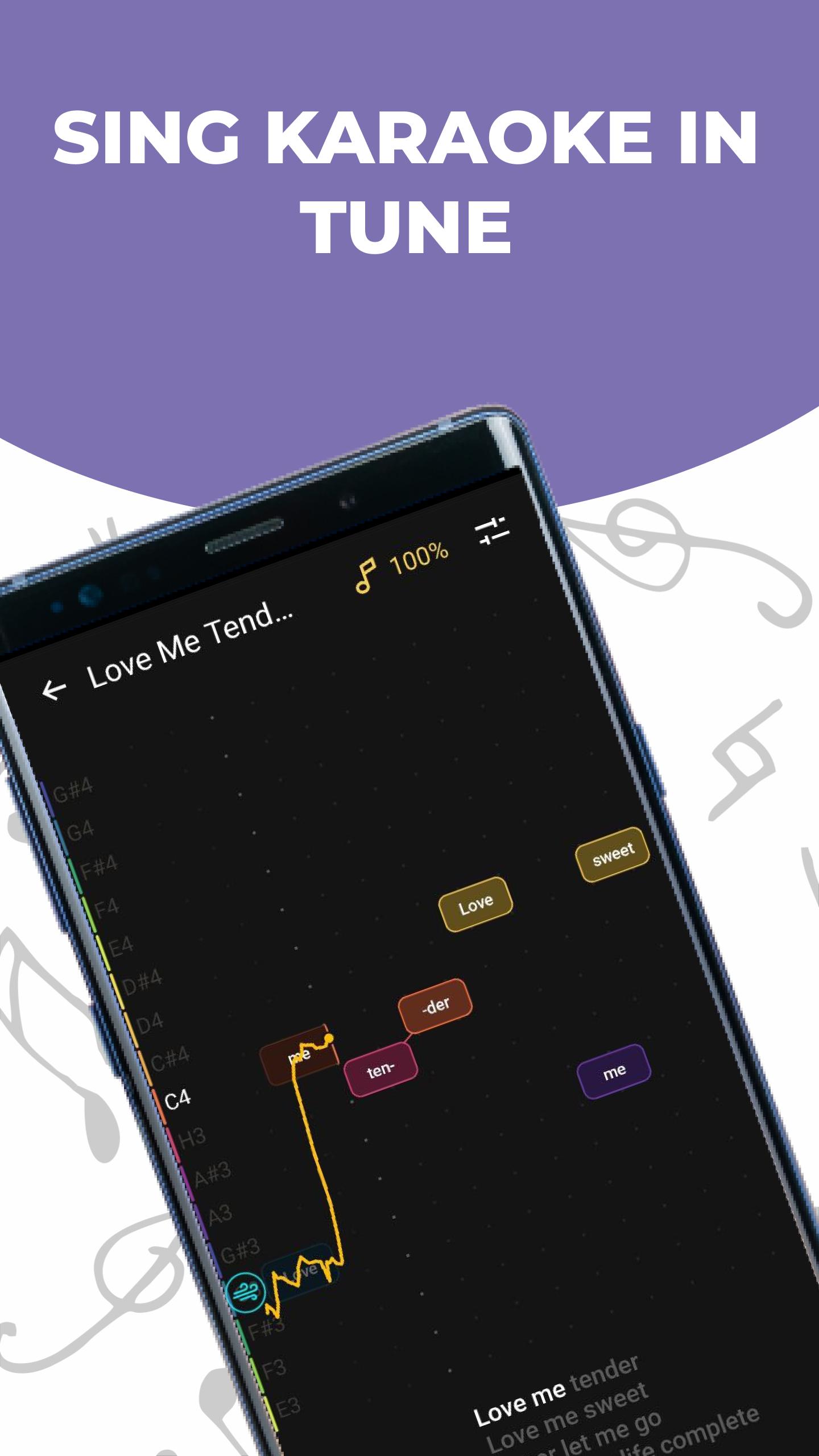
Vocaberry Karaoke is a karaoke application through which you can learn the real notes that the singer sings. You can also change the height of the song so that it's convenient for you to sing and change the tempo. You can roll the song forward or backward and replay those moments of the song you want to learn better.
With this application you can understand whether you are getting into the real notes of the performer or not. And also learn how to get into rhythm and notes.
The application will help you to sing karaoke songs more cleanly.
With the Vocaberry Karaoke app you will be able to:
- To see, feel and understand what notes are
- To see the real notes of the performer in a convenient form
- Do you see if you fall into the notes
- Remember note and rhythm words
- Work on specific parts of songs
The application is free.
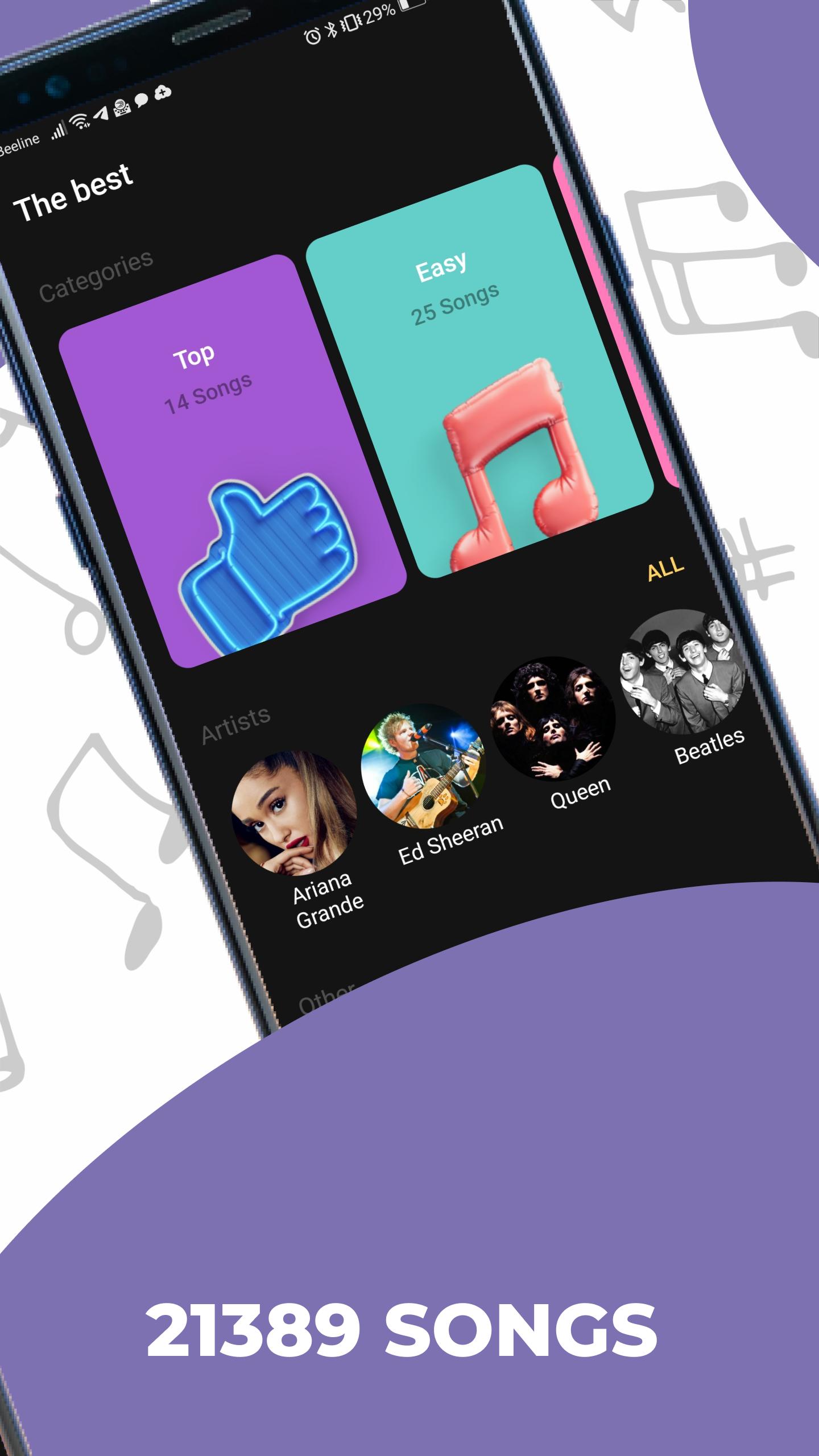
Now there are the following songs in it:
✪ Elvis Presley - Love Me Tender
✪ The Green Day - Wake Me Up
✪ The White Stripes - Seven nation army
✪ Marilyn Manson - Sweet Dreams
✪ Celine Dion - My heart will go on
✪ Marina and the Diamonds - Primadonna
✪ Frank Sinatra - Strangers in the night
✪ Luis Fonsi - Despacito
✪ Elton John - Sorry seems to be
✪ The Beatles - Yesterday
✪ The Cranberries - Zombie
✪ Ed Sheeran - Perfect
✪ Adele - Rolling in the deep
✪ Linkin Park - Numb
this list is growing from version to version
If you like the app, rate it on Google Play. We always try to improve Vocaberry. Please send us any questions and requests!
Preview
Tags
EntertainmentInformation
Developer
adhocapp
Latest Version
0.42.1
Last Updated
2024-10-24
Category
Entertainment
Available on
Google Play
Show More
How to play Hit the Notes with Vocaberry with GameLoop on PC
1. Download GameLoop from the official website, then run the exe file to install GameLoop
2. Open GameLoop and search for “Hit the Notes with Vocaberry” , find Hit the Notes with Vocaberry in the search results and click “Install”
3. Enjoy playing Hit the Notes with Vocaberry on GameLoop
Minimum requirements
OS
Windows 8.1 64-bit or Windows 10 64-bit
GPU
GTX 1050
CPU
i3-8300
Memory
8GB RAM
Storage
1GB available space
Recommended requirements
OS
Windows 8.1 64-bit or Windows 10 64-bit
GPU
GTX 1050
CPU
i3-9320
Memory
16GB RAM
Storage
1GB available space