
RPLAY PC
PLAX Inc.
Download RPLAY on PC With GameLoop Emulator
RPLAY on PC
RPLAY, coming from the developer PLAX Inc., is running on Android systerm in the past.
Now, You can play RPLAY on PC with GameLoop smoothly.
Download it in the GameLoop library or search results. No more eyeing the battery or frustrating calls at the wrong time any more.
Just enjoy RPLAY PC on the large screen for free!
RPLAY Introduction
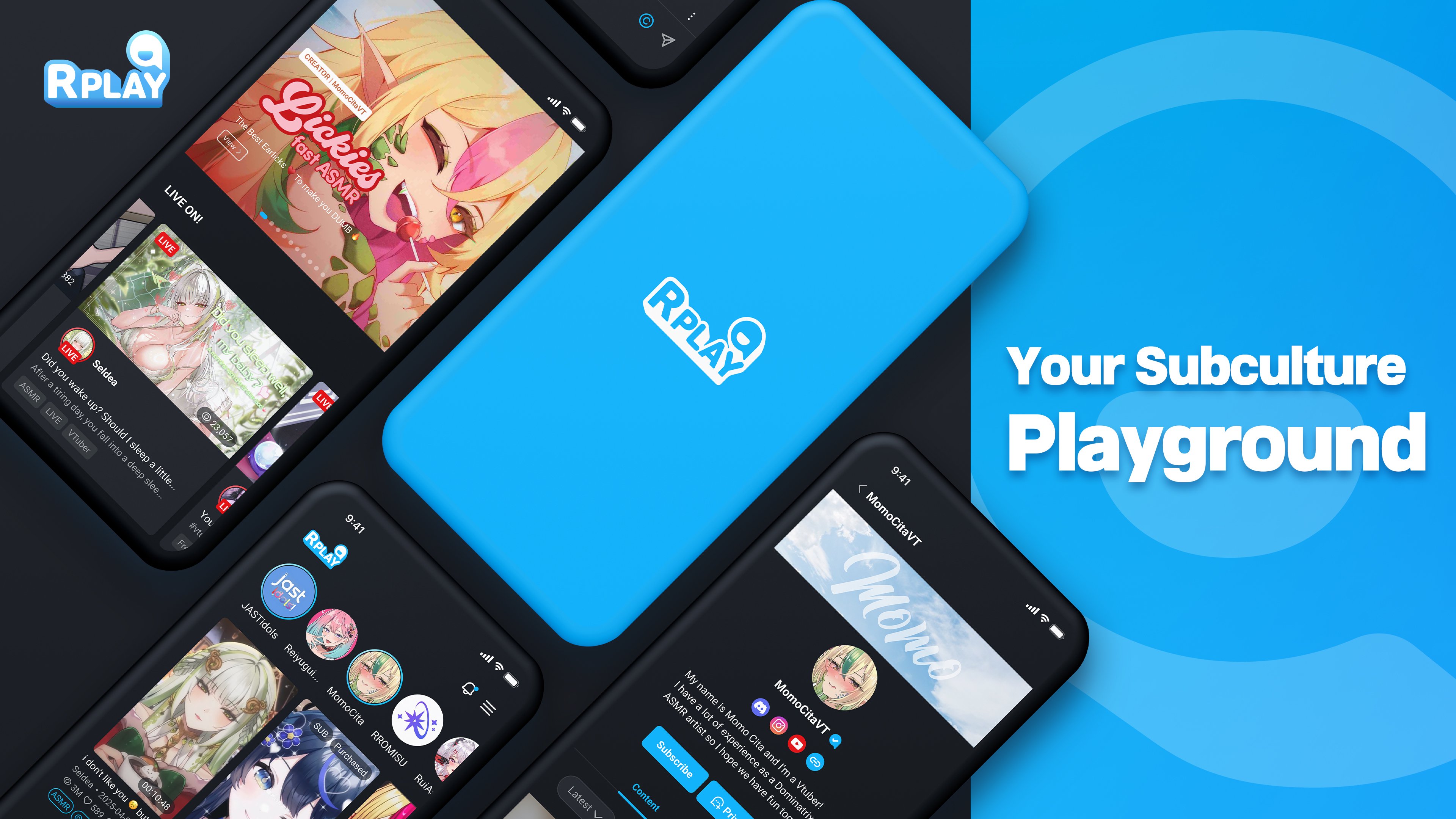
From mainstream hits to hidden gems, RPLAY connects you with the content you love — or lets you create it yourself.
[Diverse Content]
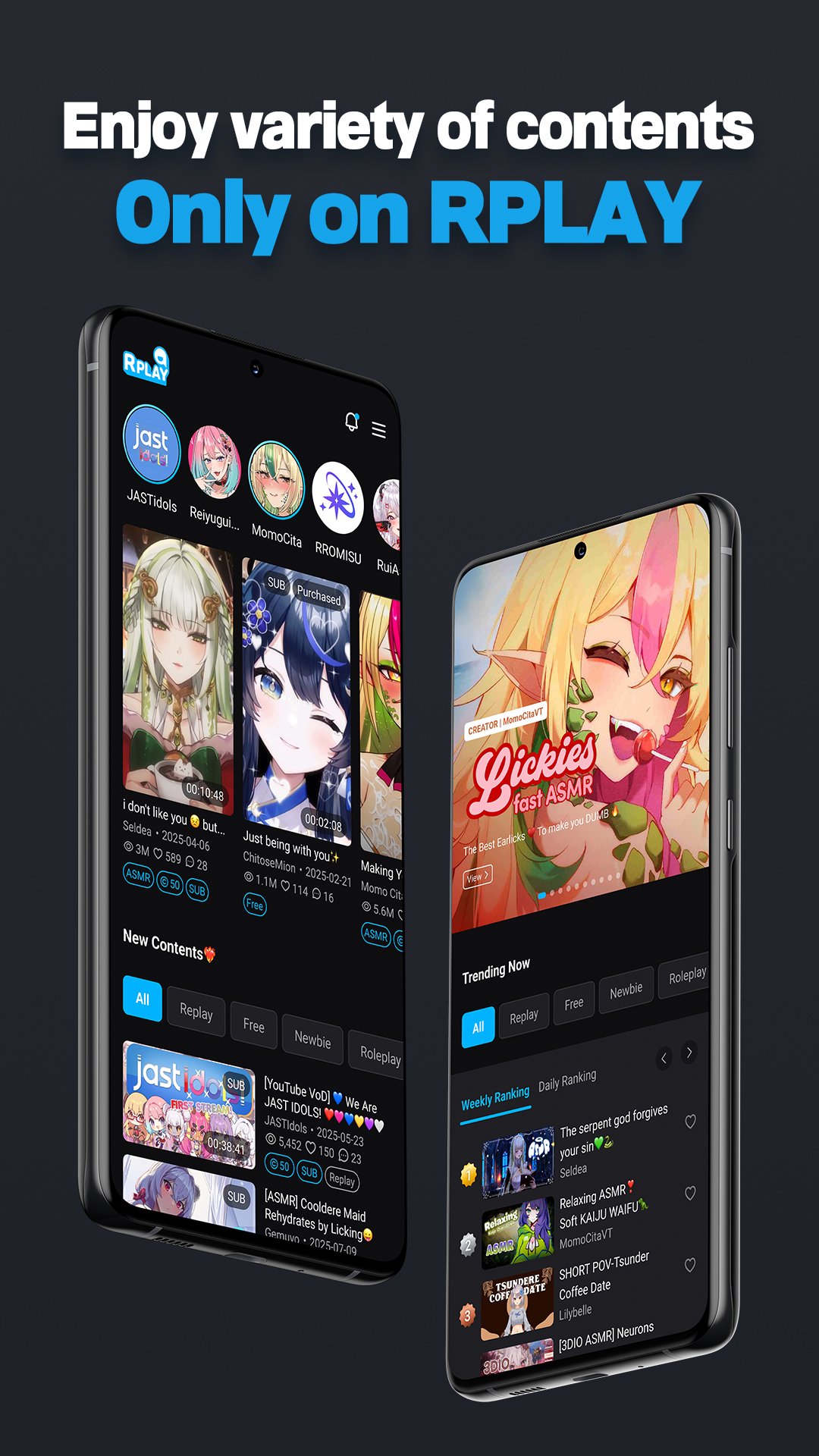
From videos and ASMR to doujin audio, images, and even live streaming — you can enjoy a wide variety of content from creators all in one place.
[Creative Freedom]
No genre limits. No creative boundaries.
Make the content you want, how you want.
[User-Friendly Interface]
A personalized home screen that gathers only the live streams and content from your subscribed channels.
Quick and easy access to your purchases, playlists, and liked content.
[Connect Deeply]
Live chat, comments, channel-specific communities, supporter options, and a messenger service coming soon —
creators and fans can communicate closely through various means.
[Safe & Secure]
To protect creators’ valuable works and users’ personal data,
we use a proprietary security system to keep everything safe.
[Optimized Monetization]
Sell paid content, offer memberships, and unlock live monetization tools like:
Super Chat
TTS (Text-to-Speech)
Roulette & Mission Gimmicks
Make your premium supporters stand out with exclusive features.
RPLAY requests the following access permissions:
[Optional Permissions] Photos, Camera, Files: For uploading profile images and content, including attaching or taking images/videos.
[Required Permissions] None
[Customer Support] Email: help@rplay.live
Preview
Tags
EntertainmentInformation
Developer
PLAX Inc.
Latest Version
4.2.3
Last Updated
2026-01-26
Category
Entertainment
Available on
Google Play
Show More
How to play RPLAY with GameLoop on PC
1. Download GameLoop from the official website, then run the exe file to install GameLoop
2. Open GameLoop and search for “RPLAY” , find RPLAY in the search results and click “Install”
3. Enjoy playing RPLAY on GameLoop
Minimum requirements
OS
Windows 8.1 64-bit or Windows 10 64-bit
GPU
GTX 1050
CPU
i3-8300
Memory
8GB RAM
Storage
1GB available space
Recommended requirements
OS
Windows 8.1 64-bit or Windows 10 64-bit
GPU
GTX 1050
CPU
i3-9320
Memory
16GB RAM
Storage
1GB available space