
뮤 리모트 PC
Webzen Inc.
Download 뮤 리모트 on PC With GameLoop Emulator
뮤 리모트 on PC
뮤 리모트, coming from the developer Webzen Inc., is running on Android systerm in the past.
Now, You can play 뮤 리모트 on PC with GameLoop smoothly.
Download it in the GameLoop library or search results. No more eyeing the battery or frustrating calls at the wrong time any more.
Just enjoy 뮤 리모트 PC on the large screen for free!
뮤 리모트 Introduction
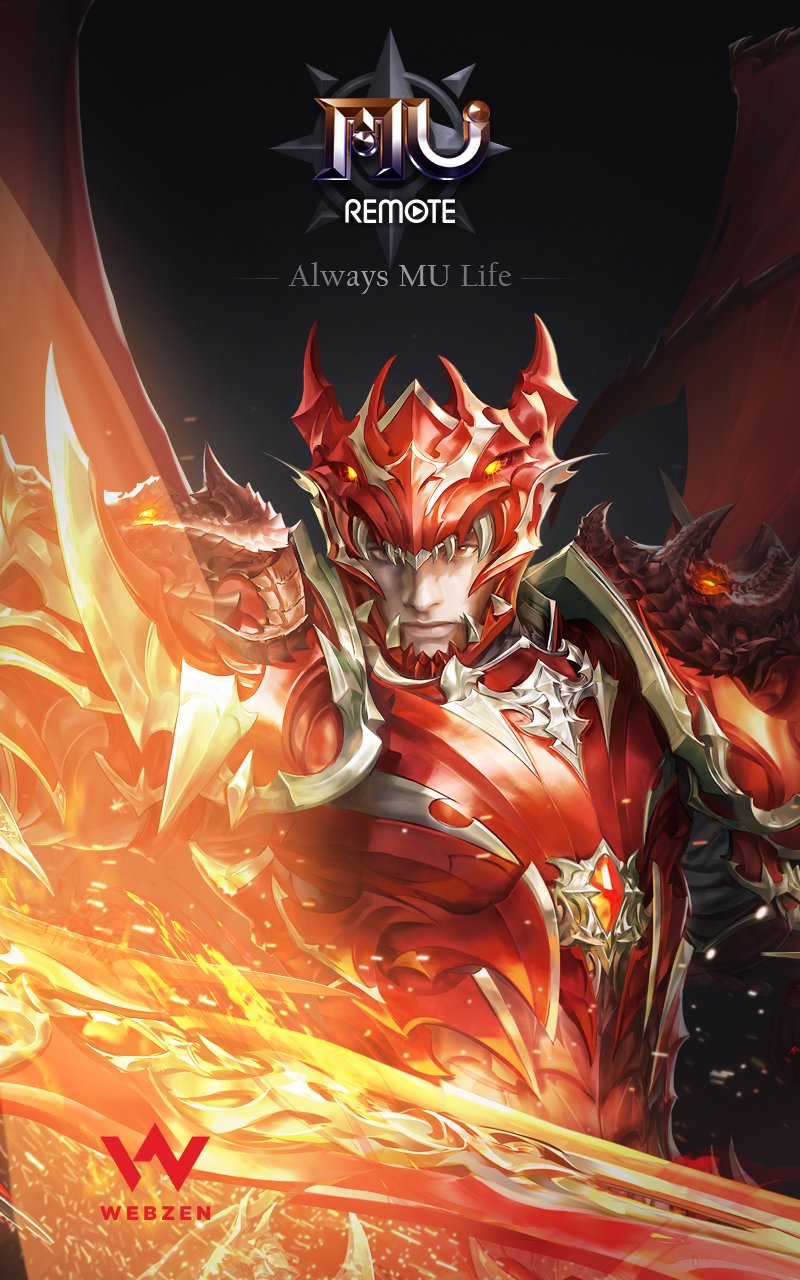
Always MU Life!
You can now control MU (MU Online), Korea's first full 3D MMORPG, on your mobile phone.
With MU Remote, enjoy MU anytime, anywhere, without being restricted by time or location!
● MU Remote Key Features Guide
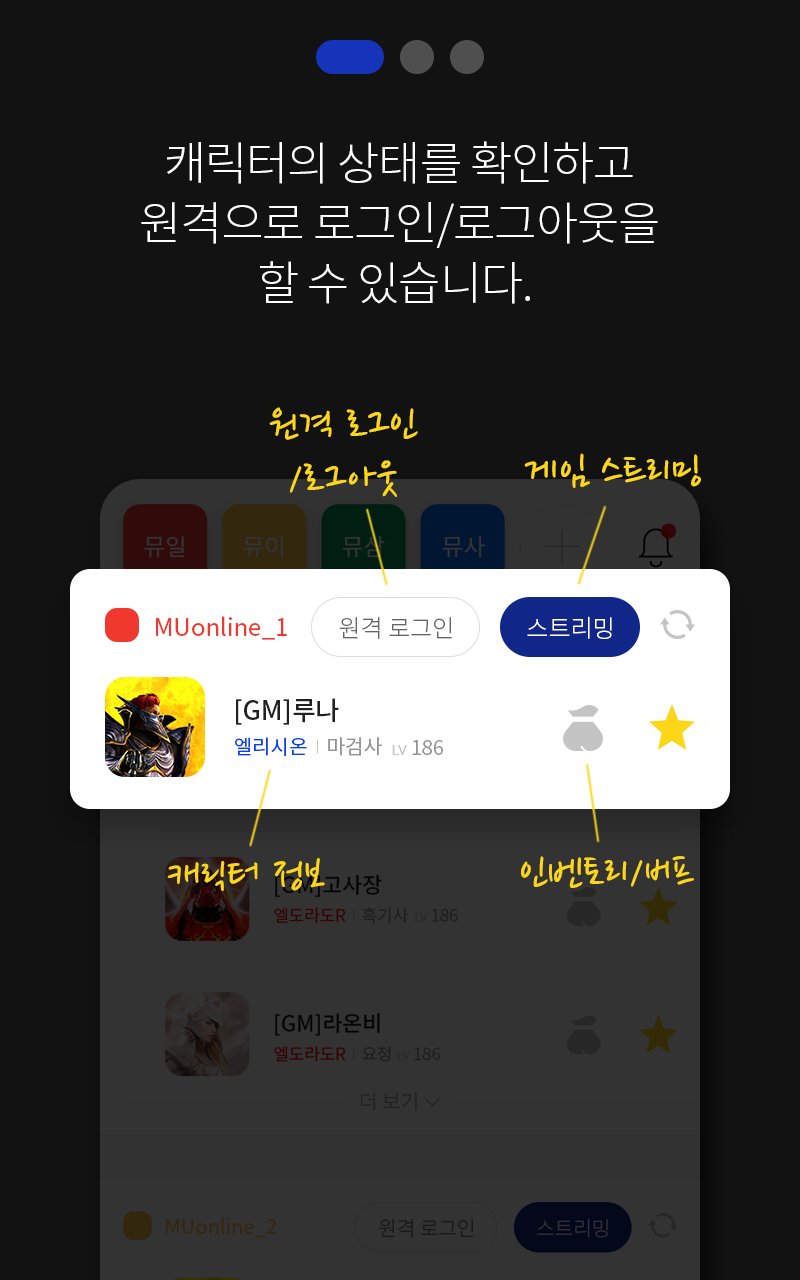
1) Check Connection Info - You can check your character's login status, currently active buff items, inventory information, and more.
2) Remote Login/Logout Function - After linking with a PC, you can log in or log out remotely anytime, anywhere.
3) ★ Streaming Support - You can check your currently logged-in character in real-time and perform simple operations directly.
※ Please visit the link below for detailed usage instructions.
http://event.muonline.co.kr/mu-remote
==== Information on Access Permission Collection, etc. ====
To ensure the normal operation of the MU Remote app, the following permissions are collected during installation.
[Required Permissions]
- Camera: Accesses camera permissions to capture QR codes required for PC synchronization.
▶ The app cannot be used if you do not agree to the required permissions.
[Optional Permissions]
- Notifications: Allows the app to post notifications related to the service.
▶ The app can be used if you do not agree to the optional permissions, but normal use of some features may be difficult.
You can reset or revoke the collection of optional permissions by following the methods below.
[Android OS v6.0 or higher]
Device Settings > Apps > MU Remote > Permissions > Reset each access permission
[Android OS v6.0 or lower]
Access permissions can only be revoked by deleting the app.
▣ Product Information and Terms of Use
- Provider: Webzen Co., Ltd.
- Terms and Period: As separately notified
(If the usage period is not indicated, it is considered to be until the service termination date.)
- The paid item purchase function is not used. - Customer Center Email Address: mu-help@webzen.co.kr
- Privacy Policy: https://privacy.webzen.co.kr/Policy/main/1
- Address: 242, Pangyo-ro, Bundang-gu, Seongnam-si, Gyeonggi-do (Sampyeong-dong, PDC Building B)
Preview
Tags
EntertainmentInformation
Developer
Webzen Inc.
Latest Version
2.4.4
Last Updated
2026-09-15
Category
Entertainment
Available on
Google Play
Show More
How to play 뮤 리모트 with GameLoop on PC
1. Download GameLoop from the official website, then run the exe file to install GameLoop
2. Open GameLoop and search for “뮤 리모트” , find 뮤 리모트 in the search results and click “Install”
3. Enjoy playing 뮤 리모트 on GameLoop
Minimum requirements
OS
Windows 8.1 64-bit or Windows 10 64-bit
GPU
GTX 1050
CPU
i3-8300
Memory
8GB RAM
Storage
1GB available space
Recommended requirements
OS
Windows 8.1 64-bit or Windows 10 64-bit
GPU
GTX 1050
CPU
i3-9320
Memory
16GB RAM
Storage
1GB available space