
Xylem Learning App PC
Xylem Learning
Download Xylem Learning App on PC With GameLoop Emulator
Xylem Learning App on PC
Xylem Learning App, coming from the developer Xylem Learning, is running on Android systerm in the past.
Now, You can play Xylem Learning App on PC with GameLoop smoothly.
Download it in the GameLoop library or search results. No more eyeing the battery or frustrating calls at the wrong time any more.
Just enjoy Xylem Learning App PC on the large screen for free!
Xylem Learning App Introduction
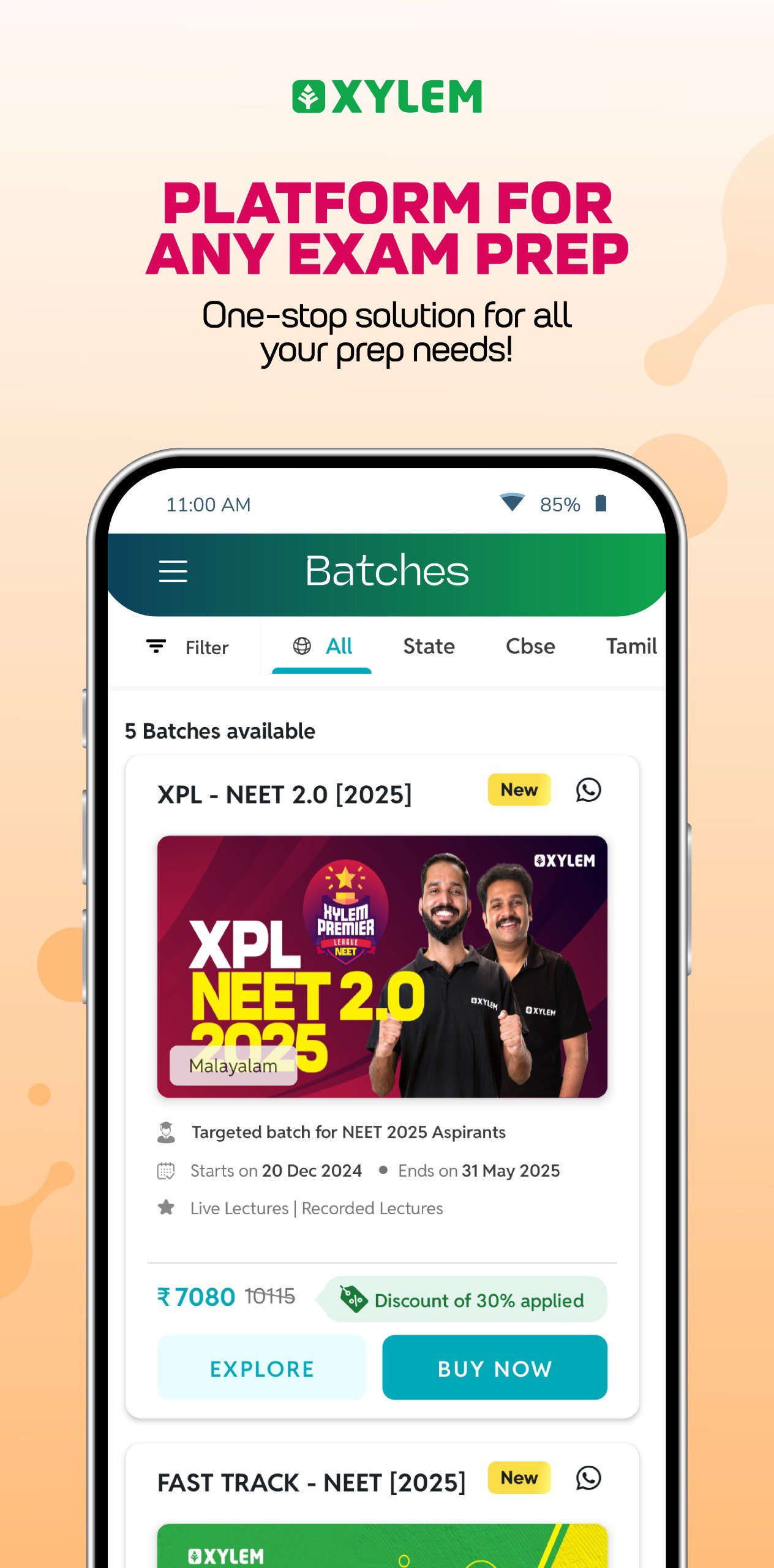
📚 Xylem Learning App – Exam Preparation and Learning Support
Xylem Learning App is a private educational platform from Kerala designed to help students prepare for various academic and competitive examinations. All exam related information in the app is based solely on publicly available details provided by the respective official exam authorities.
What Xylem Provides
1. Structured learning programs created by our internal academic team.
2. Live classes, recorded sessions and subject wise learning support.
3. Practice questions, mock tests and performance reports developed by Xylem.
4. Guidance for school curriculum, state board exams and national level entrance tests.
5. Training modules for government exams, language proficiency tests and professional courses.
Exam Categories Supported
• NEET
• JEE
• CUET
• KEAM
• UPSC
• SSC
• RRB
• Kerala PSC
• CBSE curriculum
All official information for these exams is available only through their respective government websites, which students are encouraged to refer to directly.
Key Features
• Interactive live classes
• Structured doubt support
• Practice tests and analytics
• Study materials developed by Xylem
• Affordable and accessible learning pathways
Get Started
Join thousands of learners using Xylem to strengthen their preparation journey.
Connect With Us
Website, YouTube, Instagram and Facebook links remain the same.
Disclaimer
Xylem Learning App is not a government platform. It is not affiliated with or endorsed by any government department or exam conducting authority. For official and authentic exam information, please refer to the following websites:
• NEET: https://neet.nta.nic.in
• JEE: https://jeemain.nta.nic.in
• CUET: https://cuet.nta.nic.in
• KEAM: https://cee.kerala.gov.in
• UPSC: https://www.upsc.gov.in
• SSC: https://ssc.gov.in
• RRB: https://indianrailways.gov.in
• Kerala PSC: https://www.keralapsc.gov.in
• CBSE: https://www.cbse.gov.in
Preview

Tags
EducationInformation
Developer
Xylem Learning
Latest Version
24.1.2
Last Updated
2025-12-23
Category
Education
Available on
Google Play
Show More
How to play Xylem Learning App with GameLoop on PC
1. Download GameLoop from the official website, then run the exe file to install GameLoop
2. Open GameLoop and search for “Xylem Learning App” , find Xylem Learning App in the search results and click “Install”
3. Enjoy playing Xylem Learning App on GameLoop
Minimum requirements
OS
Windows 8.1 64-bit or Windows 10 64-bit
GPU
GTX 1050
CPU
i3-8300
Memory
8GB RAM
Storage
1GB available space
Recommended requirements
OS
Windows 8.1 64-bit or Windows 10 64-bit
GPU
GTX 1050
CPU
i3-9320
Memory
16GB RAM
Storage
1GB available space