
WBBSE Books - West Bengal Boar PC
Billions Ideas
Download WBBSE Books - West Bengal Boar on PC With GameLoop Emulator
WBBSE Books - West Bengal Boar on PC
WBBSE Books - West Bengal Boar, coming from the developer Billions Ideas, is running on Android systerm in the past.
Now, You can play WBBSE Books - West Bengal Boar on PC with GameLoop smoothly.
Download it in the GameLoop library or search results. No more eyeing the battery or frustrating calls at the wrong time any more.
Just enjoy WBBSE Books - West Bengal Boar PC on the large screen for free!
WBBSE Books - West Bengal Boar Introduction
WbbseBooks.Com website provides West Bengal Board eTextBooks in Bengali and Hindi by WBBSE and WBCHSE. All eTextbooks from Pre-Primary to Class 12 available to read, download or offline use.
WBBSE Books Apps provides WBBSE eTextBooks, WBCHSE eTextBooks Pre-Primary class to Class 12 in Bengali, Hindi and English languages. Free & Paid both options are available in the app.
Features:
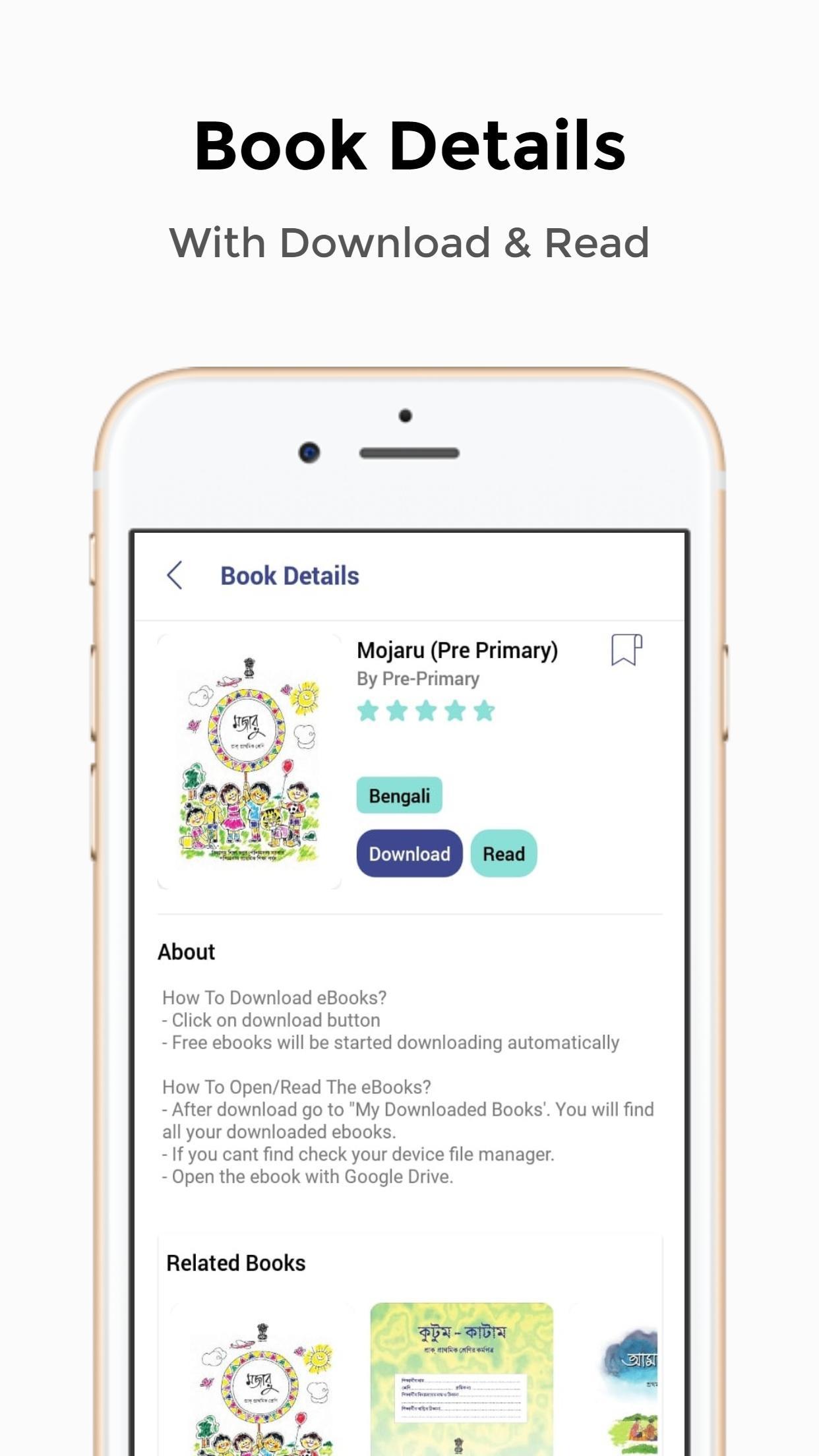
- 1-Click Download
- View/Read Before Download
- Minimal & Clean UI
- Pre-Primary To Class 12 e-Textbooks Available
- Purchase Suggestions/Question Papers At Low Cost
- Bookmark Your Favorite Books
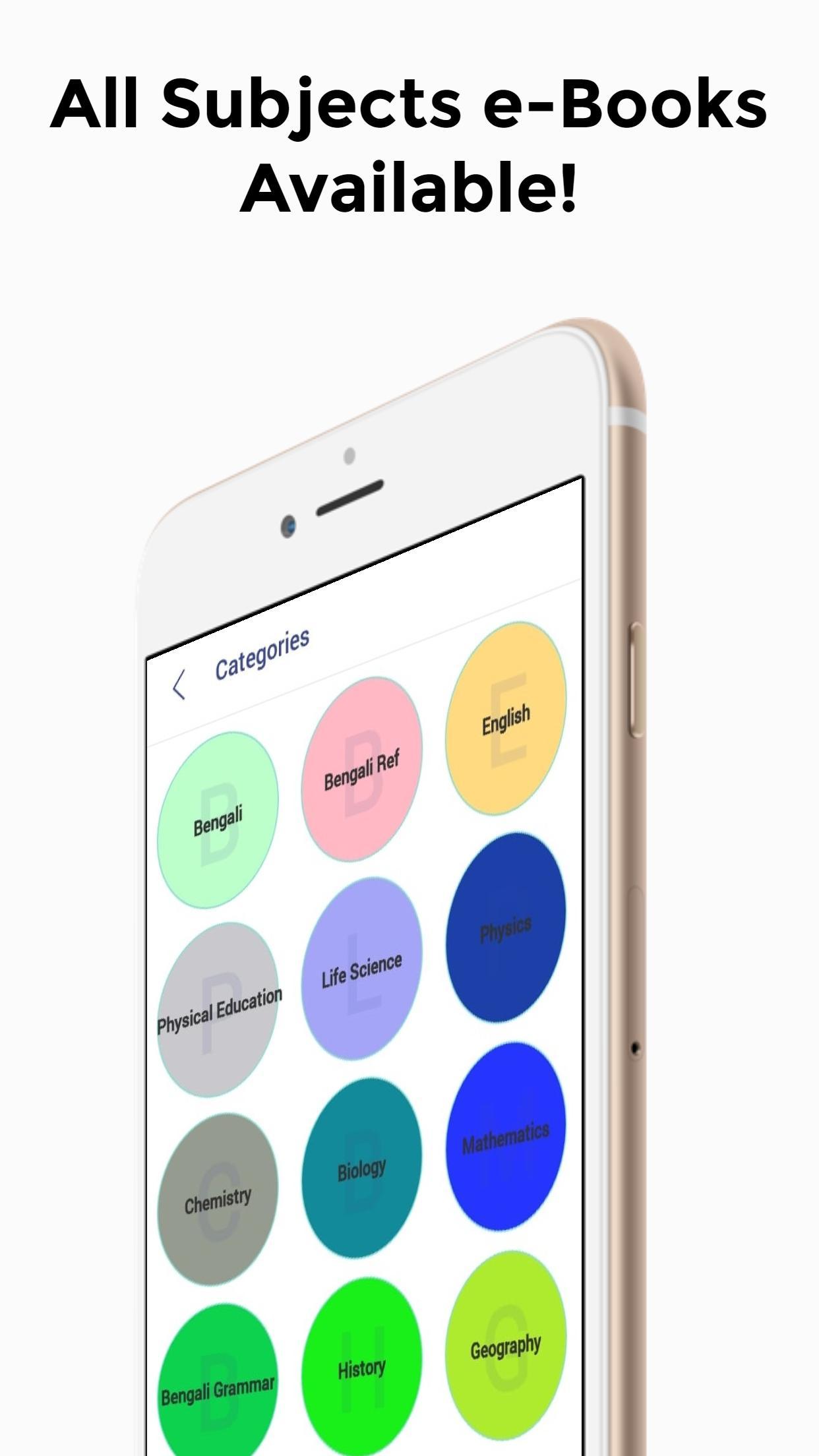
- e-Textbooks Are Well Categorized
*How To Download eTextBooks From WBBSE Books App?*
- Click on download button
- Free eBooks will be started downloading automatically
- For paid eBooks, you need to purchase the book. After payment, you can download the book
*How To Open/Read The e-Textbooks?*
- After download go to "My Downloaded Books'. You will find all your downloaded books.
- If you cant find the eBooks in my download section, find the books on your device file manager.
- Open the eBook with Google Drive.
*How To Download The Main Ebooks?*
- After downloading the book from this app you will get a small pdf.
- Click the book image on the pdf and open it with Google Drive.
- The main eBooks will be loaded on your Google Drive.
*For storage issues, we have provided Google Drive links, so you won't have to store the files on your device.*
Preview
Tags
EducationInformation
Developer
Billions Ideas
Latest Version
1.0
Last Updated
2020-02-24
Category
Education
Available on
Google Play
Show More
How to play WBBSE Books - West Bengal Boar with GameLoop on PC
1. Download GameLoop from the official website, then run the exe file to install GameLoop
2. Open GameLoop and search for “WBBSE Books - West Bengal Boar” , find WBBSE Books - West Bengal Boar in the search results and click “Install”
3. Enjoy playing WBBSE Books - West Bengal Boar on GameLoop
Minimum requirements
OS
Windows 8.1 64-bit or Windows 10 64-bit
GPU
GTX 1050
CPU
i3-8300
Memory
8GB RAM
Storage
1GB available space
Recommended requirements
OS
Windows 8.1 64-bit or Windows 10 64-bit
GPU
GTX 1050
CPU
i3-9320
Memory
16GB RAM
Storage
1GB available space