
VIPM Academy PC
Education Nick Media
Download VIPM Academy on PC With GameLoop Emulator
VIPM Academy on PC
VIPM Academy, coming from the developer Education Nick Media, is running on Android systerm in the past.
Now, You can play VIPM Academy on PC with GameLoop smoothly.
Download it in the GameLoop library or search results. No more eyeing the battery or frustrating calls at the wrong time any more.
Just enjoy VIPM Academy PC on the large screen for free!
VIPM Academy Introduction
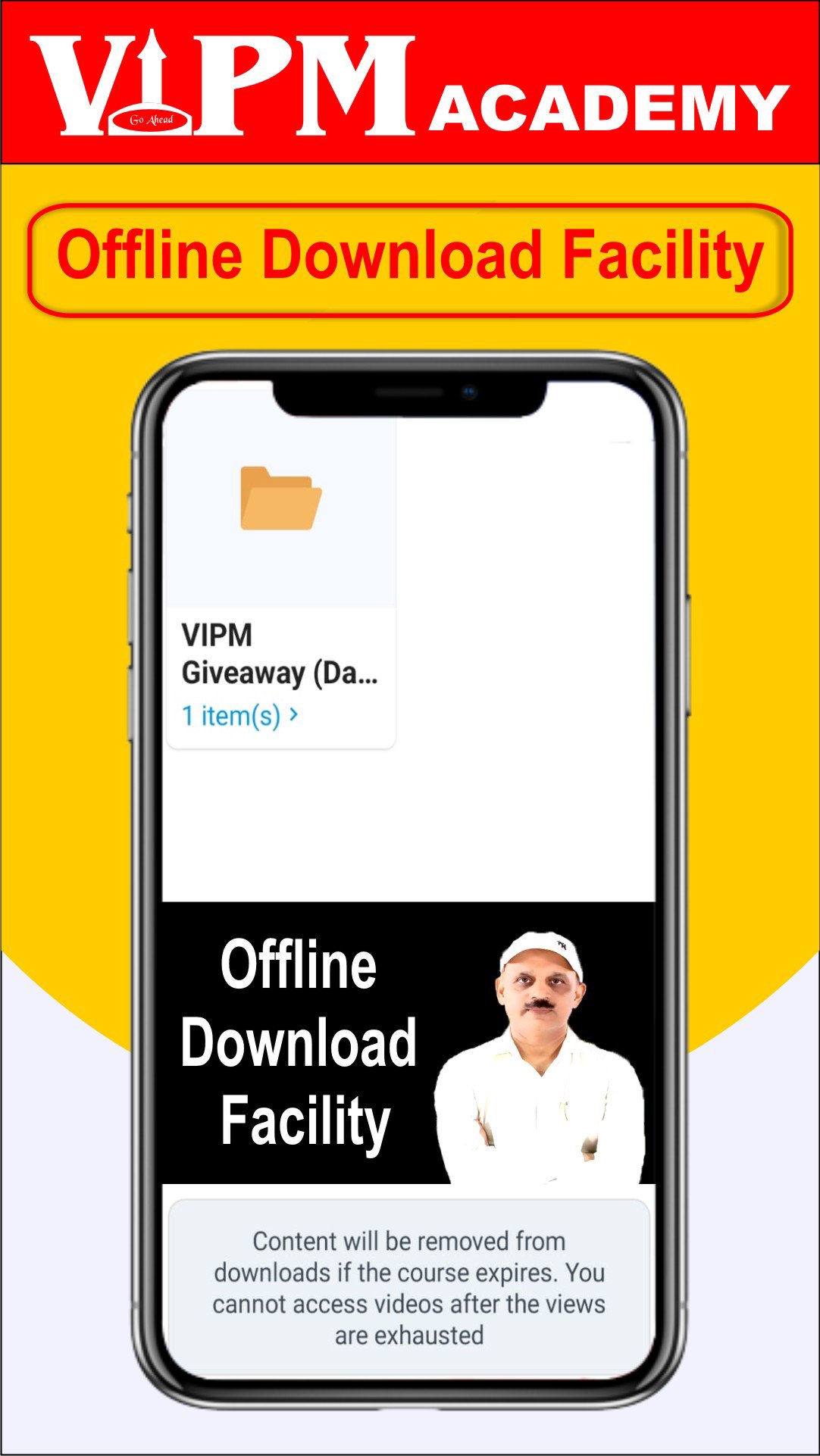
Prepare effectively for various competitive exams with the VIPM App. Our platform provides organized study materials, interactive classes, and practice tools to help learners strengthen their concepts and improve performance.
Key Features:
Attend live classes and clarify doubts during sessions
Access recorded lectures and study materials anytime
Practice with mock tests and previous year question papers
Use daily practice sets (DPPs) for consistent learning
Track performance with detailed progress reports
Learn from experienced educators with subject expertise
Download comprehensive notes for quick revision
Enjoy an easy-to-use interface for smooth learning
Whether you’re revising concepts or preparing for upcoming exams, VIPM offers a convenient and structured learning experience to support your preparation journey.
Start learning today and take the next step toward your academic goals.
Note: VIPM is an independent educational platform and is not affiliated with or endorsed by any government entity.
Preview

Tags
EducationInformation
Developer
Education Nick Media
Latest Version
1.12.1.1
Last Updated
2025-10-31
Category
Education
Available on
Google Play
Show More
How to play VIPM Academy with GameLoop on PC
1. Download GameLoop from the official website, then run the exe file to install GameLoop
2. Open GameLoop and search for “VIPM Academy” , find VIPM Academy in the search results and click “Install”
3. Enjoy playing VIPM Academy on GameLoop
Minimum requirements
OS
Windows 8.1 64-bit or Windows 10 64-bit
GPU
GTX 1050
CPU
i3-8300
Memory
8GB RAM
Storage
1GB available space
Recommended requirements
OS
Windows 8.1 64-bit or Windows 10 64-bit
GPU
GTX 1050
CPU
i3-9320
Memory
16GB RAM
Storage
1GB available space