
UiTM SuFO PC
UNIVERSITI TEKNOLOGI MARA
Download UiTM SuFO on PC With GameLoop Emulator
UiTM SuFO on PC
UiTM SuFO, coming from the developer UNIVERSITI TEKNOLOGI MARA, is running on Android systerm in the past.
Now, You can play UiTM SuFO on PC with GameLoop smoothly.
Download it in the GameLoop library or search results. No more eyeing the battery or frustrating calls at the wrong time any more.
Just enjoy UiTM SuFO PC on the large screen for free!
UiTM SuFO Introduction
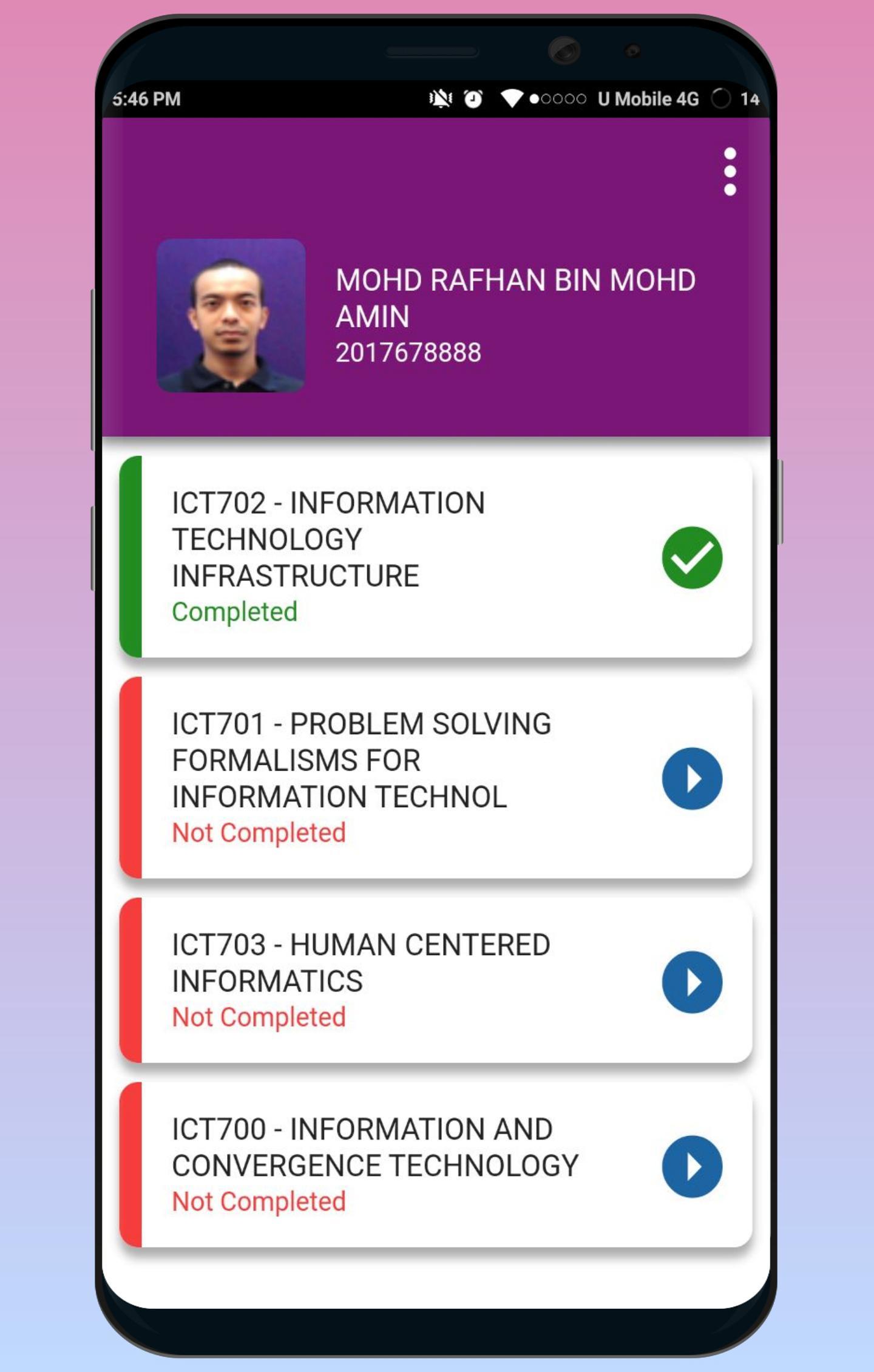
SuFO functions as a mechanism to facilitate faculties, academic centers, and UiTM branch campuses in enhancing the quality of teaching and learning activities. A mandatory exercise, SuFO contains 24 questions covering aspects of students' perceptions on academic courses attended, lecturers’ profesionalism, teaching and learning activities, and the related infrastructures.
SuFO is an online system to evaluate the overall teaching and learning components in terms of lecturers’ quality assurance and performance, content and infrastructure. SuFO is introduced to replace the less efficient manual evaluation process with a more dynamic, user-friendly, flexible, near zero cost, accurate and fast SuFO with the result being a document required for promotion. The objectives of SuFO is to set up a standard and reliable instrument of evaluation for all UiTM campuses in Malaysia and also to produce new and contemporary innovation with high technology. SuFO will be opened on week 10 and will be closed one week after exam result is released.
The expected outcomes of SuFO are to facilitate lecturers to improve the specific aspects of their teaching and learning activities. Offer ideas to faculties, academic centers, and branch campuses in strategizing for academic staffs’ training and development plans and to facilitate the University in producing high quality human capital and condusive teaching and learning environment.
Preview

Tags
EducationInformation
Developer
UNIVERSITI TEKNOLOGI MARA
Latest Version
0.0.5
Last Updated
2018-06-04
Category
Education
Available on
Google Play
Show More
How to play UiTM SuFO with GameLoop on PC
1. Download GameLoop from the official website, then run the exe file to install GameLoop
2. Open GameLoop and search for “UiTM SuFO” , find UiTM SuFO in the search results and click “Install”
3. Enjoy playing UiTM SuFO on GameLoop
Minimum requirements
OS
Windows 8.1 64-bit or Windows 10 64-bit
GPU
GTX 1050
CPU
i3-8300
Memory
8GB RAM
Storage
1GB available space
Recommended requirements
OS
Windows 8.1 64-bit or Windows 10 64-bit
GPU
GTX 1050
CPU
i3-9320
Memory
16GB RAM
Storage
1GB available space