
Tiktek PC
Tiktek Learning
Download Tiktek on PC With GameLoop Emulator
Tiktek on PC
Tiktek, coming from the developer Tiktek Learning, is running on Android systerm in the past.
Now, You can play Tiktek on PC with GameLoop smoothly.
Download it in the GameLoop library or search results. No more eyeing the battery or frustrating calls at the wrong time any more.
Just enjoy Tiktek PC on the large screen for free!
Tiktek Introduction
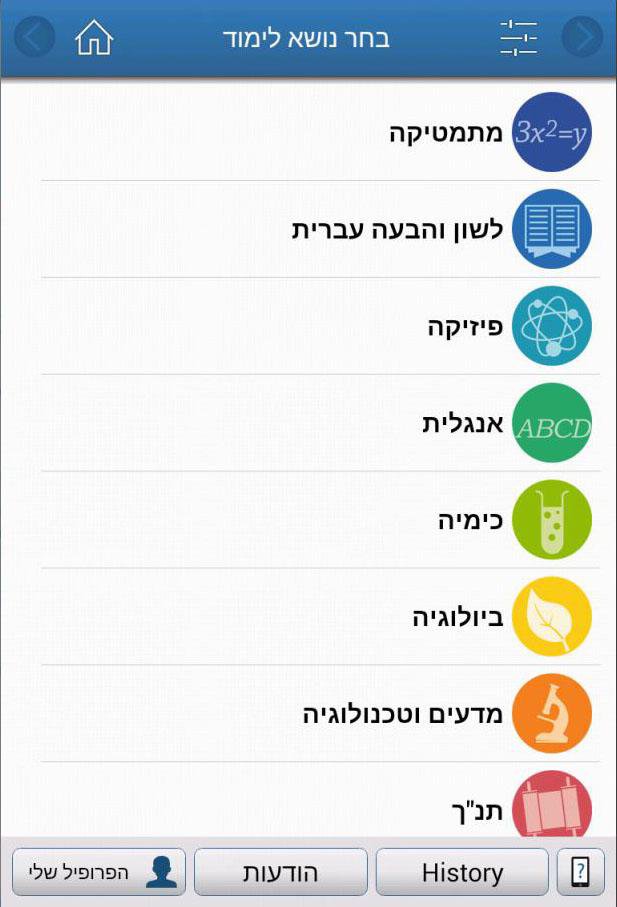
Ticking is a social networking curriculum designed for middle and high school students in Israel, enabling good students to help their friends by providing solutions to questions in the curriculum they are strong in.
The use of the tick is free. There are no commercials on file.
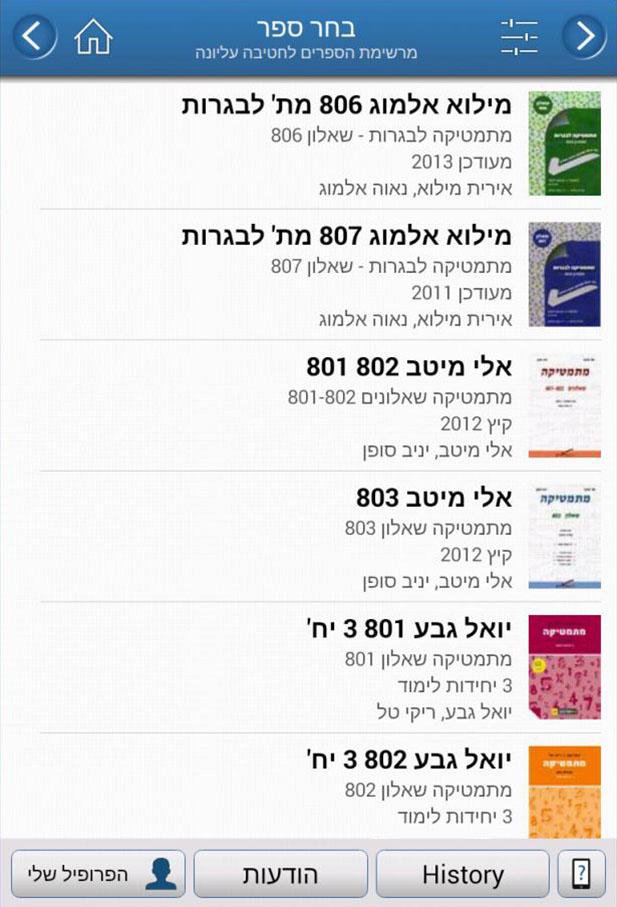
A student in need of help with preparation of lessons will look for the question that interests him in the database of files by subject of study, book, page, etc. If necessary, it can request a solution to the "Request Panel" distributed to everyone.
Those who want to help can do so easily: photographing the solution and explaining paper sheets, notebook and homework, and uploading through the app. You can also upload docs, word, pdf, etc. Students using the solution follow the solver's way and can respond and receive further explanations.
Preview
Tags
EducationInformation
Developer
Tiktek Learning
Latest Version
3.44
Last Updated
2025-11-15
Category
Education
Available on
Google Play
Show More
How to play Tiktek with GameLoop on PC
1. Download GameLoop from the official website, then run the exe file to install GameLoop
2. Open GameLoop and search for “Tiktek” , find Tiktek in the search results and click “Install”
3. Enjoy playing Tiktek on GameLoop
Minimum requirements
OS
Windows 8.1 64-bit or Windows 10 64-bit
GPU
GTX 1050
CPU
i3-8300
Memory
8GB RAM
Storage
1GB available space
Recommended requirements
OS
Windows 8.1 64-bit or Windows 10 64-bit
GPU
GTX 1050
CPU
i3-9320
Memory
16GB RAM
Storage
1GB available space