
Teacher Aide Pro PC
In Pocket Solutions
Download Teacher Aide Pro on PC With GameLoop Emulator
Teacher Aide Pro on PC
Teacher Aide Pro, coming from the developer In Pocket Solutions, is running on Android systerm in the past.
Now, You can play Teacher Aide Pro on PC with GameLoop smoothly.
Download it in the GameLoop library or search results. No more eyeing the battery or frustrating calls at the wrong time any more.
Just enjoy Teacher Aide Pro PC on the large screen for free!
Teacher Aide Pro Introduction
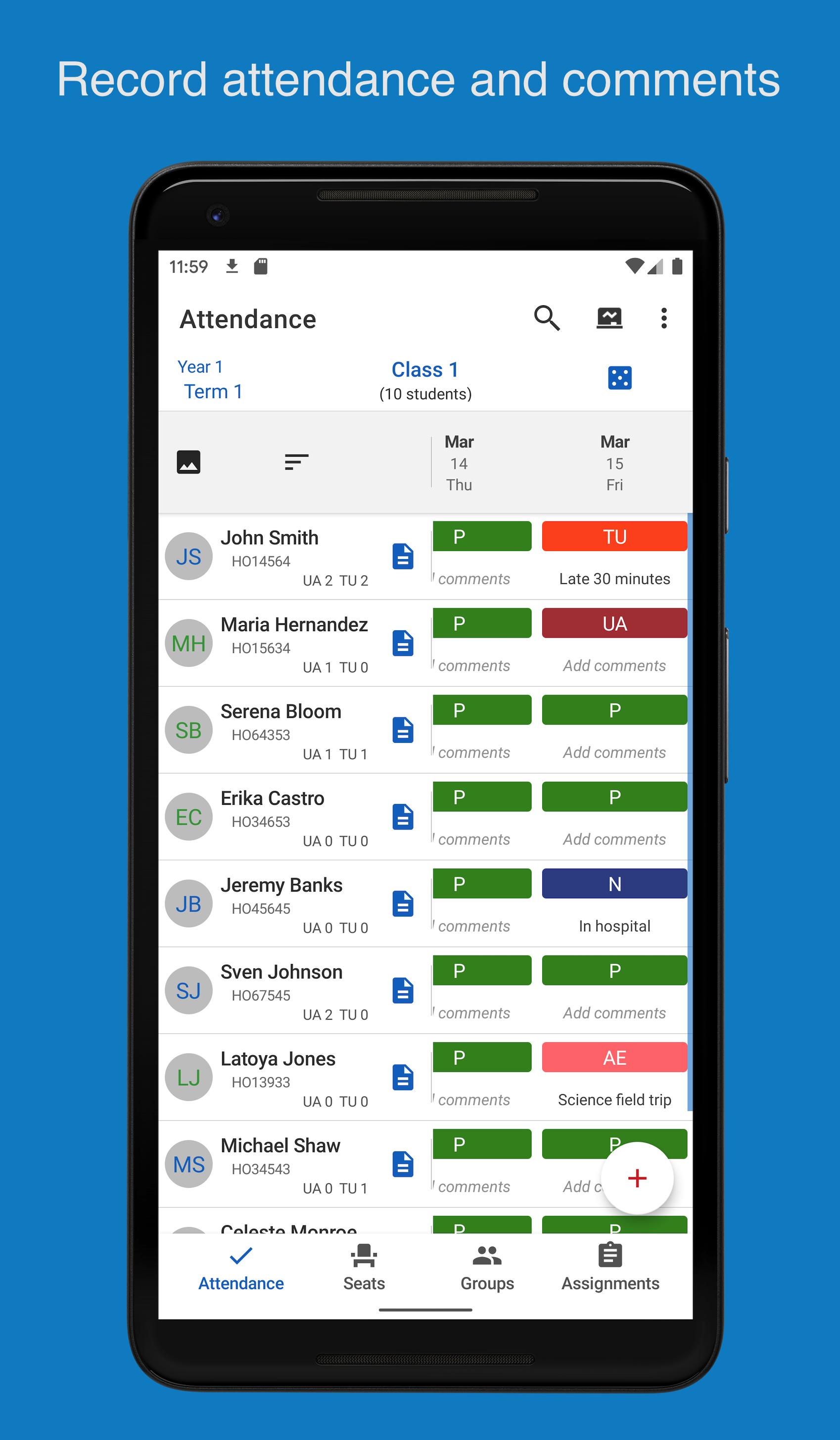
Designed by a teacher, for teachers!
Main Features
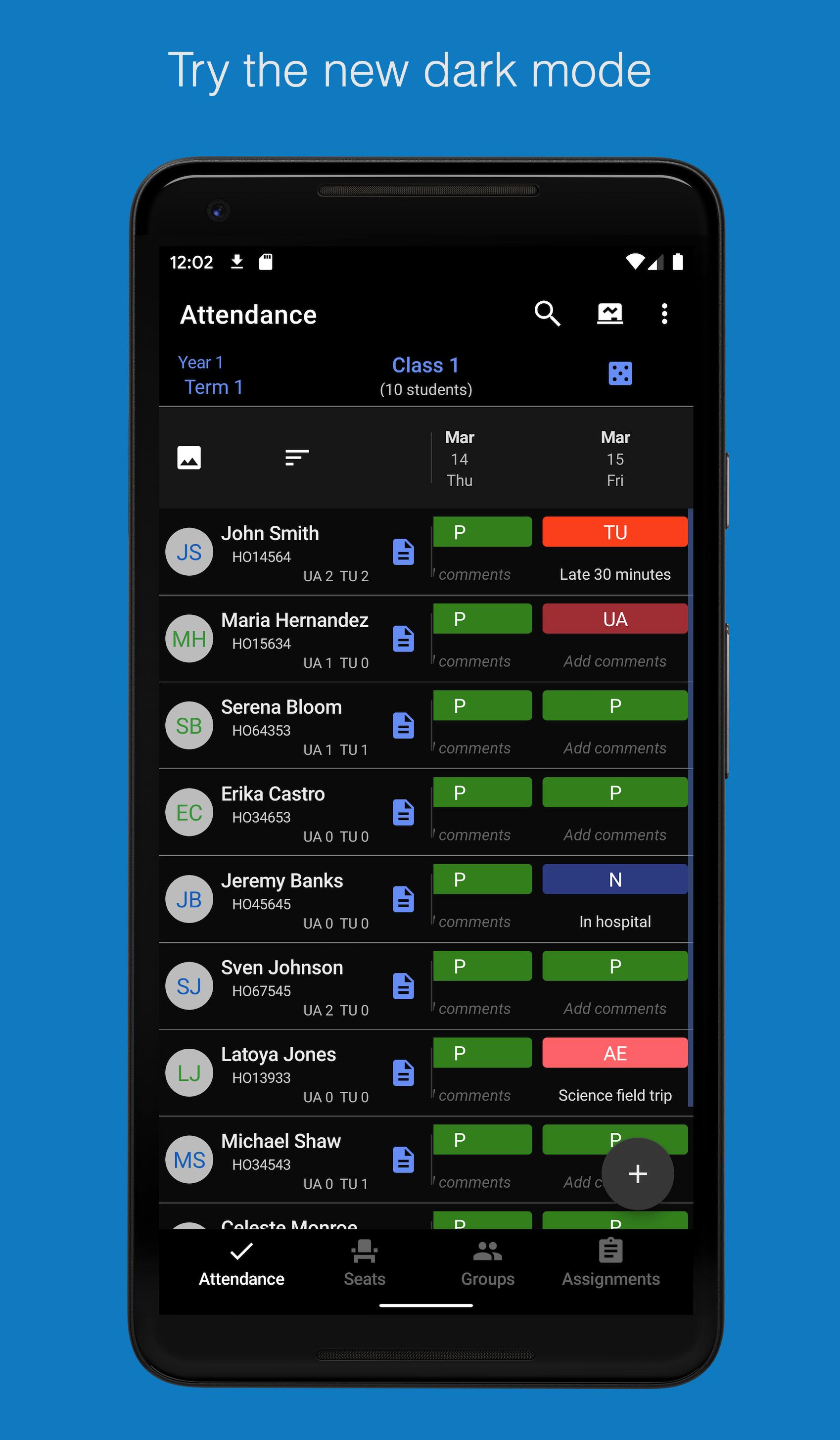
• Attendance & Grade book (6 Terms / 20 classes)
• Seating Chart & Progress Reports
• Identify At Risk Students
• Sync roster from Classroom
• Points and Standards grading
YouTube Help Videos: https://www.youtube.com/playlist?list=PLSK1n2fJv6r7bFzrgV50fKvSvYxLJQahH
Facebook Tips: http://www.facebook.com/TeacherAidePro
Twitter Tips: http://twitter.com/TeacherAidePro
Try the app out for one class so teachers can test them out and decide if they would like to activate the subscription, which gives teachers access to up to 20 classes, including the following features:
• Seating chart
• At risk screen
• Bulk messages
• Sync assignment data from Google Classroom
• PDF reports
Privacy Policy: https://inpocketsolutions.com/privacy-policy
Please send an email to support@inpocketsolutions.com with any feedback or issues. There are thousands of different Android devices supported by the app so I depend on users to inform me of any issues they may find with their device.
Preview
Tags
EducationInformation
Developer
In Pocket Solutions
Latest Version
3.24.55
Last Updated
2025-05-09
Category
Education
Available on
Google Play
Show More
How to play Teacher Aide Pro with GameLoop on PC
1. Download GameLoop from the official website, then run the exe file to install GameLoop
2. Open GameLoop and search for “Teacher Aide Pro” , find Teacher Aide Pro in the search results and click “Install”
3. Enjoy playing Teacher Aide Pro on GameLoop
Minimum requirements
OS
Windows 8.1 64-bit or Windows 10 64-bit
GPU
GTX 1050
CPU
i3-8300
Memory
8GB RAM
Storage
1GB available space
Recommended requirements
OS
Windows 8.1 64-bit or Windows 10 64-bit
GPU
GTX 1050
CPU
i3-9320
Memory
16GB RAM
Storage
1GB available space