
Sign Language Tutorial 101 PC
Frank Joshua Duldulao
Download Sign Language Tutorial 101 on PC With GameLoop Emulator
Sign Language Tutorial 101 on PC
Sign Language Tutorial 101, coming from the developer Frank Joshua Duldulao, is running on Android systerm in the past.
Now, You can play Sign Language Tutorial 101 on PC with GameLoop smoothly.
Download it in the GameLoop library or search results. No more eyeing the battery or frustrating calls at the wrong time any more.
Just enjoy Sign Language Tutorial 101 PC on the large screen for free!
Sign Language Tutorial 101 Introduction
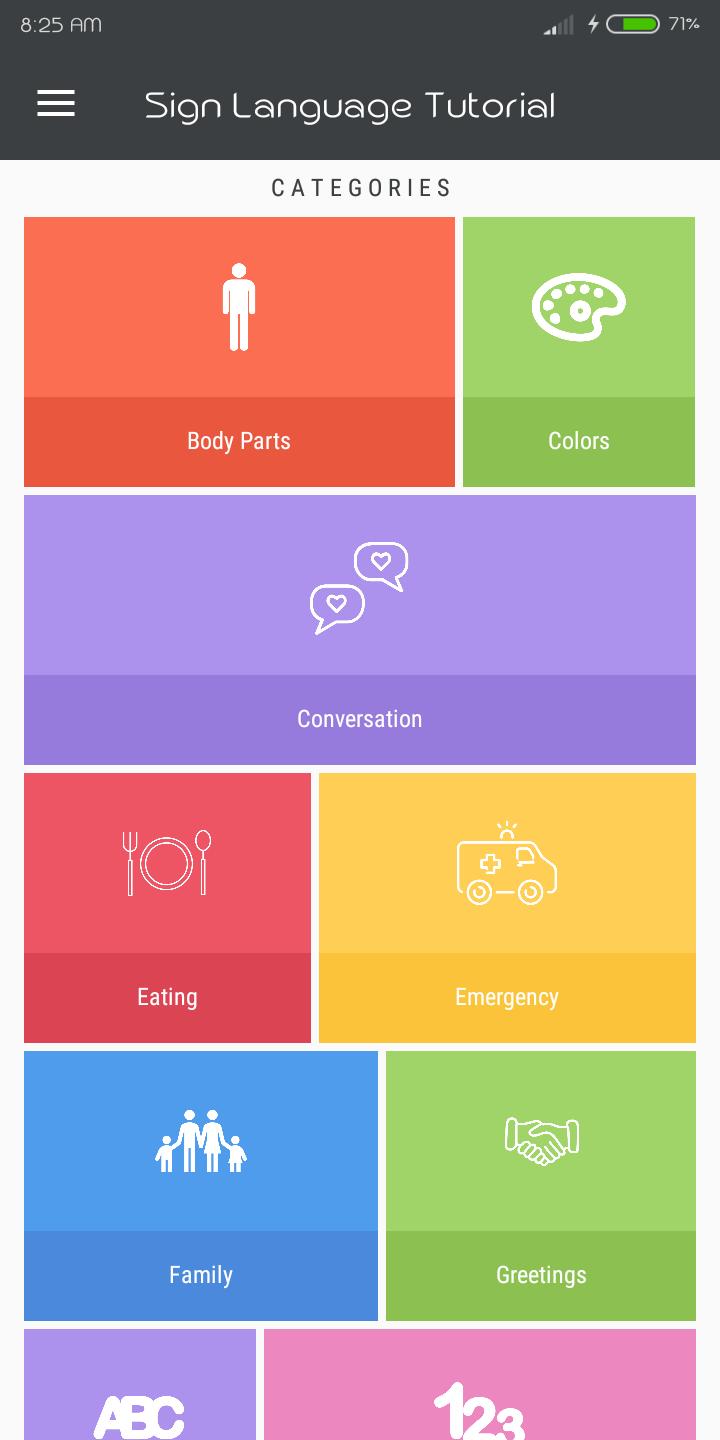
The purpose of this application is to help deaf, mute, and other persons to communicate to each other. It is able to use in mobile devices. This system will help users to understand the sign language and how to communicate deaf and mute person.
The purpose of the gesture description is to support the representation of signs at the phonetic level, and this by representing phonetically the significant features of signing. The gesture description we present includes essentially one segment: hand posture and movement. The hand posture is defined by the letter of the hand, its orientation, its degree of rotation, and also where necessary its position in the signing space surrounding the signer’s body.The advancement of technology today has immersed itself towards education. The presence of technology has reached its maximum providing sustainable technology towards quality education through delivery and effective learning. The Mobile Application Sign Language Tutorial will be great help to communicate deaf and mute person.
Preview
Tags
EducationInformation
Developer
Frank Joshua Duldulao
Latest Version
5.0
Last Updated
2019-02-22
Category
Education
Available on
Google Play
Show More
How to play Sign Language Tutorial 101 with GameLoop on PC
1. Download GameLoop from the official website, then run the exe file to install GameLoop
2. Open GameLoop and search for “Sign Language Tutorial 101” , find Sign Language Tutorial 101 in the search results and click “Install”
3. Enjoy playing Sign Language Tutorial 101 on GameLoop
Minimum requirements
OS
Windows 8.1 64-bit or Windows 10 64-bit
GPU
GTX 1050
CPU
i3-8300
Memory
8GB RAM
Storage
1GB available space
Recommended requirements
OS
Windows 8.1 64-bit or Windows 10 64-bit
GPU
GTX 1050
CPU
i3-9320
Memory
16GB RAM
Storage
1GB available space