Paraphrasing Tool - Article Re PC
RusTXT
Download Paraphrasing Tool - Article Re on PC With GameLoop Emulator
Paraphrasing Tool - Article Re on PC
Paraphrasing Tool - Article Re, coming from the developer RusTXT, is running on Android systerm in the past.
Now, You can play Paraphrasing Tool - Article Re on PC with GameLoop smoothly.
Download it in the GameLoop library or search results. No more eyeing the battery or frustrating calls at the wrong time any more.
Just enjoy Paraphrasing Tool - Article Re PC on the large screen for free!
Paraphrasing Tool - Article Re Introduction
The text paraphrasing application is developed with the use of the most advanced methods so it can serve as an effective helping tool for users busy with writing an essay, article or any kind of text. Any device is suitable for using this application; all you need to have to use the text uniqueizer is a stable internet connection.
How can the text paraphrasing service be helpful?
First, the tool will be of much use to those engaged in rewriting as it will help facilitate the process of writing a unique piece of the text. For bloggers who publish numerous posts and who find it difficult to write original content each time, especially when writing on the same topics. In such a case, the text paraphrasing tool can be used to avoid self-plagiarism and increase the exclusiveness of the text. Our tool can automatically replace synonyms but you can also manually select the most suitable ones.
The text paraphrasing application is an automated tool so there is still a small possibility that some part of the text can become plagiarized. You can use the plagiarism checker tool to check the uniqueness of your text. Also, before posting an article on the Internet, make sure to check the grammatical correctness of the content.
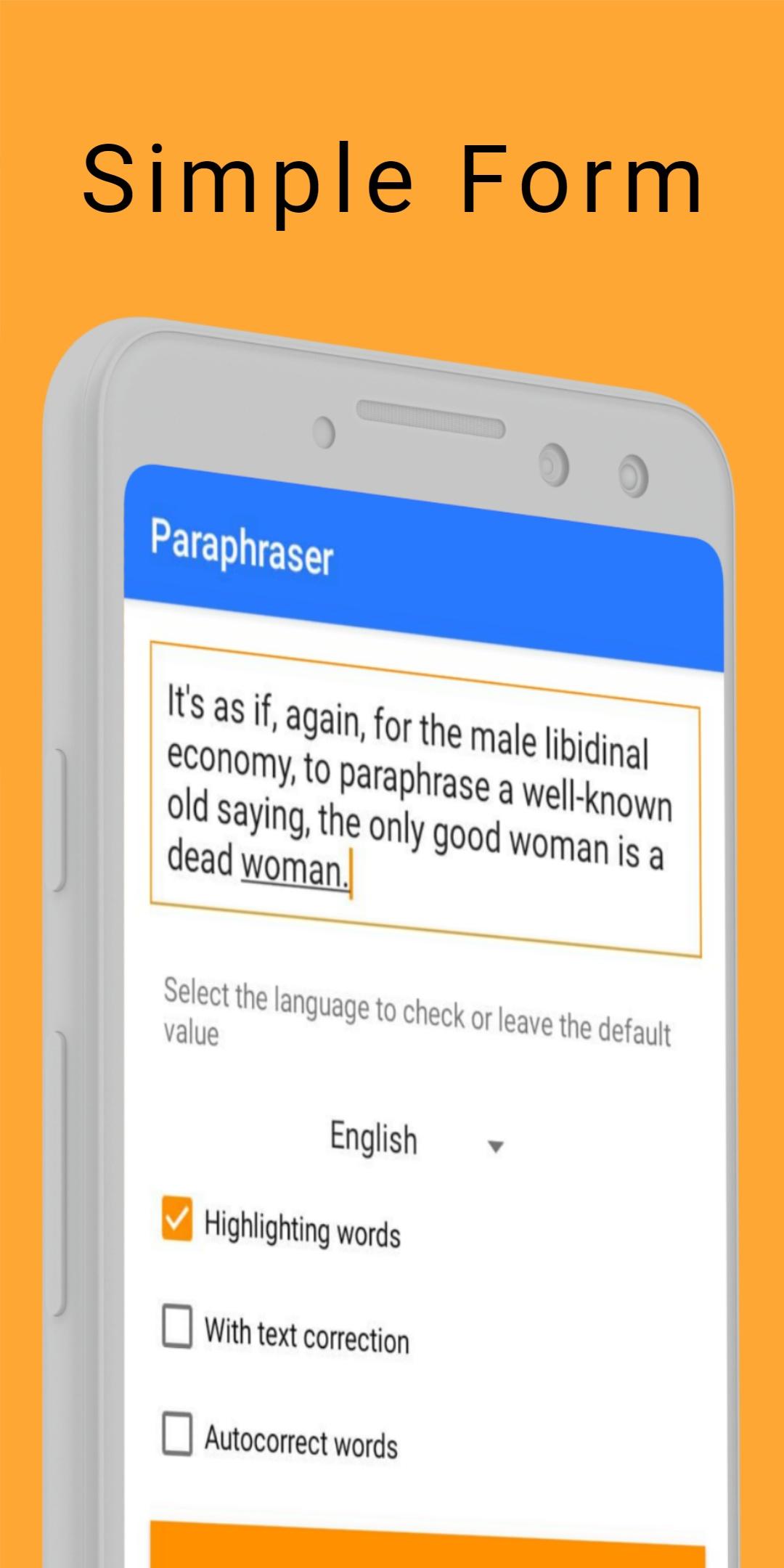
By default, the text correction feature is not activated. To have variants of the synonyms shown for the words in your text, activate the text correction function and the synonyms will be highlighted in red; when clicking on the word you will see a drop-down list from which you can select a necessary word and edit it as required by the text structure.
The synonyms will be highlighted in red so you could easily understand which words have been replaced. If you need an unchanged text, deactivate all functions.
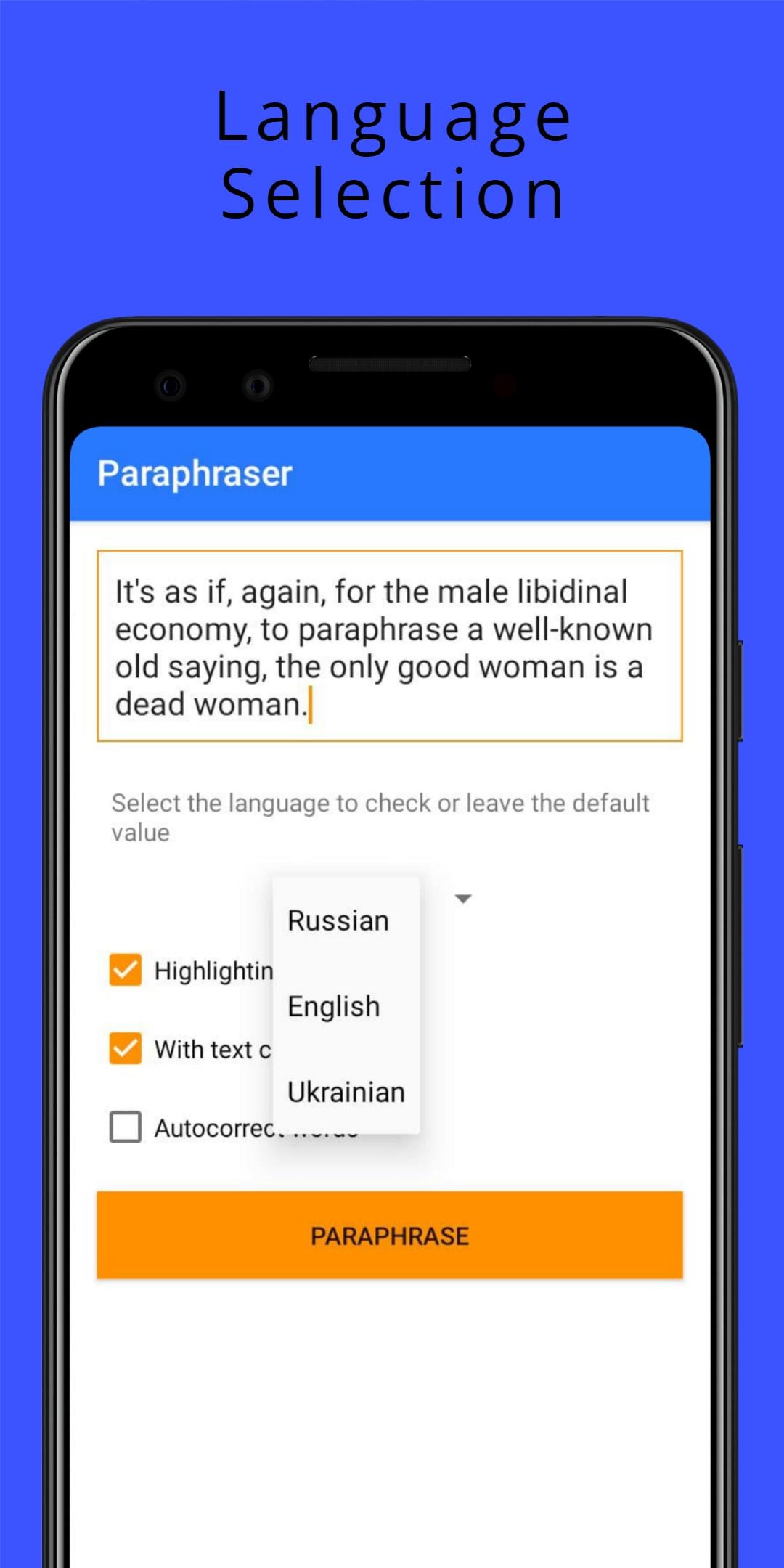
Paraphrasing of the text is available in several languages.
• English
• Russian
• Ukrainian
Preview
Tags
EducationInformation
Developer
RusTXT
Latest Version
1.3
Last Updated
2021-05-12
Category
Education
Available on
Google Play
Show More
How to play Paraphrasing Tool - Article Re with GameLoop on PC
1. Download GameLoop from the official website, then run the exe file to install GameLoop
2. Open GameLoop and search for “Paraphrasing Tool - Article Re” , find Paraphrasing Tool - Article Re in the search results and click “Install”
3. Enjoy playing Paraphrasing Tool - Article Re on GameLoop
Minimum requirements
OS
Windows 8.1 64-bit or Windows 10 64-bit
GPU
GTX 1050
CPU
i3-8300
Memory
8GB RAM
Storage
1GB available space
Recommended requirements
OS
Windows 8.1 64-bit or Windows 10 64-bit
GPU
GTX 1050
CPU
i3-9320
Memory
16GB RAM
Storage
1GB available space