Moto 360 Moto Agents PC
Motorola Retail Training
Download Moto 360 Moto Agents on PC With GameLoop Emulator
Moto 360 Moto Agents on PC
Moto 360 Moto Agents, coming from the developer Motorola Retail Training, is running on Android systerm in the past.
Now, You can play Moto 360 Moto Agents on PC with GameLoop smoothly.
Download it in the GameLoop library or search results. No more eyeing the battery or frustrating calls at the wrong time any more.
Just enjoy Moto 360 Moto Agents PC on the large screen for free!
Moto 360 Moto Agents Introduction
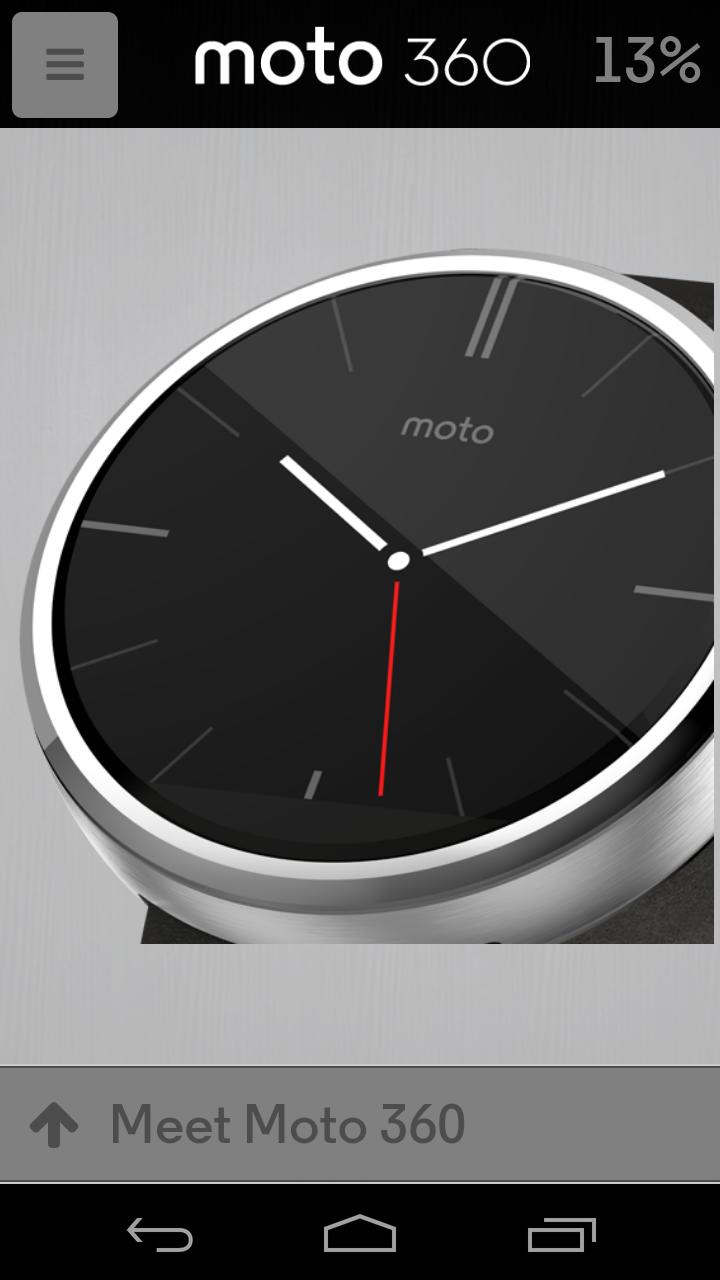
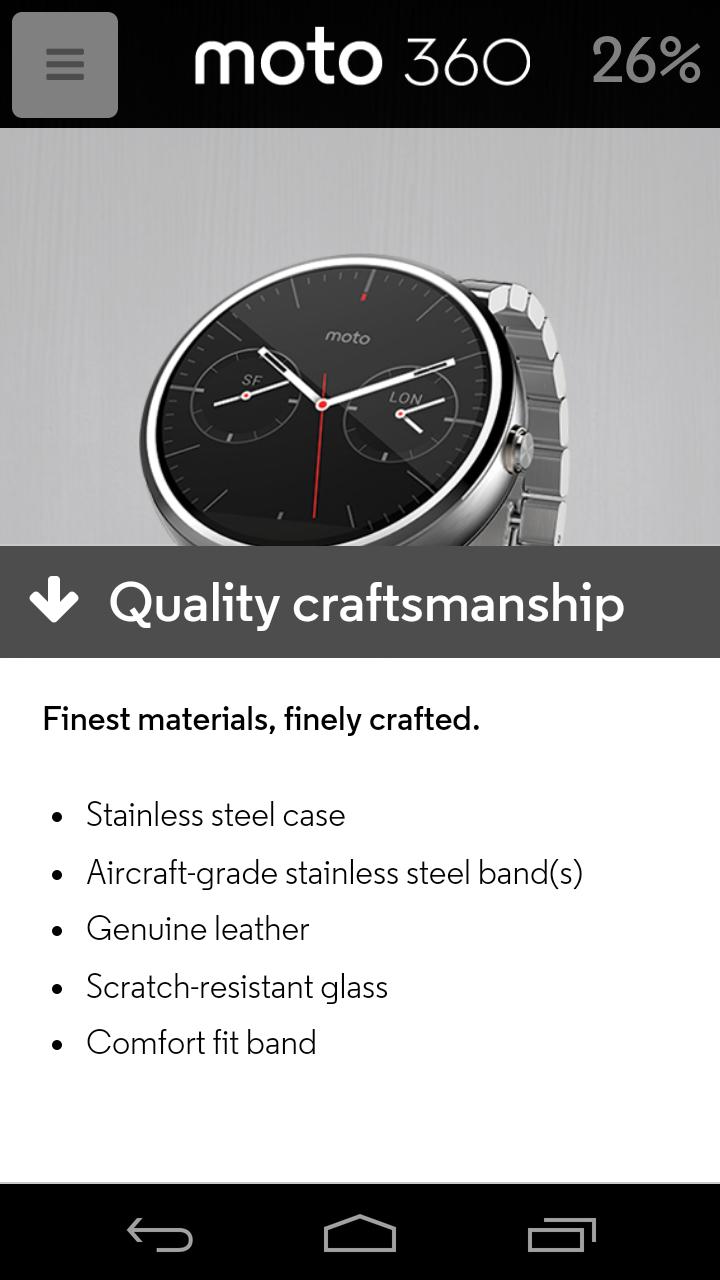
Meet Moto 360 – a modern timepiece powered by Android Wear™. Comfortable, familiar, and crafted with the finest materials, Moto 360 keeps you up-to-date without taking you away from the moment. Glance at your wrist to see updates or just speak to get the info you need. Because it’s time a watch told you more than just the time. Learn how Moto 360 provides timely updates, responds to your voice, and offers a built-in pedometer and heart rate monitor – all while featuring quality craftsmanship, classic design, and premium materials. Complete this mobile training app for Moto 360, pass the quiz, and receive training credit for Motorola’s new Moto 360.
Preview
Information
Developer
Motorola Retail Training
Latest Version
1.0.5
Last Updated
2014-11-26
Category
Education
Available on
Google Play
Show More
How to play Moto 360 Moto Agents with GameLoop on PC
1. Download GameLoop from the official website, then run the exe file to install GameLoop
2. Open GameLoop and search for “Moto 360 Moto Agents” , find Moto 360 Moto Agents in the search results and click “Install”
3. Enjoy playing Moto 360 Moto Agents on GameLoop
Minimum requirements
OS
Windows 8.1 64-bit or Windows 10 64-bit
GPU
GTX 1050
CPU
i3-8300
Memory
8GB RAM
Storage
1GB available space
Recommended requirements
OS
Windows 8.1 64-bit or Windows 10 64-bit
GPU
GTX 1050
CPU
i3-9320
Memory
16GB RAM
Storage
1GB available space