
Leitner Box Flashcards PC
Dzmitry Afanasenka
Download Leitner Box Flashcards on PC With GameLoop Emulator
Leitner Box Flashcards on PC
Leitner Box Flashcards, coming from the developer Dzmitry Afanasenka, is running on Android systerm in the past.
Now, You can play Leitner Box Flashcards on PC with GameLoop smoothly.
Download it in the GameLoop library or search results. No more eyeing the battery or frustrating calls at the wrong time any more.
Just enjoy Leitner Box Flashcards PC on the large screen for free!
Leitner Box Flashcards Introduction
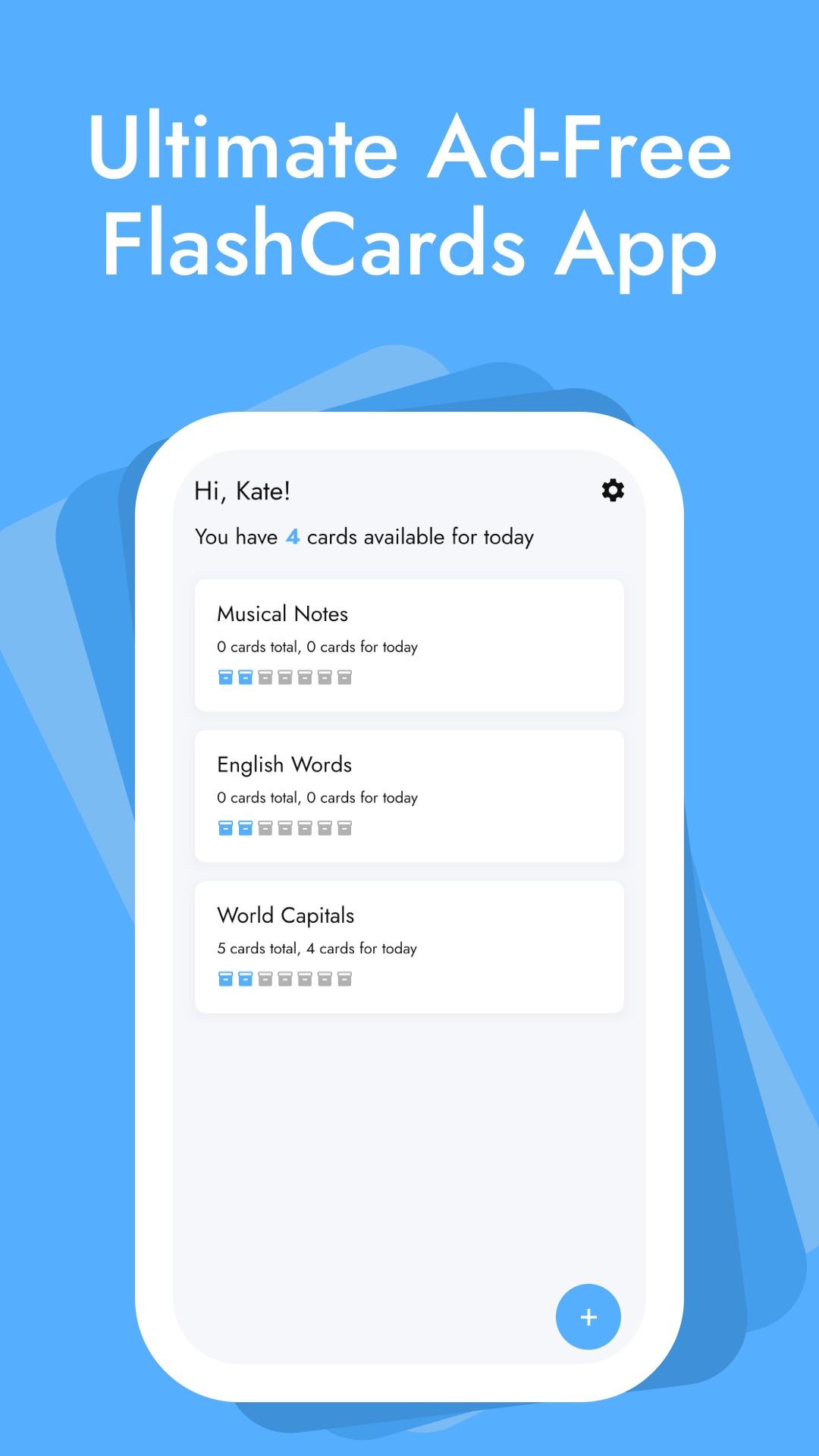
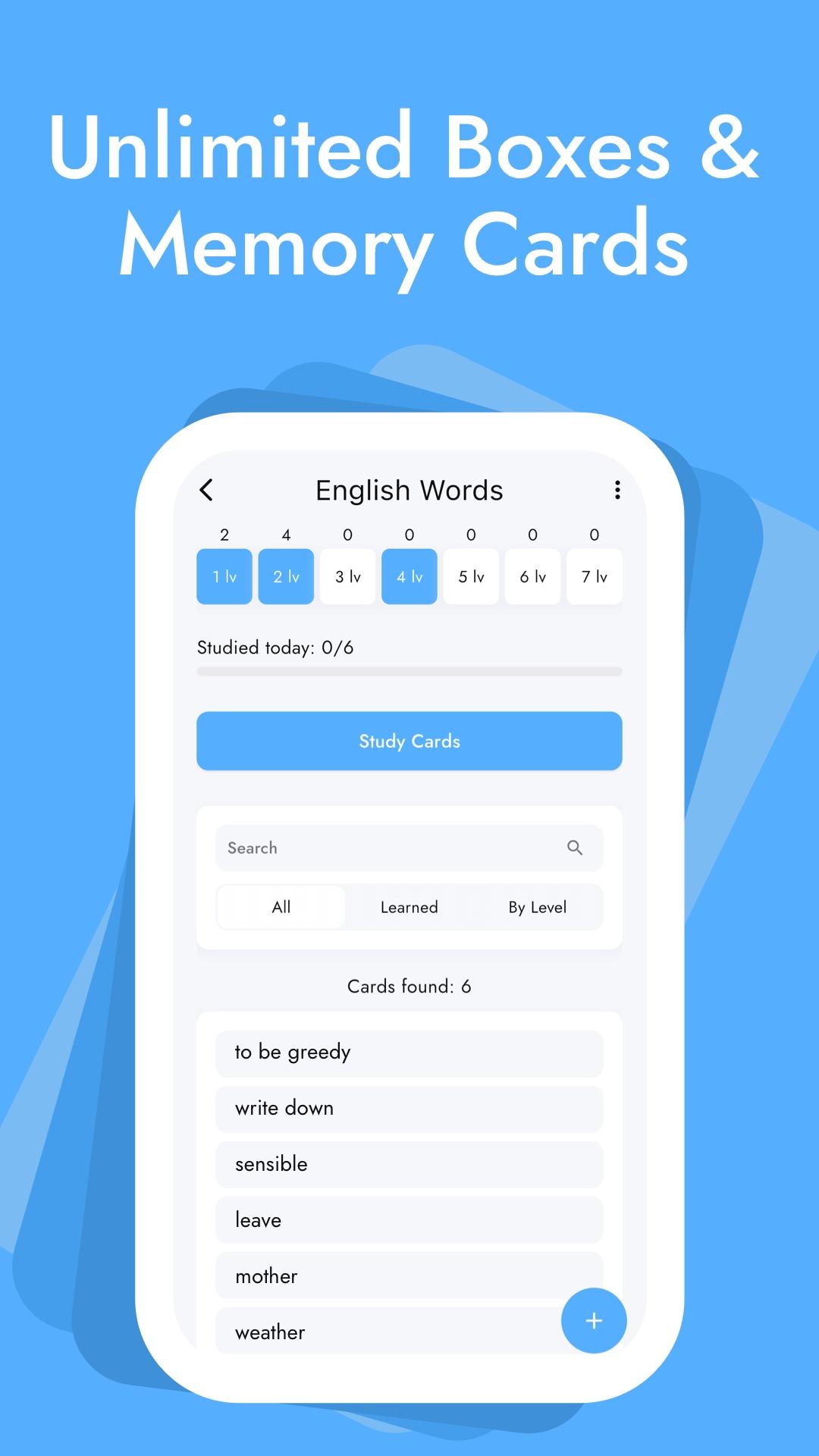
Leitner Box is the ultimate tool to learn, memorize, and retain information using the proven Leitner system and spaced repetition techniques.
Study smarter, not harder. Leitner Box optimizes your learning by focusing on the flashcards that need the most attention. Whether you’re a student preparing for exams, a language learner, or a professional mastering new skills, this app makes studying efficient and effective.
Key Features:
- NO ADS, even in the free version — focus on learning without distractions.
- Generate flashcards quickly with AI and save time.
- Export and Import cards and boxes.
- Create unlimited cards and boxes.
- Enjoy a minimalistic, user-friendly interface with light and dark modes.
- Backup your cards securely to the cloud and sync across devices.
Download Leitner Box today and turn flashcards into a powerful tool for mastering any subject. Experience a smarter, more efficient way to learn!
Preview
Tags
EducationInformation
Developer
Dzmitry Afanasenka
Latest Version
1.2.3
Last Updated
2025-04-11
Category
Education
Available on
Google Play
Show More
How to play Leitner Box Flashcards with GameLoop on PC
1. Download GameLoop from the official website, then run the exe file to install GameLoop
2. Open GameLoop and search for “Leitner Box Flashcards” , find Leitner Box Flashcards in the search results and click “Install”
3. Enjoy playing Leitner Box Flashcards on GameLoop
Minimum requirements
OS
Windows 8.1 64-bit or Windows 10 64-bit
GPU
GTX 1050
CPU
i3-8300
Memory
8GB RAM
Storage
1GB available space
Recommended requirements
OS
Windows 8.1 64-bit or Windows 10 64-bit
GPU
GTX 1050
CPU
i3-9320
Memory
16GB RAM
Storage
1GB available space