Learn Node.js Coding - NodeDev PC
CodePoint
Download Learn Node.js Coding - NodeDev on PC With GameLoop Emulator
Learn Node.js Coding - NodeDev on PC
Learn Node.js Coding - NodeDev, coming from the developer CodePoint, is running on Android systerm in the past.
Now, You can play Learn Node.js Coding - NodeDev on PC with GameLoop smoothly.
Download it in the GameLoop library or search results. No more eyeing the battery or frustrating calls at the wrong time any more.
Just enjoy Learn Node.js Coding - NodeDev PC on the large screen for free!
Learn Node.js Coding - NodeDev Introduction
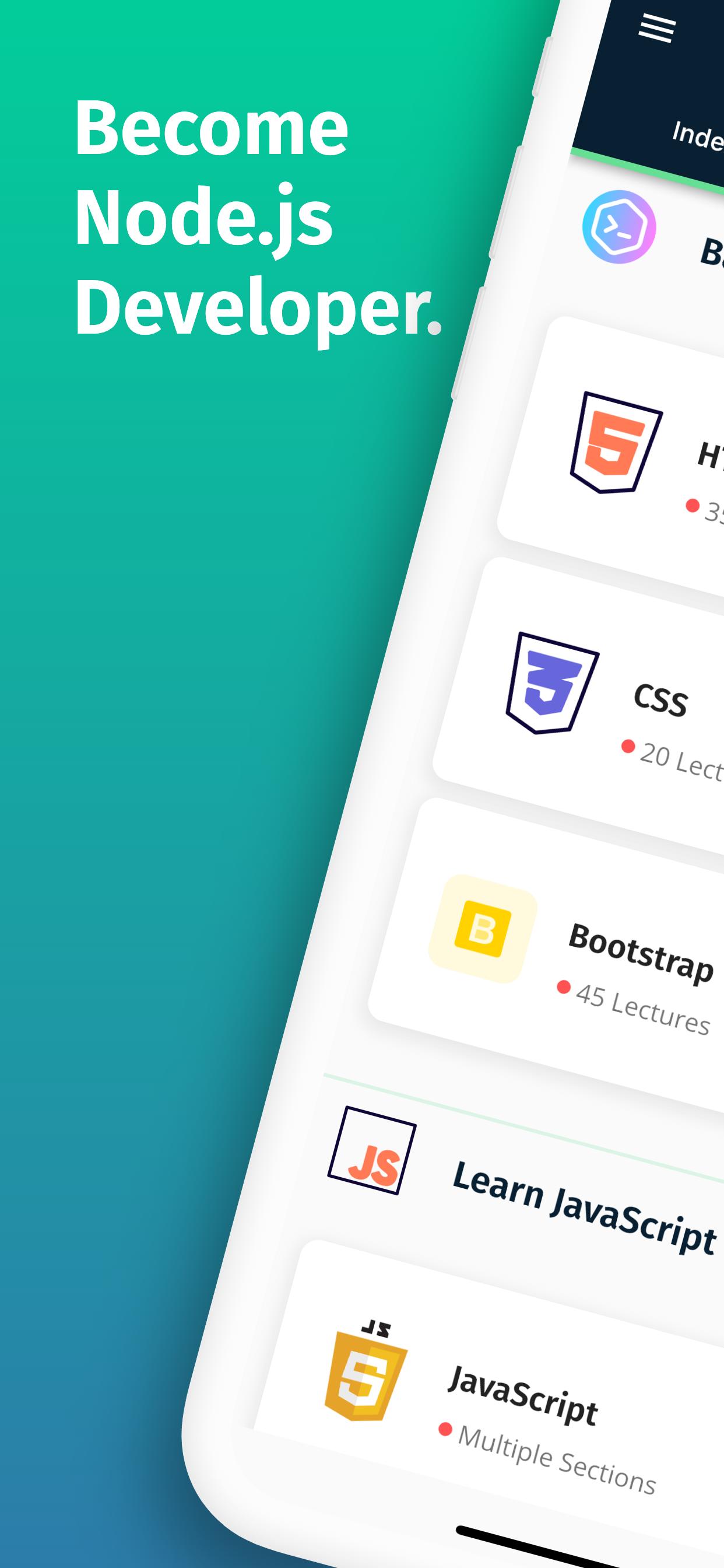
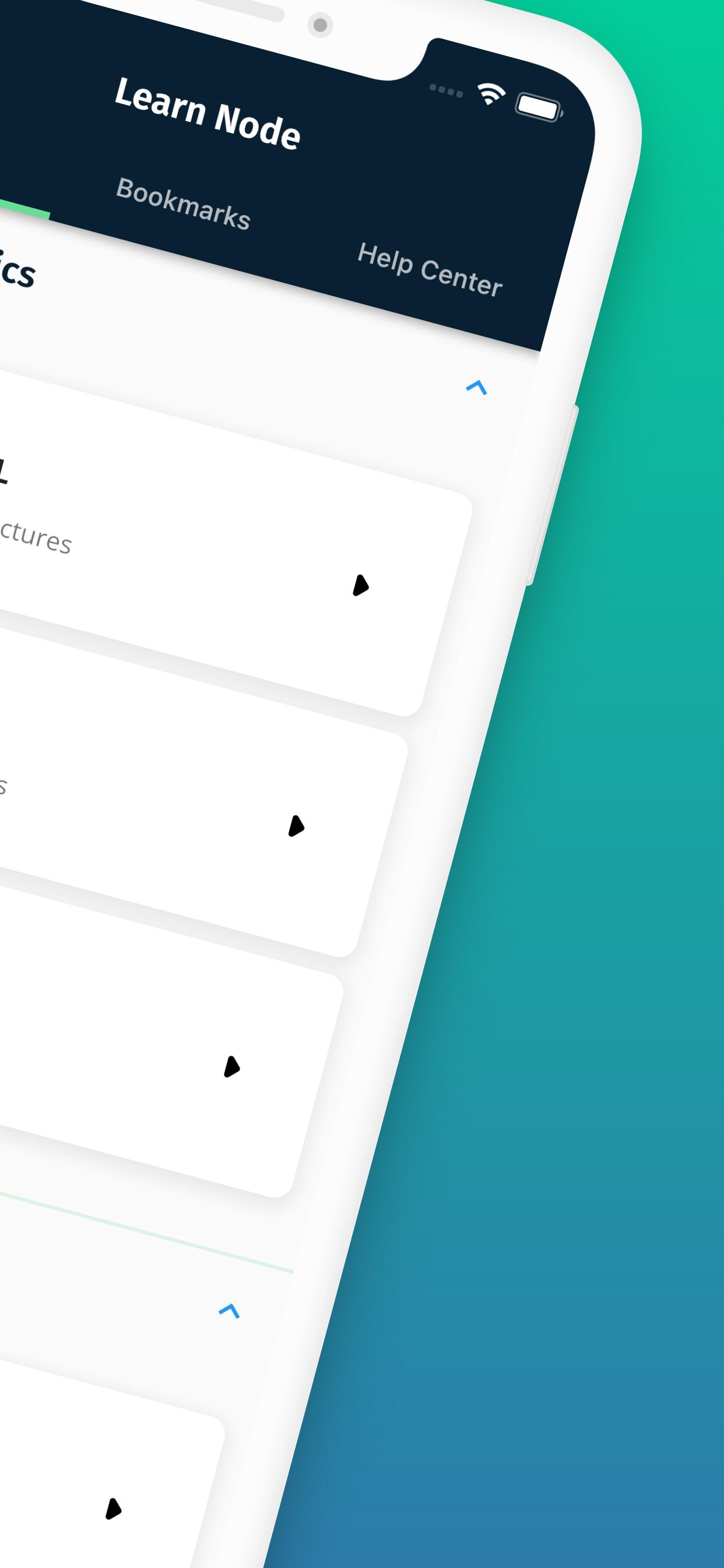
Learn Node + Express + MongoDB and more. Node.js is an open-source, cross-platform JavaScript run-time environment that executes JavaScript code outside of a browser. Learn NodeJs Programming Free with Code Examples - Free Node.js Tutorials for Beginners to Advanced Developers. This app contains all the major topics of Node.js with Excellent Code Examples and Projects. With Node js, you can Develop Modern, Fast websites.
So if you are a new Node.js Developer or starting Node.js Programming and want to build rich and Fast Web Application or if you are already a Node.js Programmer then this app will be a great pocket reference guide for Node.js Programming & to Learn Node.js.
What is Node.js?
Node.js can be defined as a dynamic, cross-platform and open-source JavaScript framework or runtime environment that is built on the Google Chrome JavaScript V8 engine. Node.js, developed by Ryan Dahl in 2009, was initially implemented as a client-side scripting language. Nowadays, Nodejs is used to execute JavaScript code and scripts that run server-side to create dynamic web pages.
Node.js is the most popular framework in the world
Stack Overflow ran a survey, which includes all kinds of useful information on IT industry trends. One thing they found out is that Node.js is the most widely used development framework in the world, while JavaScript has remained the most popular language for the fifth year in a row. And in the case of most wanted frameworks, Node.js takes first place.
Node.js Features and Benefits
Most web developers implement Node.js due to its amazing and powerful features. Some of the features of Node.js are:
1- Faster code execution
2- Highly scalable
3- Non-blocking APIs
4- No buffering
With such wonderful features, Node.js is widely used for creating server-side and networking applications. The following are the key areas where Node.js is widely used:
1- Node.js is great I/O-bound applications
2- Data streaming applications
3- Data-intensive real-time applications (DIRT)
4- JSON API-based applications
5- Single-page applications
Privacy Policy:
https://www.freeprivacypolicy.com/privacy/view/d170b33d23dea268ae71112156c9c2a5
Preview
Tags
EducationInformation
Developer
CodePoint
Latest Version
2.7.0
Last Updated
2022-10-09
Category
Education
Available on
Google Play
Show More
How to play Learn Node.js Coding - NodeDev with GameLoop on PC
1. Download GameLoop from the official website, then run the exe file to install GameLoop
2. Open GameLoop and search for “Learn Node.js Coding - NodeDev” , find Learn Node.js Coding - NodeDev in the search results and click “Install”
3. Enjoy playing Learn Node.js Coding - NodeDev on GameLoop
Minimum requirements
OS
Windows 8.1 64-bit or Windows 10 64-bit
GPU
GTX 1050
CPU
i3-8300
Memory
8GB RAM
Storage
1GB available space
Recommended requirements
OS
Windows 8.1 64-bit or Windows 10 64-bit
GPU
GTX 1050
CPU
i3-9320
Memory
16GB RAM
Storage
1GB available space