
Learn English language offline PC
elmoussafir fatima zahra
Download Learn English language offline on PC With GameLoop Emulator
Learn English language offline on PC
Learn English language offline, coming from the developer elmoussafir fatima zahra, is running on Android systerm in the past.
Now, You can play Learn English language offline on PC with GameLoop smoothly.
Download it in the GameLoop library or search results. No more eyeing the battery or frustrating calls at the wrong time any more.
Just enjoy Learn English language offline PC on the large screen for free!
Learn English language offline Introduction
Use the “Learn English Offline” app to easily learn the English language!
This leading app allows you to explore English in seven different languages, providing a quick and effective way to acquire exceptional language skills starting today. Best of all, the app is completely free, making it suitable for anyone who wants to learn English easily, practice conversation through listening, and communicate in English with instant translations.
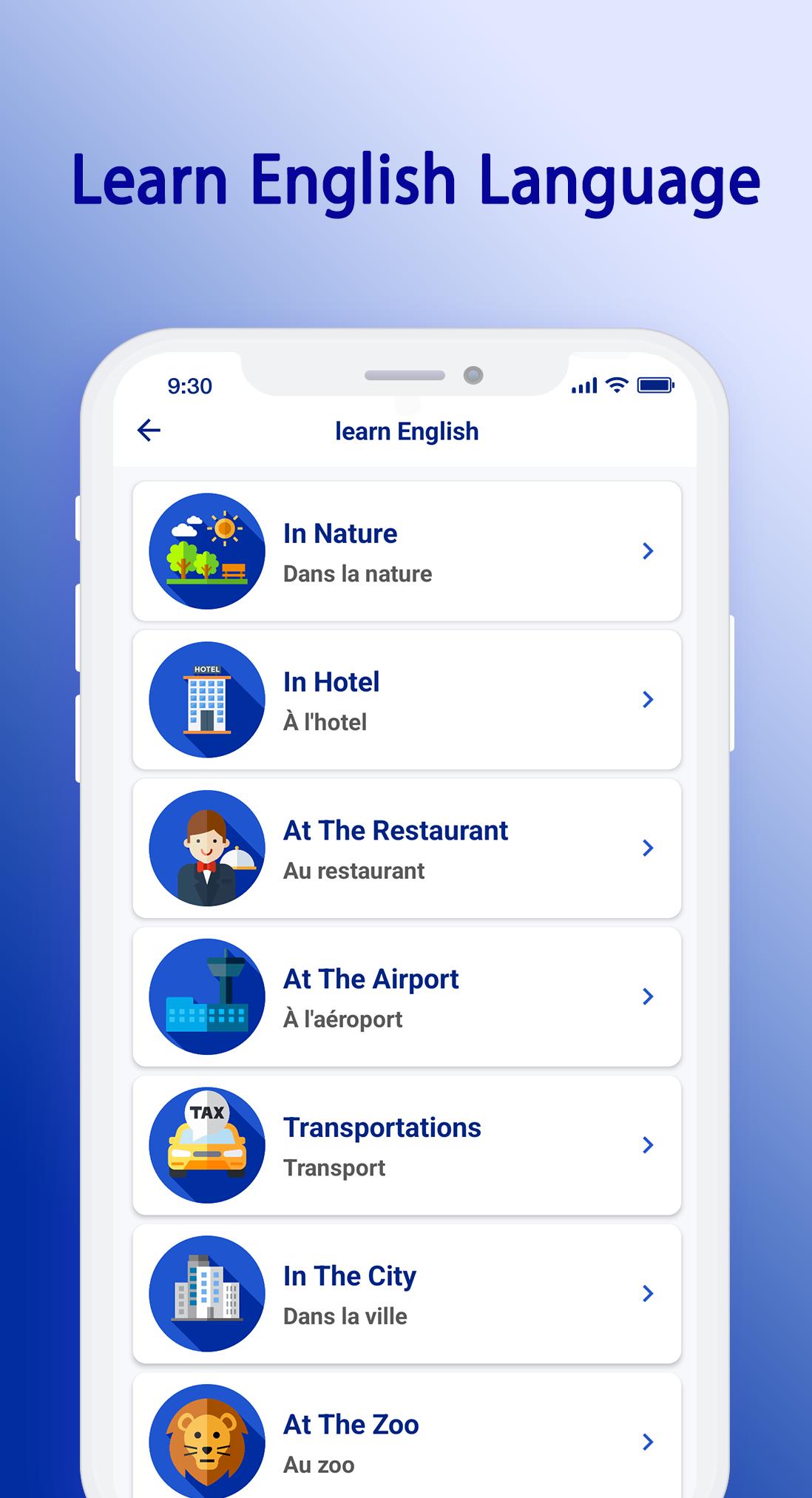
“Learn English Offline” is an Android app designed to teach English phrases and words across a variety of categories. With over 1000 lessons, you can immerse yourself in the world of English and enhance your skills, whether you are a beginner or advanced.
Key Features:
- A simple and attractive interface that will capture your attention immediately.
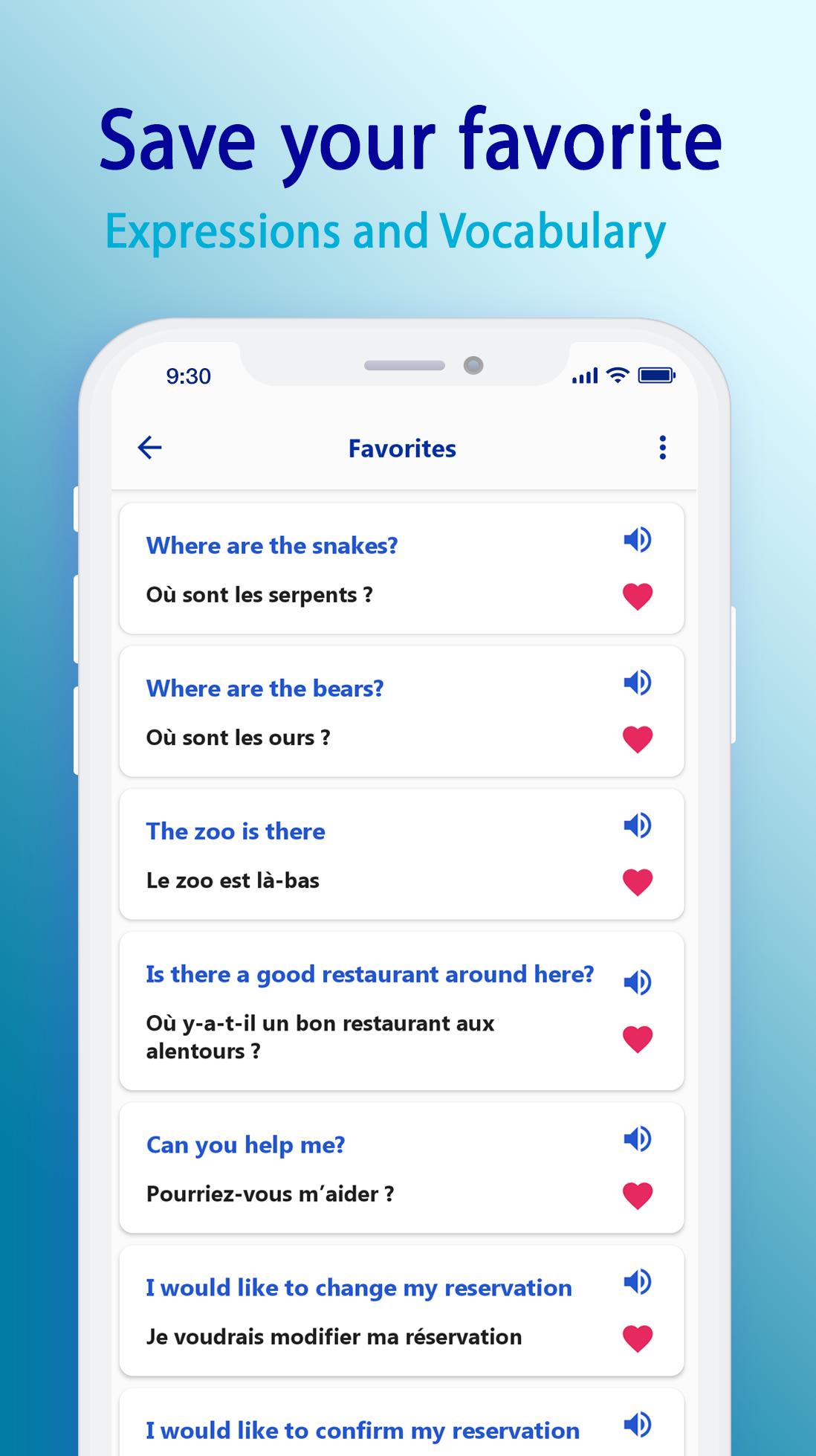
- Audio lessons for learning English through listening.
- Text translation: Easily translate between multiple world languages by typing.
- Text extraction: The OCR feature allows you to obtain text from images for translation, editing, or sharing.
- Real-time voice conversation translation: Engage in bilingual conversations without losing context.
- Favorites list: Easily add or remove your preferred lessons.
- Easily change the learning language: Learn English from multiple language sources.
- Daily English learning without the need for an internet connection.
- English conversations.
Supports learning to speak English from the following languages:
- From Arabic to English
- From French to English
- From German to English
- From Italian to English
- From Russian to English
- From Spanish to English
- From Turkish to English
Currently supported languages for translation:
Afrikaans, Amharic, Arabic, Armenian, Azerbaijani, Basque, Bengali, Bulgarian, Catalan, Chinese, Croatian, Czech, Danish, Dutch, English, Finnish, French, Galician, Georgian, German, Greek, Gujarati, Hebrew, Hindi, Hungarian, Icelandic, Indonesian, Italian, Japanese, Javanese, Kannada, Korean, Latvian, Lithuanian, Malay, Malayalam, Marathi, Nepali, Norwegian, Persian, Polish, Portuguese, Romanian, Russian, Serbian, Sinhala, Slovak, Slovenian, Spanish, Sundanese, Swahili, Swedish, Tamil, Telugu, Thai, Turkish, Ukrainian, Urdu, Vietnamese.
Explore a variety of categories:
- Numbers, school, colors, fruit and food, sports, family, seasons and weather, the human body, history and time, languages and countries, activities, at home, appointments, directions, the zoo, in the city, in nature, hotel, restaurant, airport, transportation, doctor, post office, bank, shopping, emotions, adjectives, negation, and much more.
Start your language journey today with the “Learn English Offline” app.
Download the app now from Google Play and get ready to discover a world of languages, cultures, and endless opportunities!
Preview
Tags
EducationInformation
Developer
elmoussafir fatima zahra
Latest Version
1.14
Last Updated
2025-07-02
Category
Education
Available on
Google Play
Show More
How to play Learn English language offline with GameLoop on PC
1. Download GameLoop from the official website, then run the exe file to install GameLoop
2. Open GameLoop and search for “Learn English language offline” , find Learn English language offline in the search results and click “Install”
3. Enjoy playing Learn English language offline on GameLoop
Minimum requirements
OS
Windows 8.1 64-bit or Windows 10 64-bit
GPU
GTX 1050
CPU
i3-8300
Memory
8GB RAM
Storage
1GB available space
Recommended requirements
OS
Windows 8.1 64-bit or Windows 10 64-bit
GPU
GTX 1050
CPU
i3-9320
Memory
16GB RAM
Storage
1GB available space