Learn English Basics PC
Sathish Shanmugam
Download Learn English Basics on PC With GameLoop Emulator
Learn English Basics on PC
Learn English Basics, coming from the developer Sathish Shanmugam, is running on Android systerm in the past.
Now, You can play Learn English Basics on PC with GameLoop smoothly.
Download it in the GameLoop library or search results. No more eyeing the battery or frustrating calls at the wrong time any more.
Just enjoy Learn English Basics PC on the large screen for free!
Learn English Basics Introduction
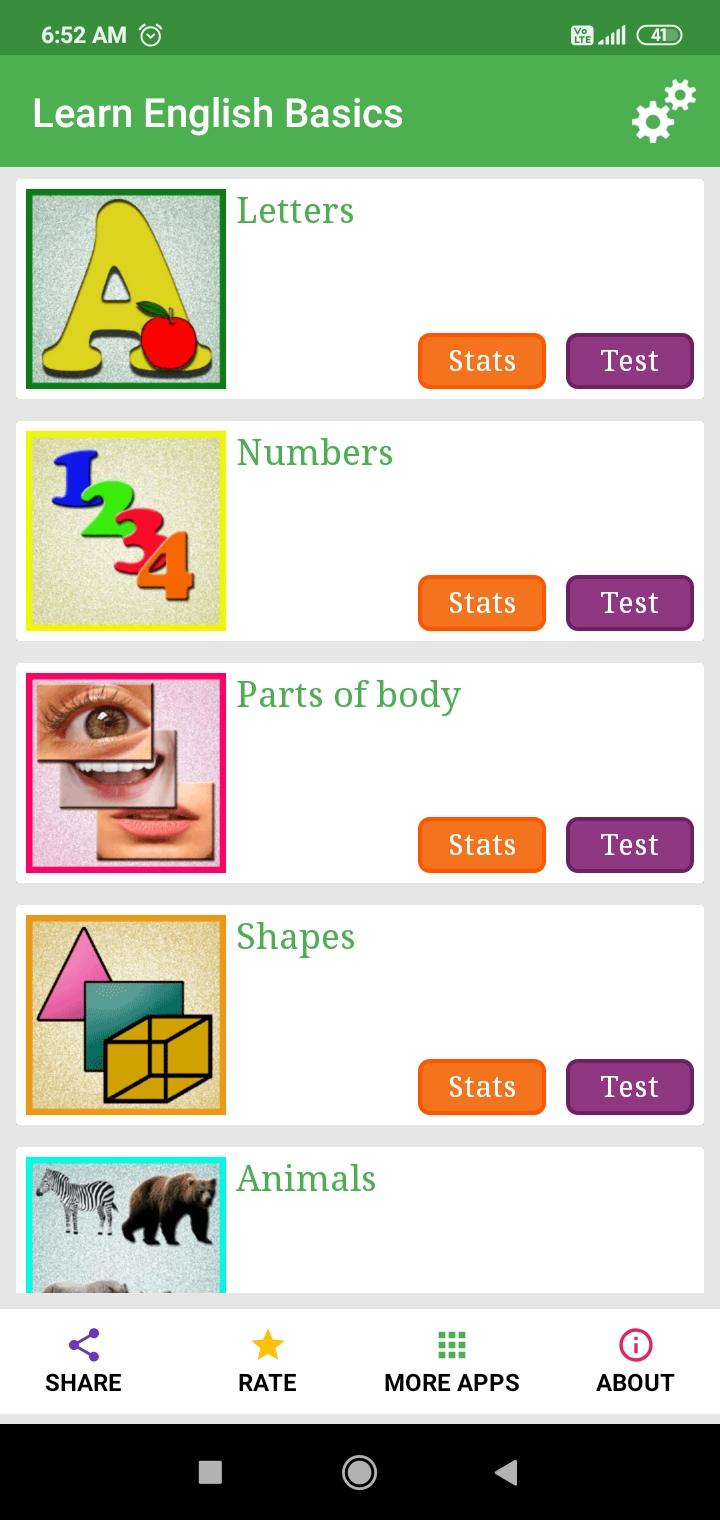
Learn English Basic - Free is a fun, easy, and offline-friendly app designed for beginners who want to learn the fundamentals of the English language. Anyone starting their English learning journey, this app offers colorful visuals, audio pronunciation, and interactive quizzes.
Categories Included:
1. English Alphabets
2. Numbers
3. Parts of body
4. Birds, Animals and Insects
5. Colors and Shapes
6. Transport
7. Fruits and Vegetables
8. Month and Days
9. Planets
10. Kitchen
11. Seasons
12. Musical instruments
13. Sports
14. Classroom Objects
15. Bathroom
…and many more!
Key Features:
- Offline Learning: Learn without internet access — all content is available offline.
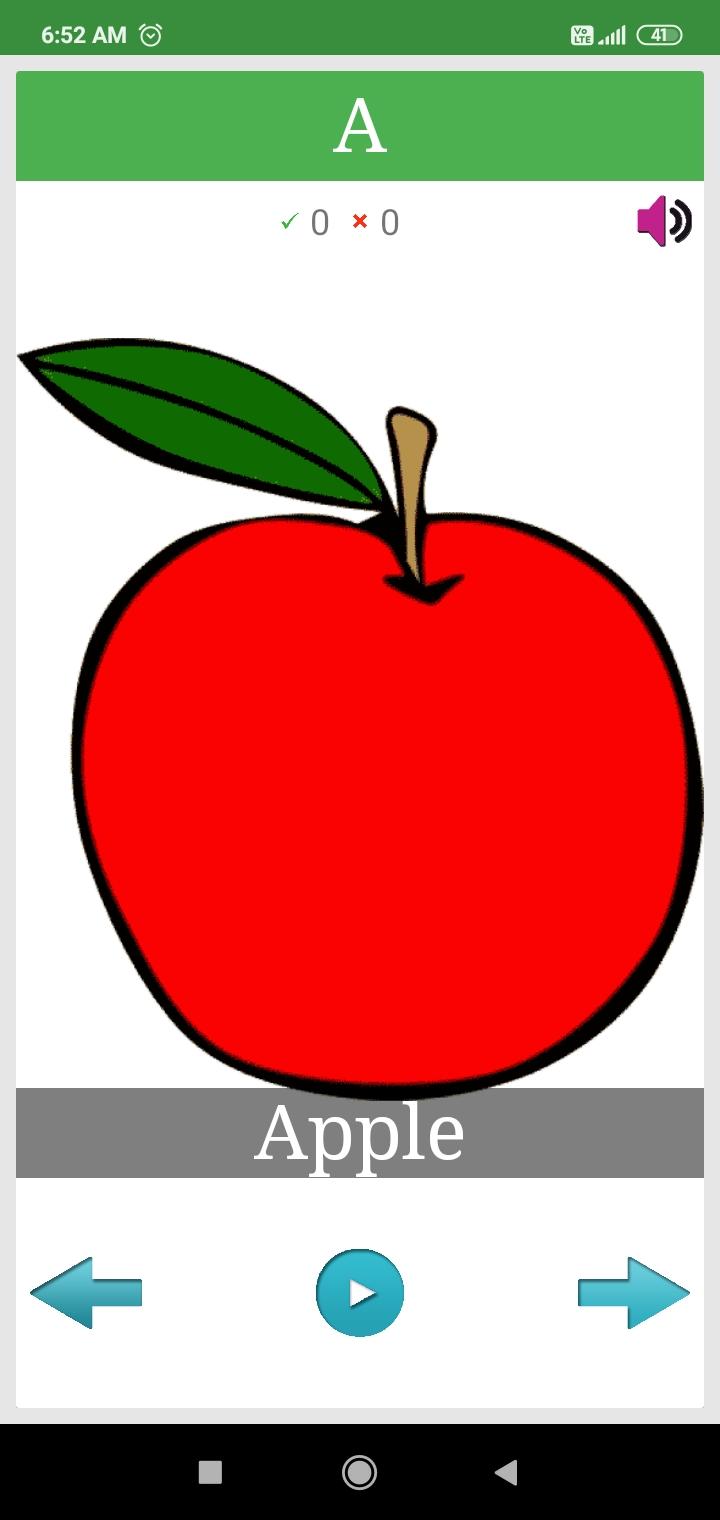
- Easy Navigation: Swipe through items or use navigation buttons to learn at your pace.
- Audio Pronunciations: Hear how each word is pronounced to improve your speaking skills.
- Interactive Quizzes: Reinforce your memory with a quiz at the end of each category.
- Results & Stats: See your quiz score instantly and track your progress in the Stats section.
- Custom Settings: Control voice settings and view quiz history from the Settings page.
- Whether you're learning English for travel, or personal growth, this offline app is your perfect learning companion.
Your suggestions and feedback are always welcome!
Preview
Tags
EducationInformation
Developer
Sathish Shanmugam
Latest Version
5.5
Last Updated
2025-10-30
Category
Education
Available on
Google Play
Show More
How to play Learn English Basics with GameLoop on PC
1. Download GameLoop from the official website, then run the exe file to install GameLoop
2. Open GameLoop and search for “Learn English Basics” , find Learn English Basics in the search results and click “Install”
3. Enjoy playing Learn English Basics on GameLoop
Minimum requirements
OS
Windows 8.1 64-bit or Windows 10 64-bit
GPU
GTX 1050
CPU
i3-8300
Memory
8GB RAM
Storage
1GB available space
Recommended requirements
OS
Windows 8.1 64-bit or Windows 10 64-bit
GPU
GTX 1050
CPU
i3-9320
Memory
16GB RAM
Storage
1GB available space