3thirty JAMB CBT Offline PC
Cbt practice (offline)
Download 3thirty JAMB CBT Offline on PC With GameLoop Emulator
3thirty JAMB CBT Offline on PC
3thirty JAMB CBT Offline, coming from the developer Cbt practice (offline), is running on Android systerm in the past.
Now, You can play 3thirty JAMB CBT Offline on PC with GameLoop smoothly.
Download it in the GameLoop library or search results. No more eyeing the battery or frustrating calls at the wrong time any more.
Just enjoy 3thirty JAMB CBT Offline PC on the large screen for free!
3thirty JAMB CBT Offline Introduction
This is 3thirty's JAMB CBT Past Questions and Answers application for offline use.
The application contains detailed and well explained questions, answers and solutions to real JAMB past exams to enable students confidently sit for UTME, pass the exam and then gain admission to the institution (University, Polytechnic or college of Education) and course of their choice all in ONE SITTING.
The app provides JAMBites with a wonderful and easy to use interface that helps students test how JAMB exams would be before the actual exam day.
The following are the features of the app:
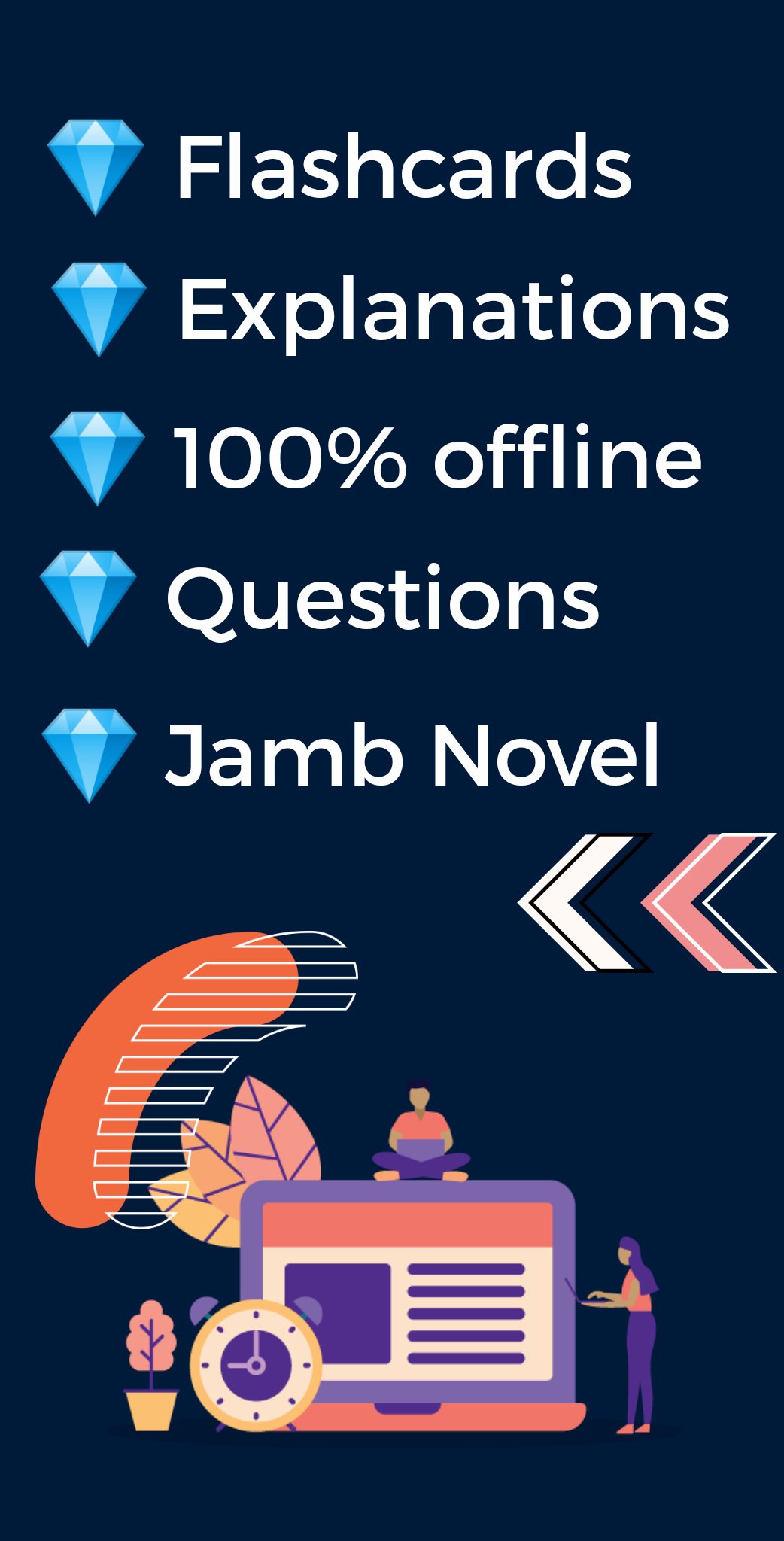
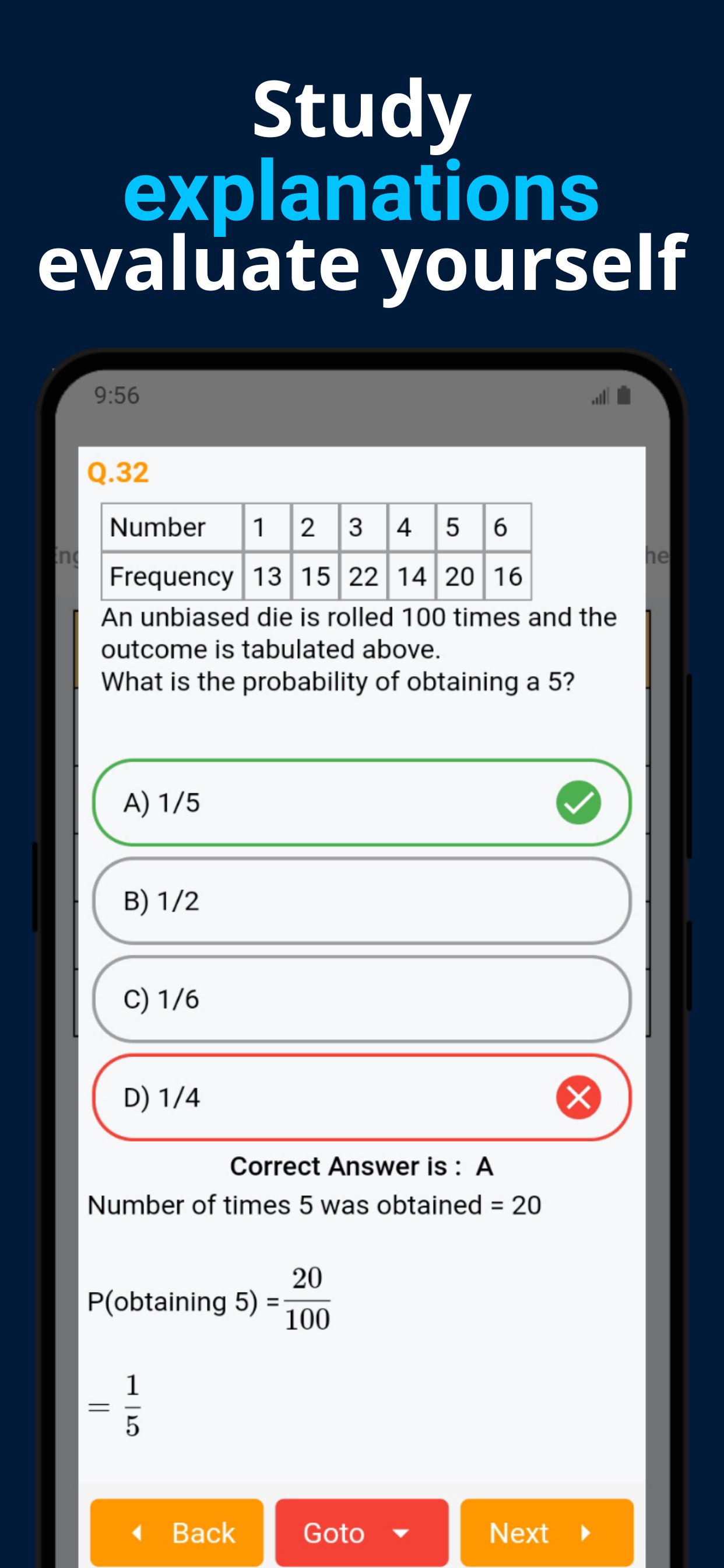
1. Past questions: Have access to thousands of real JAMB past questions and answers with detailed and accurate explanations
2. No internet required: The app is totally offline. This means that you can use without internet connection
3. View Results: After each CBT exam in the app, you'll see a detailed breakdown of your scores in a format that is beautiful and concise
4. Learning modes: You can either choose to study past questions, take JAMB CBT or learn with flashcards
6. JAMB Novels: Access the summary of the recommended novel by JAMB for UTME exams and also literature texts
7. Inbuilt Calculator: A built in JAMB-like calculator is also available to help you prepare for the exam
8. Customer service: Fast and reliable response to issues students may experience while using the app by our customer representatives
9. Preferences and settings: App is fully customizable to suit your needs. Personalize the app settings the way you want them.
10. User interface: App offers a clean and intuitive user interface that guarantees a quality user experience.
11.Performance chart: Want to know how well you performed? You can use the performance activity to see your result history or performance over time.
14. Guidelines and recommendations: Get the best advise on the subject combination you need, the course of study you should choose, the best institution for your course or even hints on excelling in the exam.
And many more
By practicing with this app, you can be rest assured that you will get a high JAMB score and gain admission to your desired course and school of choice.
Not affiliated with any official body or government body. Product of 3thirty
Preview
Tags
EducationInformation
Developer
Cbt practice (offline)
Latest Version
1.0.0
Last Updated
2026-02-12
Category
Education
Available on
Google Play
Show More
How to play 3thirty JAMB CBT Offline with GameLoop on PC
1. Download GameLoop from the official website, then run the exe file to install GameLoop
2. Open GameLoop and search for “3thirty JAMB CBT Offline” , find 3thirty JAMB CBT Offline in the search results and click “Install”
3. Enjoy playing 3thirty JAMB CBT Offline on GameLoop
Minimum requirements
OS
Windows 8.1 64-bit or Windows 10 64-bit
GPU
GTX 1050
CPU
i3-8300
Memory
8GB RAM
Storage
1GB available space
Recommended requirements
OS
Windows 8.1 64-bit or Windows 10 64-bit
GPU
GTX 1050
CPU
i3-9320
Memory
16GB RAM
Storage
1GB available space