
English Primary 1 PC
igy-apps.com
Download English Primary 1 on PC With GameLoop Emulator
English Primary 1 on PC
English Primary 1, coming from the developer igy-apps.com, is running on Android systerm in the past.
Now, You can play English Primary 1 on PC with GameLoop smoothly.
Download it in the GameLoop library or search results. No more eyeing the battery or frustrating calls at the wrong time any more.
Just enjoy English Primary 1 PC on the large screen for free!
English Primary 1 Introduction
First Grade - English - Term 1 & Term 2 - Interactive with audio and visuals - A large collection of interactive exercises including letter writing with a pen, coloring, and crosswords.
Curriculum Contents:
--Term 1-- Characters Unit 1 - Hello! Unit 2 - My school bag Unit 3 - This is me Unit 4 - Let's play music Unit 5 - It's my birthday! Unit 6 - With my family Unit 7 - At home Unit 8 - At the pyramids Unit 9 - At the beach Important Words Revision
--Term 2-- Unit 10 - She's an engineer Unit 11 - It's rainy Unit 12 - Let's go shopping Unit 13 - I can see a rocket Unit 14 - At the library Unit 15 - At the market Unit 16 - It's ten o'clock Story - Goldilocks and the Three Bears Important Words 1 Important Words 2 Important Words 3 Revision
App Features:
Optimized Size: Downloads only the necessary content based on user needs, saving storage space and making it easier to use.
Training Reports: Users can create and save reports of their exercises to track progress and improve performance.
Color Customization: Offers a variety of colors to personalize the user experience.
Dark and Light Modes: Switch between dark and light modes for eye comfort and a better user experience.
Artificial Intelligence: The latest version uses AI to provide a comprehensive and age-appropriate learning experience.
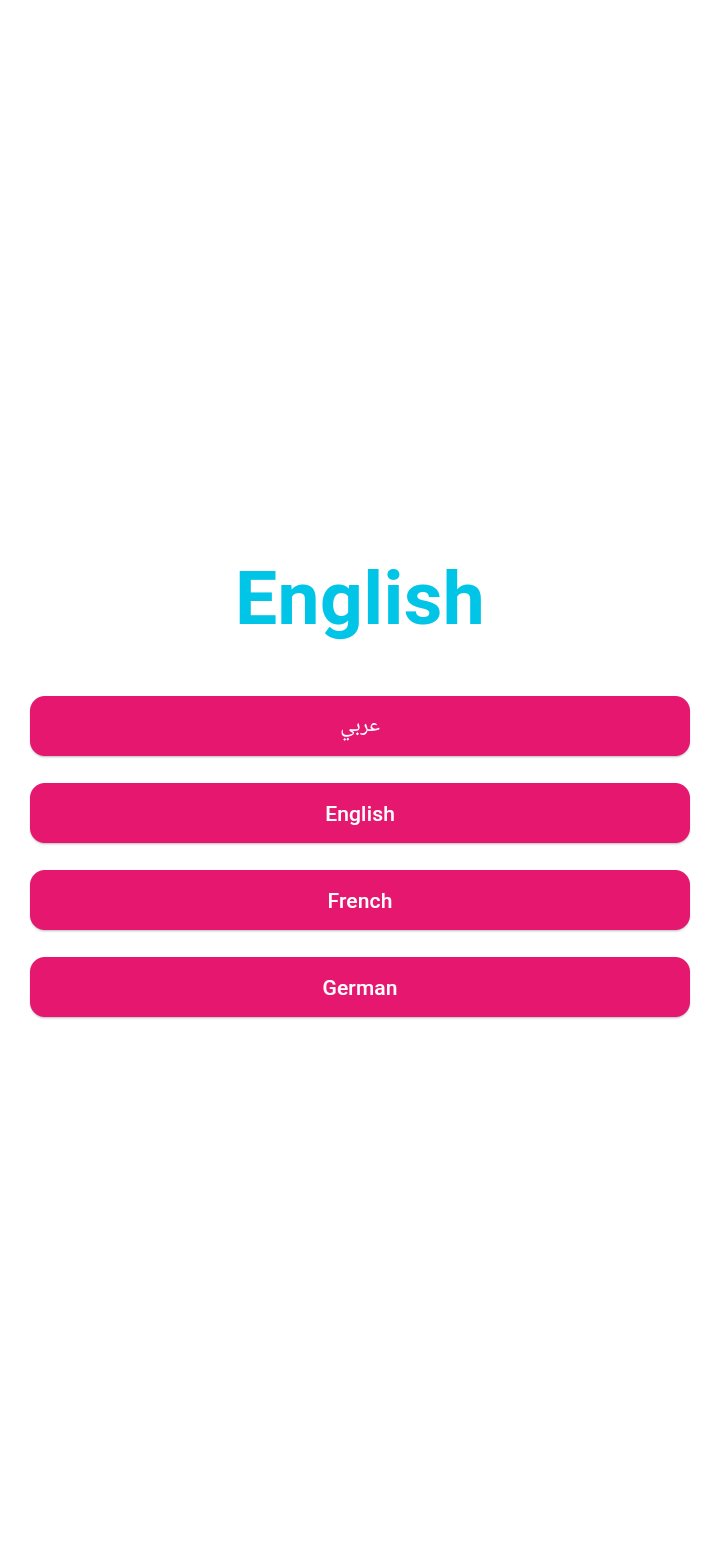
Multilingual Support: The user interface supports four languages (Arabic, English, French, German).
The app is designed to be an effective and enjoyable educational tool that helps children improve their grammar skills in an interactive and easy-to-use format.
Preview
Tags
EducationInformation
Developer
igy-apps.com
Latest Version
1.0.62
Last Updated
2026-07-09
Category
Education
Available on
Google Play
Show More
How to play English Primary 1 with GameLoop on PC
1. Download GameLoop from the official website, then run the exe file to install GameLoop
2. Open GameLoop and search for “English Primary 1” , find English Primary 1 in the search results and click “Install”
3. Enjoy playing English Primary 1 on GameLoop
Minimum requirements
OS
Windows 8.1 64-bit or Windows 10 64-bit
GPU
GTX 1050
CPU
i3-8300
Memory
8GB RAM
Storage
1GB available space
Recommended requirements
OS
Windows 8.1 64-bit or Windows 10 64-bit
GPU
GTX 1050
CPU
i3-9320
Memory
16GB RAM
Storage
1GB available space