
Ecoach The Learning App PC
Edutalk
Download Ecoach The Learning App on PC With GameLoop Emulator
Ecoach The Learning App on PC
Ecoach The Learning App, coming from the developer Edutalk, is running on Android systerm in the past.
Now, You can play Ecoach The Learning App on PC with GameLoop smoothly.
Download it in the GameLoop library or search results. No more eyeing the battery or frustrating calls at the wrong time any more.
Just enjoy Ecoach The Learning App PC on the large screen for free!
Ecoach The Learning App Introduction
Learning English through ECoach system and Active Learning method is available on ECoach The Learning APP!
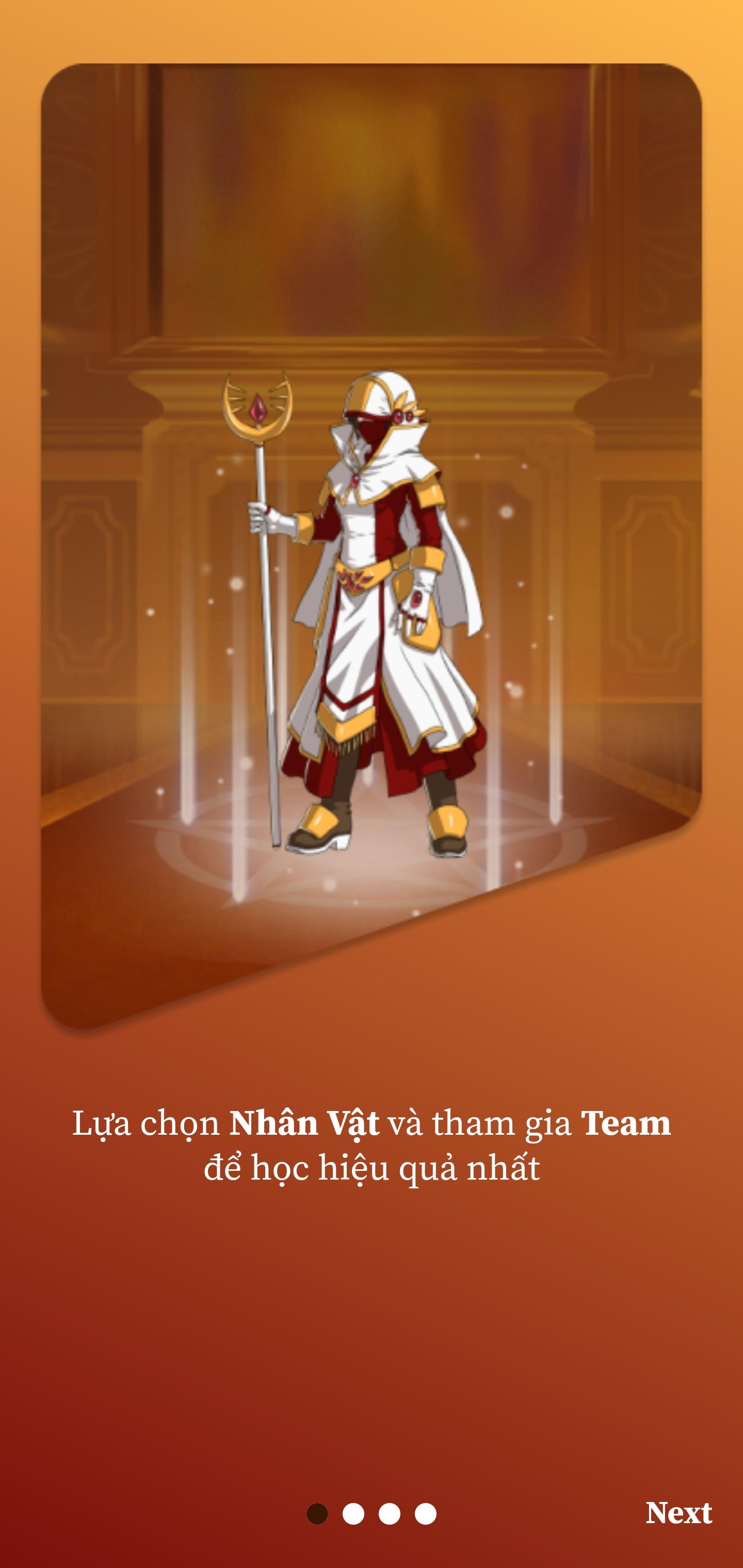
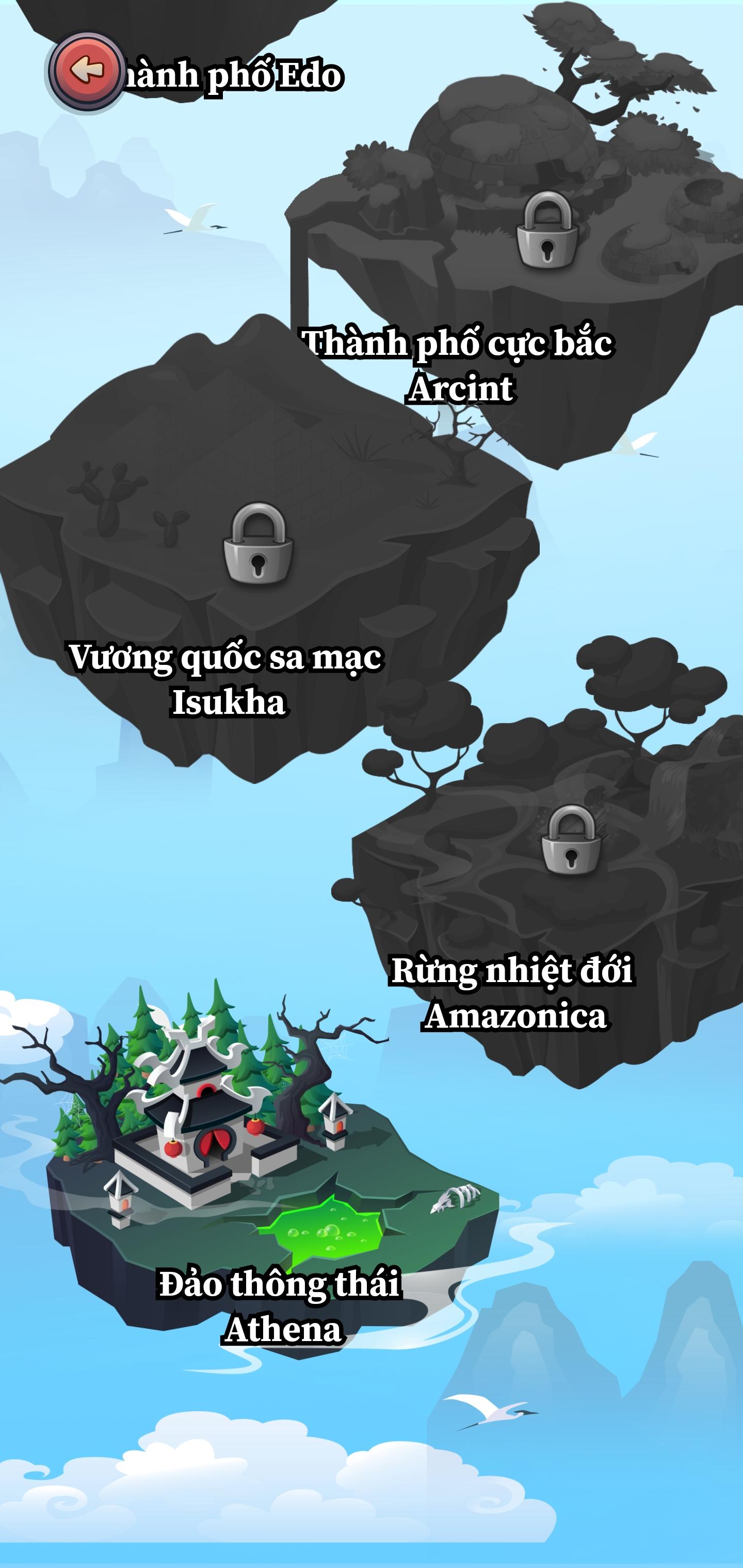
English learning APP exclusively for students of ECoach. Students enter an open world and are equipped with passive memorization.
Special features:
- Do homework: Review what you have learned in class with questions integrated on the APP.
- Practice vocabulary: Memorize Vocabulary, practice Listening, practice Pronunciation through videos in movies, TV, vlogs,...
- Speed training: Improve the speed of completing a puzzle with AI opponents, score points and receive attractive rewards in the Speed room.
- Exam preparation: The latest University exam questions from the Ministry of Education, IELTS questions from Cambridge books, the latest TOEIC Format test preparation questions from ETS are always updated and integrated on the App.
- Arena: Practice and compete with rival Teams, win, and receive many valuable rewards.
- Tournaments: English events and tournaments are held annually across the country.
Preview
Tags
EducationInformation
Developer
Edutalk
Latest Version
1.0.100350
Last Updated
2025-09-12
Category
Education
Available on
Google Play
Show More
How to play Ecoach The Learning App with GameLoop on PC
1. Download GameLoop from the official website, then run the exe file to install GameLoop
2. Open GameLoop and search for “Ecoach The Learning App” , find Ecoach The Learning App in the search results and click “Install”
3. Enjoy playing Ecoach The Learning App on GameLoop
Minimum requirements
OS
Windows 8.1 64-bit or Windows 10 64-bit
GPU
GTX 1050
CPU
i3-8300
Memory
8GB RAM
Storage
1GB available space
Recommended requirements
OS
Windows 8.1 64-bit or Windows 10 64-bit
GPU
GTX 1050
CPU
i3-9320
Memory
16GB RAM
Storage
1GB available space