Cornelsen Lernen PC
Cornelsen Verlag GmbH
Download Cornelsen Lernen on PC With GameLoop Emulator
Cornelsen Lernen on PC
Cornelsen Lernen, coming from the developer Cornelsen Verlag GmbH, is running on Android systerm in the past.
Now, You can play Cornelsen Lernen on PC with GameLoop smoothly.
Download it in the GameLoop library or search results. No more eyeing the battery or frustrating calls at the wrong time any more.
Just enjoy Cornelsen Lernen PC on the large screen for free!
Cornelsen Lernen Introduction
With the Cornelsen Lernen App, students and teachers have everything they need for their lessons digitally in one place. You can access textbooks, workbooks, and supporting materials securely and easily. There's no need to lug heavy textbooks around.
The following products can be used in the app:
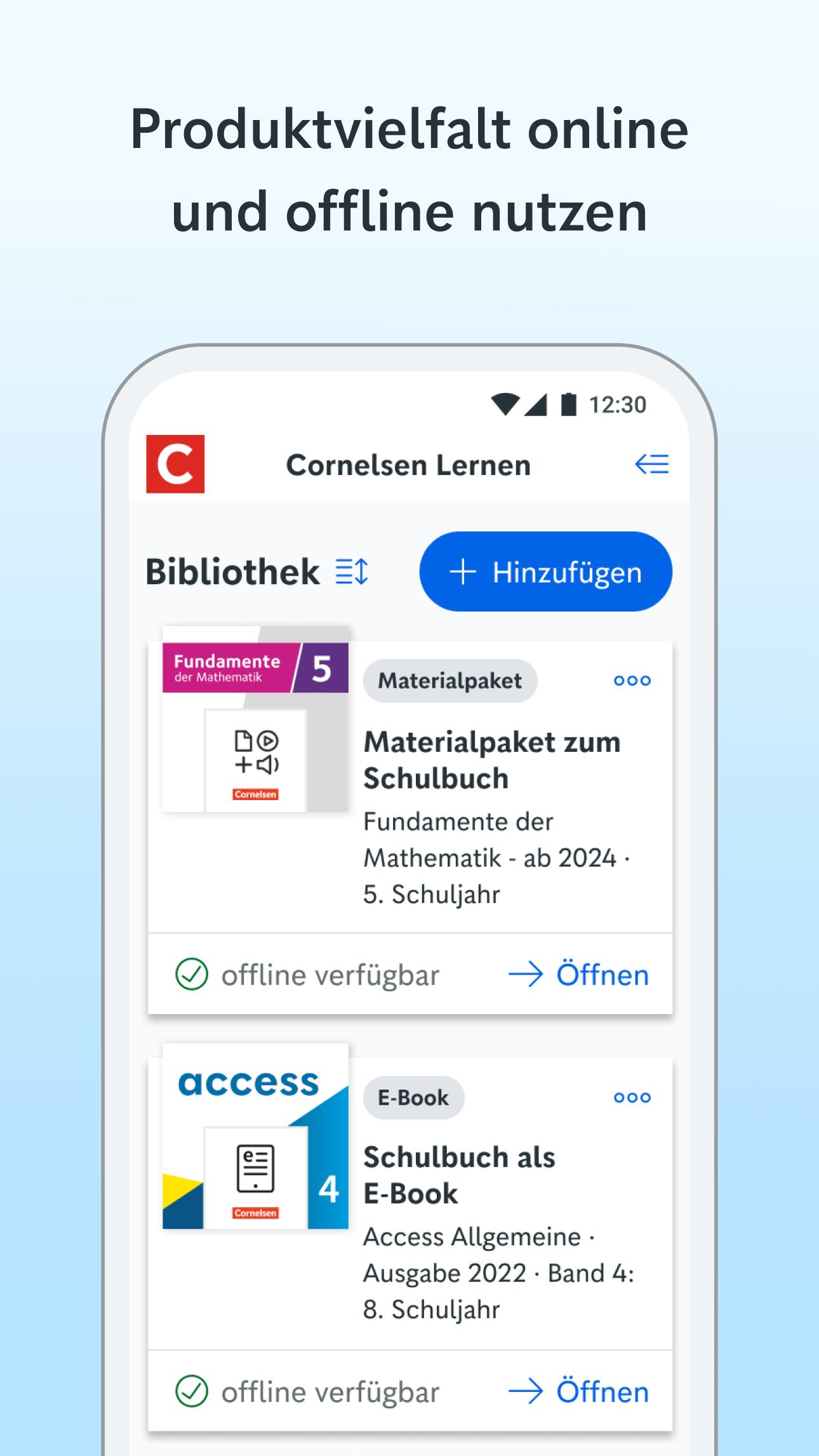
• Material packages related to the printed textbook
• E-books with media
• Unterrichtsmanager Plus
• Interactive workbooks
• Interactive exercises
How to use the app on your tablet or smartphone:
• Download the Cornelsen Lernen App for free
• Use the digital material package for your printed textbook even without a user account
• Log in to the app with your user account – all previously purchased products are available directly in the app
• Unlock additional products directly in the app
• View your textbook as an e-book – and get practical note-taking functions and text editing tools
• Audios, videos, worksheets: Use all important accompanying materials for your textbook – chapter- and page-accurate
• Access your e-books and accompanying materials after downloading, even without an internet connection
Have fun with the Cornelsen Lernen App!
Preview

Tags
EducationInformation
Developer
Cornelsen Verlag GmbH
Latest Version
2.8.1
Last Updated
2025-09-29
Category
Education
Available on
Google Play
Show More
How to play Cornelsen Lernen with GameLoop on PC
1. Download GameLoop from the official website, then run the exe file to install GameLoop
2. Open GameLoop and search for “Cornelsen Lernen” , find Cornelsen Lernen in the search results and click “Install”
3. Enjoy playing Cornelsen Lernen on GameLoop
Minimum requirements
OS
Windows 8.1 64-bit or Windows 10 64-bit
GPU
GTX 1050
CPU
i3-8300
Memory
8GB RAM
Storage
1GB available space
Recommended requirements
OS
Windows 8.1 64-bit or Windows 10 64-bit
GPU
GTX 1050
CPU
i3-9320
Memory
16GB RAM
Storage
1GB available space