
Combook IIS PSM Kediri PC
Nusantara Media Mandiri
Download Combook IIS PSM Kediri on PC With GameLoop Emulator
Combook IIS PSM Kediri on PC
Combook IIS PSM Kediri, coming from the developer Nusantara Media Mandiri, is running on Android systerm in the past.
Now, You can play Combook IIS PSM Kediri on PC with GameLoop smoothly.
Download it in the GameLoop library or search results. No more eyeing the battery or frustrating calls at the wrong time any more.
Just enjoy Combook IIS PSM Kediri PC on the large screen for free!
Combook IIS PSM Kediri Introduction
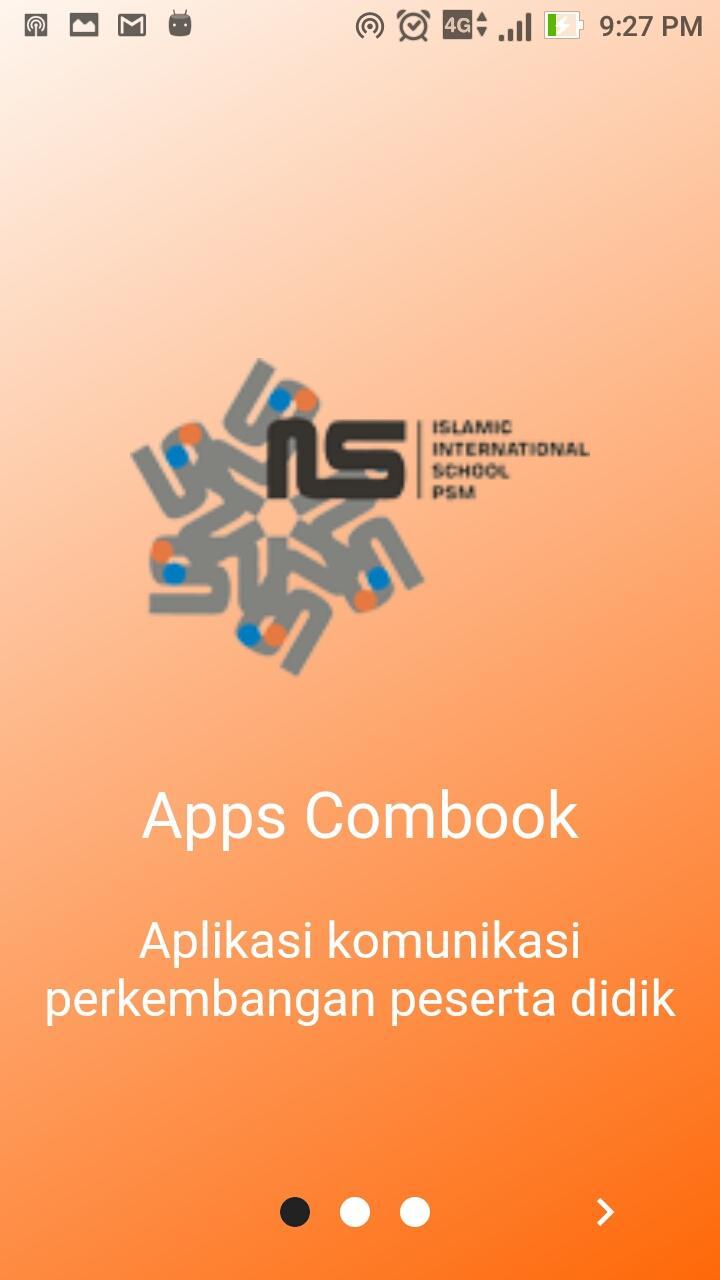
Online Communication Book (OnComBook IIS) merupakan Aplikasi Media komunikasi antara sekolah diwakili oleh wali kelas dengan wali murid dalam pemantauan akademik, karakter peserta didik serta memberikan info parenting dan event yang akan dilaksanakan di sekolah. Catatan tersebut akan terkirim ke aplikasi mobile yang sudah terinstall di smartphone wali murid dimana setiap periode (mingguan atau harian) wali kelas memberikan catatan dan kemudian akan ditanggapi secara realtime oleh wali murid.
Preview
Tags
EducationInformation
Developer
Nusantara Media Mandiri
Latest Version
2.1.1
Last Updated
2019-12-19
Category
Education
Available on
Google Play
Show More
How to play Combook IIS PSM Kediri with GameLoop on PC
1. Download GameLoop from the official website, then run the exe file to install GameLoop
2. Open GameLoop and search for “Combook IIS PSM Kediri” , find Combook IIS PSM Kediri in the search results and click “Install”
3. Enjoy playing Combook IIS PSM Kediri on GameLoop
Minimum requirements
OS
Windows 8.1 64-bit or Windows 10 64-bit
GPU
GTX 1050
CPU
i3-8300
Memory
8GB RAM
Storage
1GB available space
Recommended requirements
OS
Windows 8.1 64-bit or Windows 10 64-bit
GPU
GTX 1050
CPU
i3-9320
Memory
16GB RAM
Storage
1GB available space