
LPU Online PC
Lovely Professional University
Download LPU Online on PC With GameLoop Emulator
LPU Online on PC
LPU Online, coming from the developer Lovely Professional University, is running on Android systerm in the past.
Now, You can play LPU Online on PC with GameLoop smoothly.
Download it in the GameLoop library or search results. No more eyeing the battery or frustrating calls at the wrong time any more.
Just enjoy LPU Online PC on the large screen for free!
LPU Online Introduction
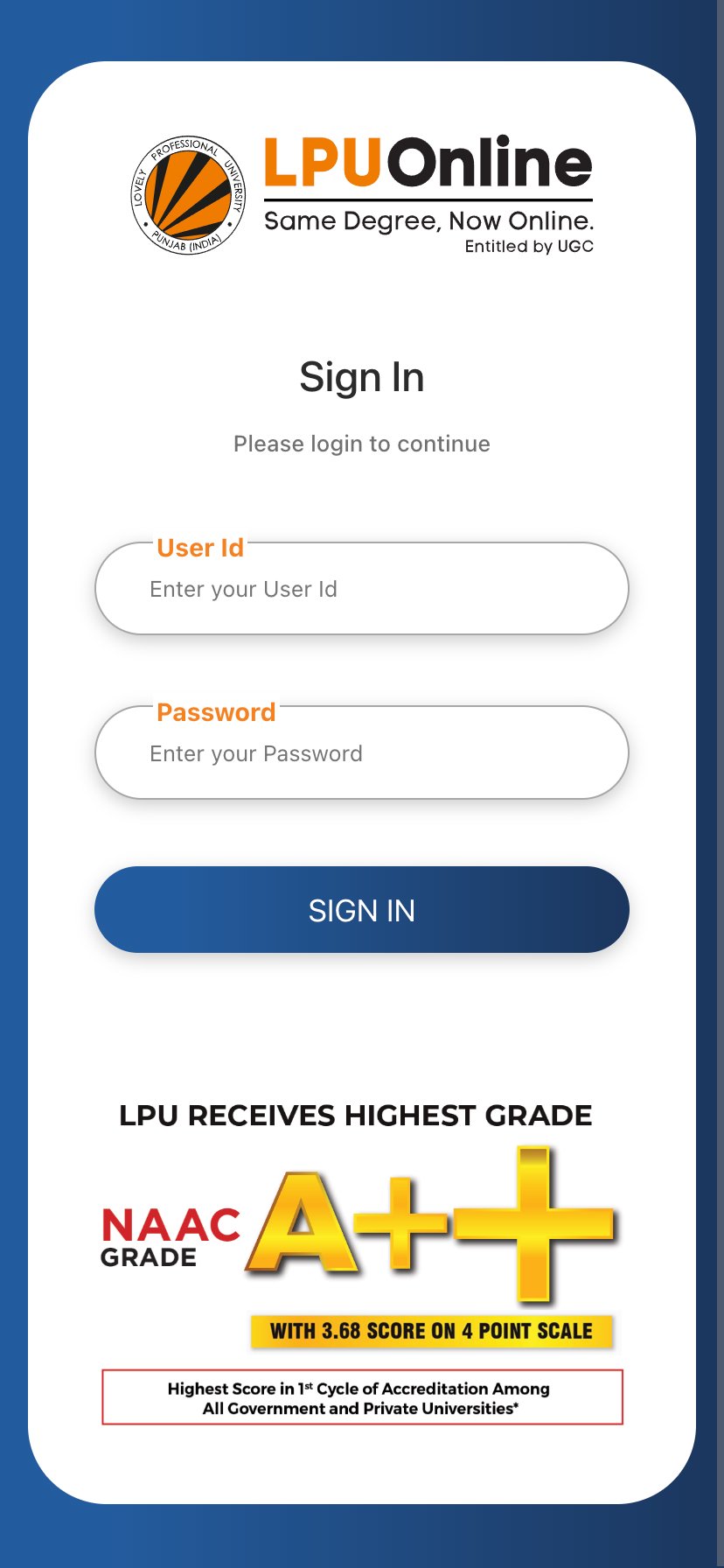
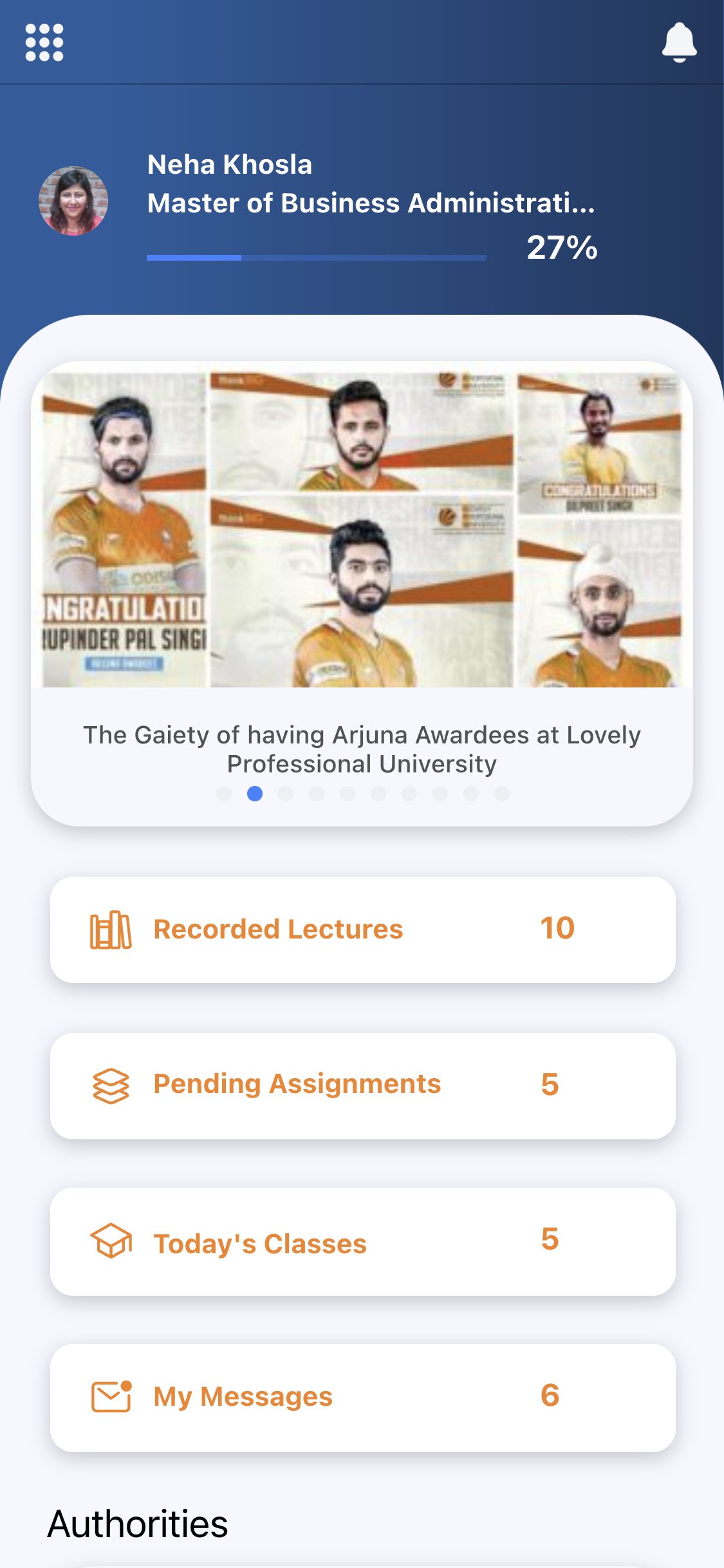
LPU Online Mobile App offers a seamless and interactive learning experience, providing 24/7 access to learning material, anytime, anywhere. Key features include weekend LIVE lectures, recorded video content, assessments, assignment submission, course selection, online exams, e-Books, e-Library, date sheet, fee receipt and feedback submission through the Relationship Management System (RMS). Stay up to date through our Announcement section, which keeps you informed about all the happenings at LPU Online, including academic updates, co-curricular activities, master classes, placement drives, and more.
The app is tailored to enhance student engagement, ensure efficient learning, and provide continuous support throughout your academic journey.
Study smarter, stay engaged, and unlock your full potential with LPU Online!
Download now and elevate your learning experience.
Preview
Tags
EducationInformation
Developer
Lovely Professional University
Latest Version
1.66
Last Updated
2026-03-17
Category
Education
Available on
Google Play
Show More
How to play LPU Online with GameLoop on PC
1. Download GameLoop from the official website, then run the exe file to install GameLoop
2. Open GameLoop and search for “LPU Online” , find LPU Online in the search results and click “Install”
3. Enjoy playing LPU Online on GameLoop
Minimum requirements
OS
Windows 8.1 64-bit or Windows 10 64-bit
GPU
GTX 1050
CPU
i3-8300
Memory
8GB RAM
Storage
1GB available space
Recommended requirements
OS
Windows 8.1 64-bit or Windows 10 64-bit
GPU
GTX 1050
CPU
i3-9320
Memory
16GB RAM
Storage
1GB available space