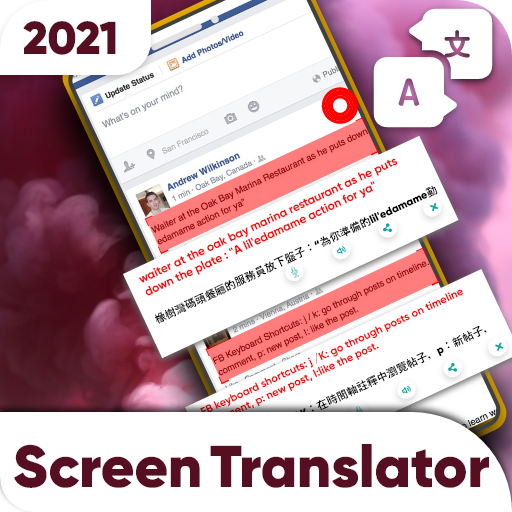
Fast Screen Translator & Voice Text Translation PC
FH Apps Studio
Download Fast Screen Translator & Voice Text Translation on PC With GameLoop Emulator
Fast Screen Translator & Voice Text Translation on PC
Fast Screen Translator & Voice Text Translation, coming from the developer FH Apps Studio, is running on Android systerm in the past.
Now, You can play Fast Screen Translator & Voice Text Translation on PC with GameLoop smoothly.
Download it in the GameLoop library or search results. No more eyeing the battery or frustrating calls at the wrong time any more.
Just enjoy Fast Screen Translator & Voice Text Translation PC on the large screen for free!
Fast Screen Translator & Voice Text Translation Introduction
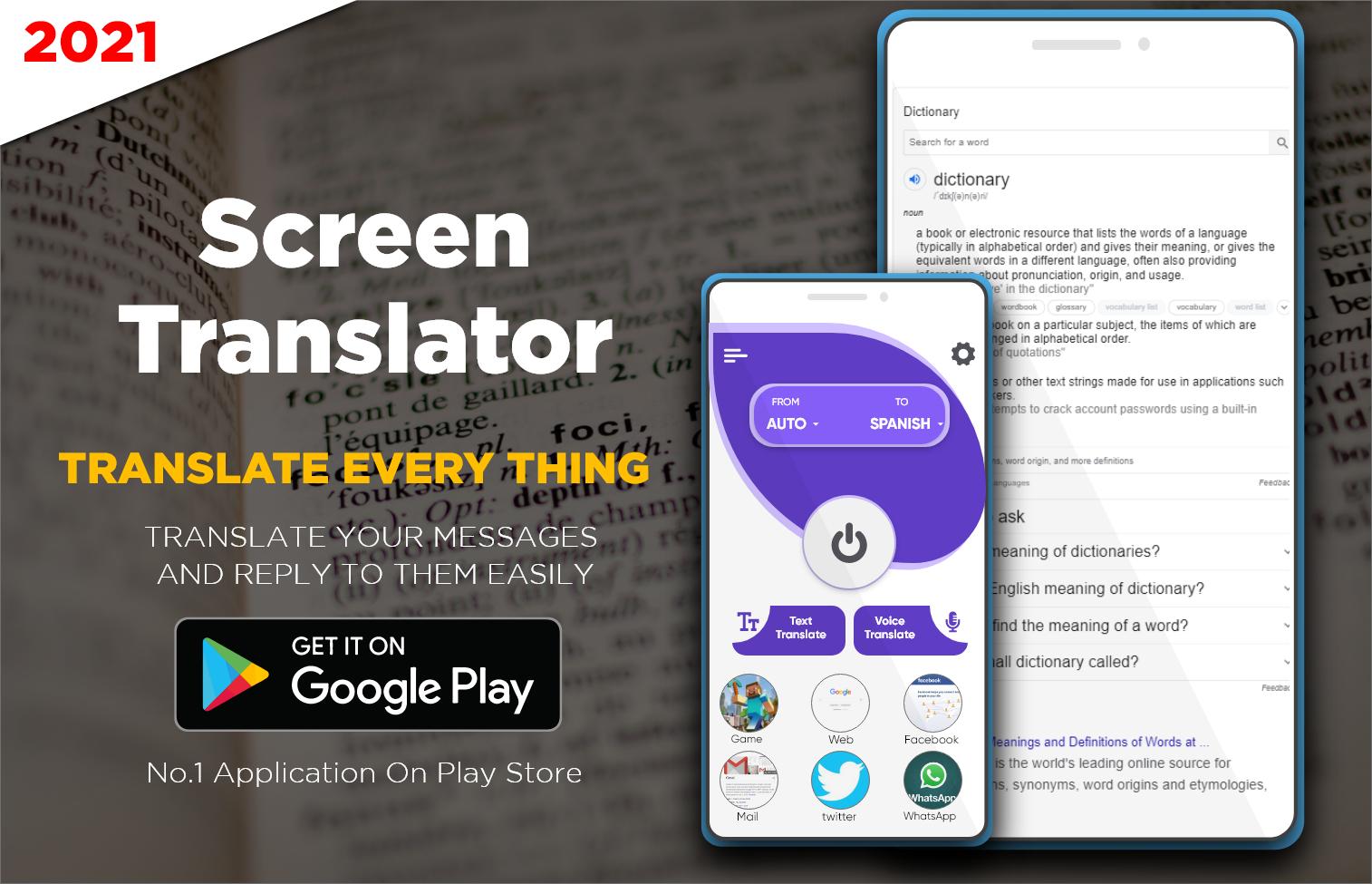
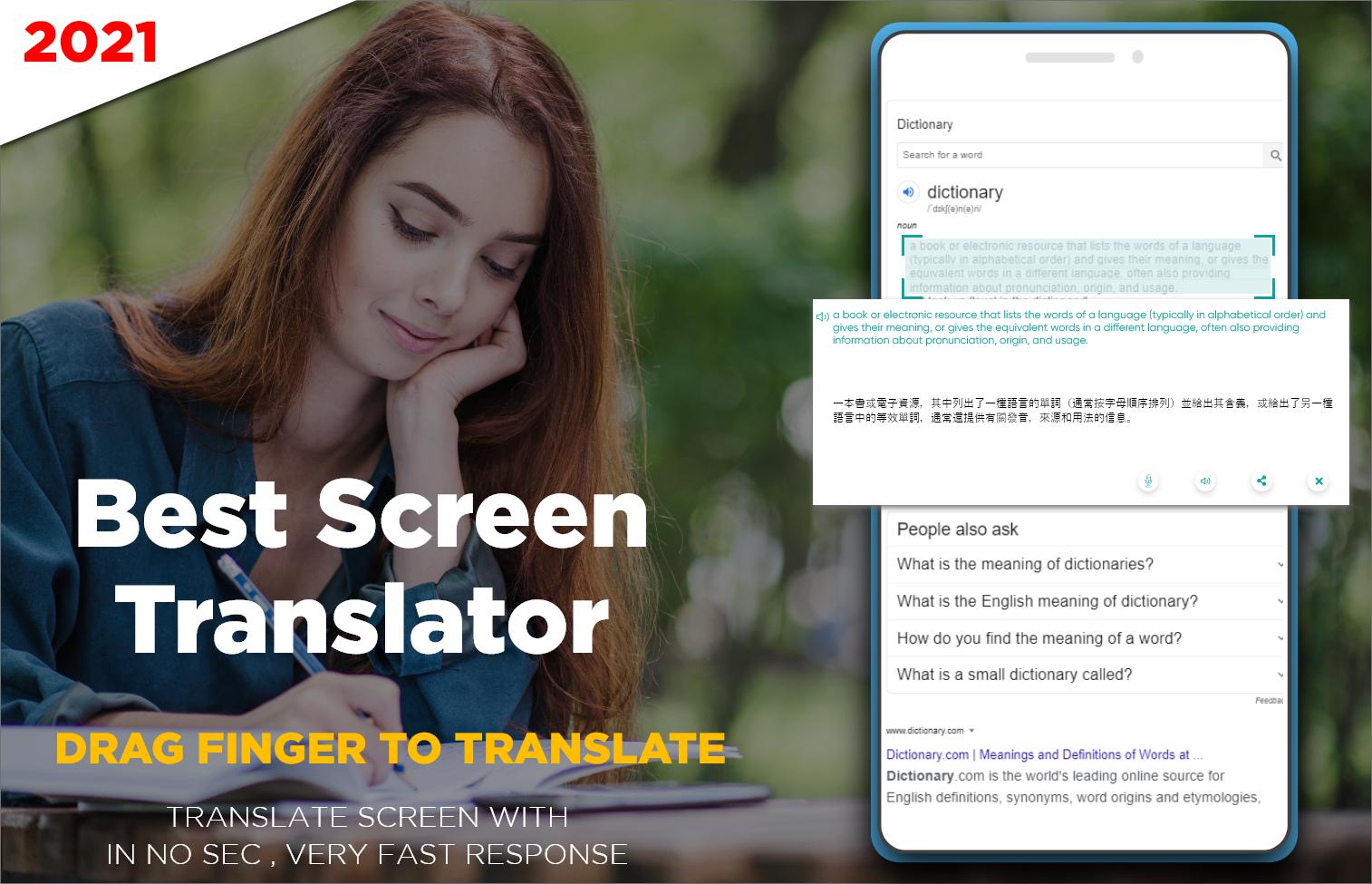
Get Free Screen Translator with all in one Translation App Features. Translate Text with this all language translator as well as voice translate feature of this Screen Translation App. Tap anywhere on the mobile, on screen translate app will be helpful. This free translate screen worked better than camera translator. Translate text of all language including voice text or translate on screen with this free screen translator App. Translate specific portion or part of the screen just select & click to convert into required free translated language. Quick & Fast on Screen Translation App is for all language to translate English to Spanish, Russian to English, and Translate Italian to Hindi, etc.
Features of this Free OCR Screen Translator 2020 App:
Fast & Quick on Screen Translate App
Easy Translator to understand all features
Simple & Handy UI of translate on screen app
Text Translator, Voice Translator & Camera Translation features
Free dictionary option to find meaning of any word or phrase
Translate any customized portion of mobile screen
All language translation feasibility with translate screen option
Work as a text photo translator to translate even a single word
Screen Text Translator App featured with all Translation App essential options. This Translator App include Screen Text Translate, Text Translator, Camera Translator with Voice text translation & free dictionary to find meaning of any translated word quickly. Fast Screen Text Translation App is now in your android device to get rid of all the other simple and large MBs Translation apps. Just select to translate language & Tap to get results into required one. No matters how small and how big is your translate text portion only click and drag to cover all of language text to translate in an eye blink.
Fast Screen Text Translator – All Language Voice Translation
Quick to translate the word of any language or need to use it for texting and social media gossips just use this screen online translator to fast translate. This is not just the simple free online translator, it contains voice text speech translation feasibility with free screen translation option & dictionary. Best free online screen language translator and dictionary for all android users are now available on google play store.
This on Screen Translation App Translate the following language to fulfill your needs about text translation and screen translator quickly in any language:
Afrikaans
Arabic
Azerbaijani
Bangla
Catalan
Chinese
Croatian
Czech
Danish
Dutch
English
Filipino
French
German
Greek
Hindi
Icelandic
Indonesian
Irish
Italian
Japanese
Korean
Latvian
Lithuanian
Malay
Malayalam
Marathi
Nepali
Norwegian
Persian
Polish
Portuguese
Punjabi
Russian
Spanish
Swedish
Tamil
Telugu
Thai
Turkish
Ukrainian
Urdu
Vietnamese
Zulu
The best free translate screen language app is here with a little amount of MB’s supports all versions of android. Free Text & Voice Translator offers you to translate text or speech into required one by using this free screen text translation app.
Preview
Information
Developer
FH Apps Studio
Latest Version
1.2
Last Updated
2021-08-31
Category
Education
Available on
Google Play
Show More
How to play Fast Screen Translator & Voice Text Translation with GameLoop on PC
1. Download GameLoop from the official website, then run the exe file to install GameLoop
2. Open GameLoop and search for “Fast Screen Translator & Voice Text Translation” , find Fast Screen Translator & Voice Text Translation in the search results and click “Install”
3. Enjoy playing Fast Screen Translator & Voice Text Translation on GameLoop
Minimum requirements
OS
Windows 8.1 64-bit or Windows 10 64-bit
GPU
GTX 1050
CPU
i3-8300
Memory
8GB RAM
Storage
1GB available space
Recommended requirements
OS
Windows 8.1 64-bit or Windows 10 64-bit
GPU
GTX 1050
CPU
i3-9320
Memory
16GB RAM
Storage
1GB available space