
Termux Tools and Commands PC
DP_Apps
Download Termux Tools and Commands on PC With GameLoop Emulator
Termux Tools and Commands on PC
Termux Tools and Commands, coming from the developer DP_Apps, is running on Android systerm in the past.
Now, You can play Termux Tools and Commands on PC with GameLoop smoothly.
Download it in the GameLoop library or search results. No more eyeing the battery or frustrating calls at the wrong time any more.
Just enjoy Termux Tools and Commands PC on the large screen for free!
Termux Tools and Commands Introduction
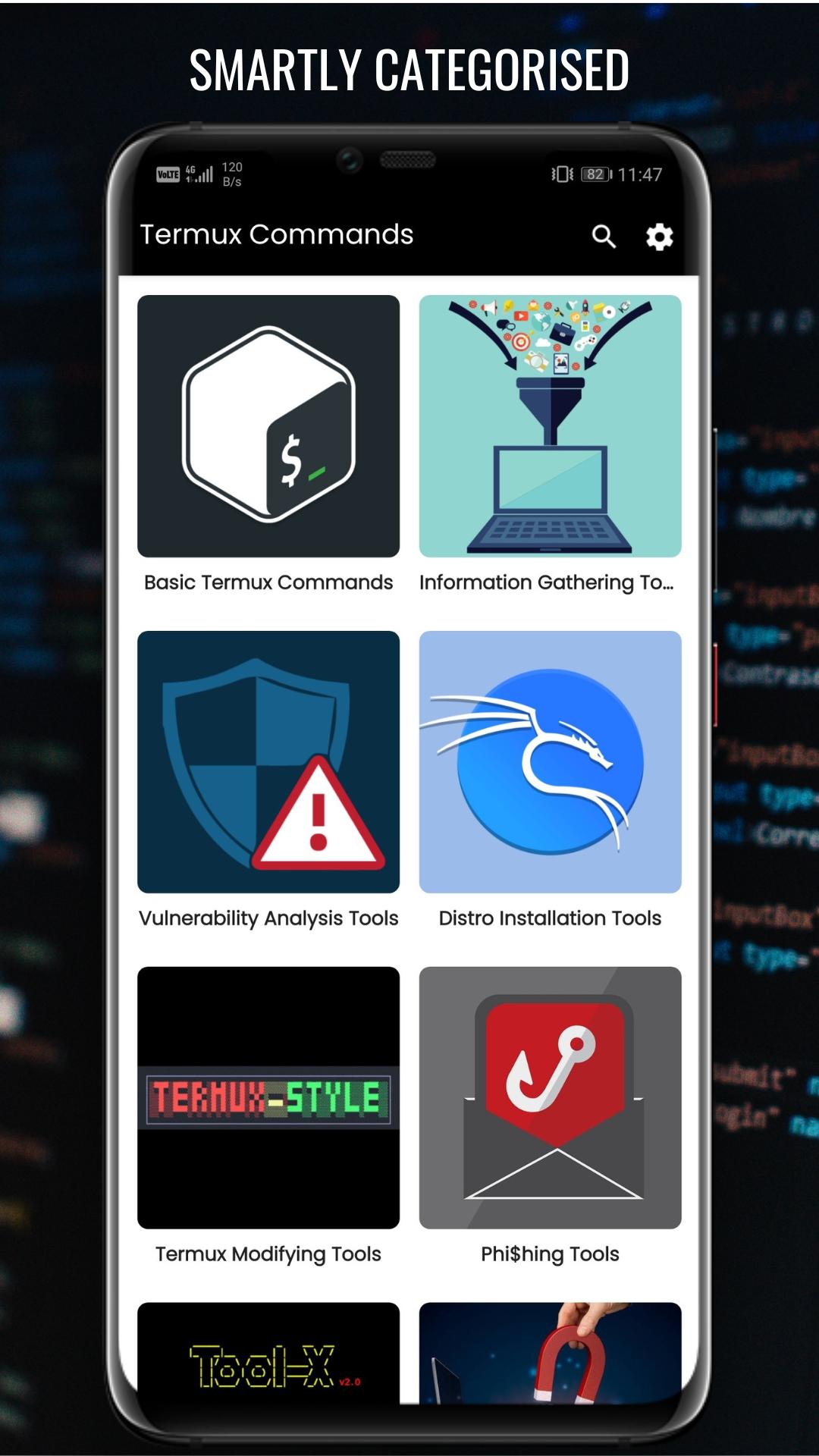
In this app we are providing installation commands for install various tools in termux.
We also providing guide for modify termux overview and add features in termux.
With the help of this guide you can install tools in termux.
Commands for install different operating system in termux like Ubuntu, Windows, Kali, Parrot, Other Linux Distro.
We provide the tutorials on behalf of those who will use them for good purposes only. Usage of these tools for attacking targets without prior mutual consent is illegal. It's the end user's responsibility to obey all applicable local, state and federal laws. Developers assume no liability and are not responsible for any misuse or damage caused by this program. Only use for educational purposes.
App Features -
- User Friendly Experience
- Dark Mode
- Save For Offline
- Comment
- Resize Text Size
- Search Tool by Name
- Get Notified When New Tool Added
App Content -
- 100+ Tool Installation Guide
- Termux Scripts
- Modify Termux
- Install OS In Termux
Preview
Tags
EducationInformation
Developer
DP_Apps
Latest Version
1.0.0
Last Updated
2022-12-22
Category
Education
Available on
Google Play
Show More
How to play Termux Tools and Commands with GameLoop on PC
1. Download GameLoop from the official website, then run the exe file to install GameLoop
2. Open GameLoop and search for “Termux Tools and Commands” , find Termux Tools and Commands in the search results and click “Install”
3. Enjoy playing Termux Tools and Commands on GameLoop
Minimum requirements
OS
Windows 8.1 64-bit or Windows 10 64-bit
GPU
GTX 1050
CPU
i3-8300
Memory
8GB RAM
Storage
1GB available space
Recommended requirements
OS
Windows 8.1 64-bit or Windows 10 64-bit
GPU
GTX 1050
CPU
i3-9320
Memory
16GB RAM
Storage
1GB available space