
Typing Monkey: a typing master PC
Panther Nine
Download Typing Monkey: a typing master on PC With GameLoop Emulator
Typing Monkey: a typing master on PC
Typing Monkey: a typing master, coming from the developer Panther Nine, is running on Android systerm in the past.
Now, You can play Typing Monkey: a typing master on PC with GameLoop smoothly.
Download it in the GameLoop library or search results. No more eyeing the battery or frustrating calls at the wrong time any more.
Just enjoy Typing Monkey: a typing master PC on the large screen for free!
Typing Monkey: a typing master Introduction
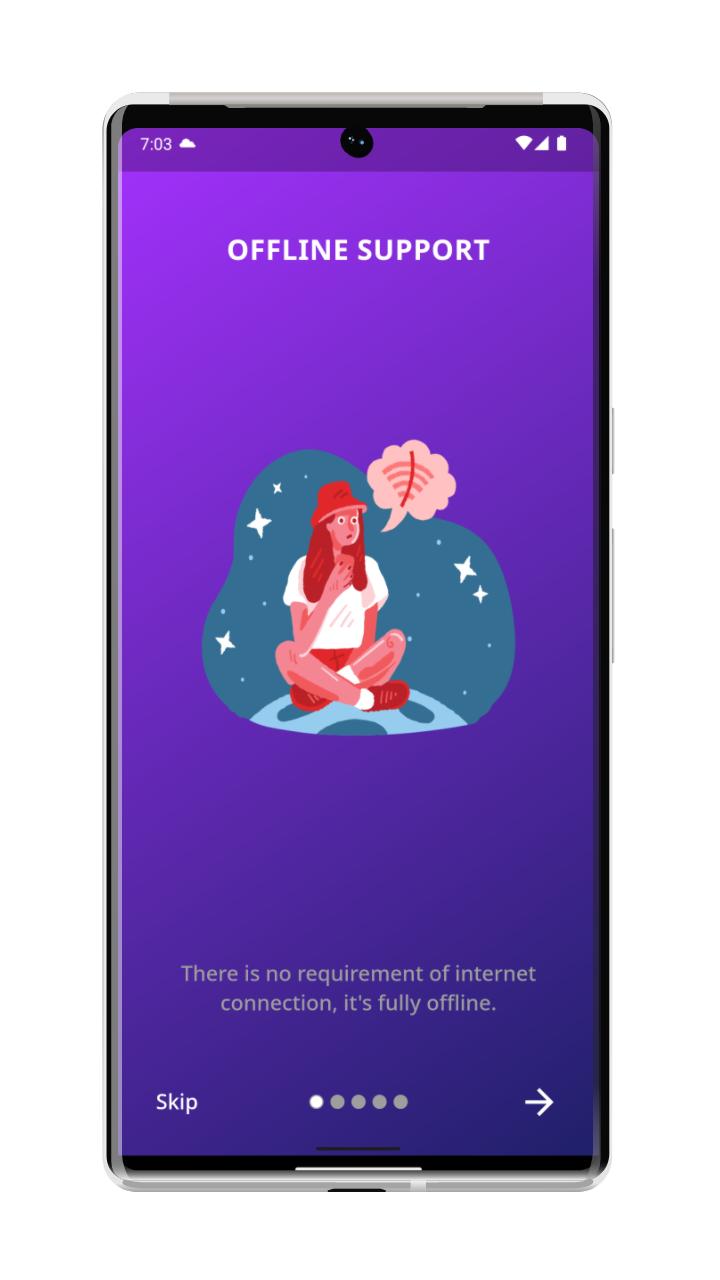
typing monkey is a typing speed test app in which you will be able to measure or test your typing speed. this app supports 100% offline feature, so if you don't have internet connection then also you will be able to use this app.In this app, we provides letter highlight on error or success so it will be easy for you to identify easily on typing.
This app is build for "Government exam" typing learning on android phones.
Language Available for Typing :-
1) English
Key Feature :-
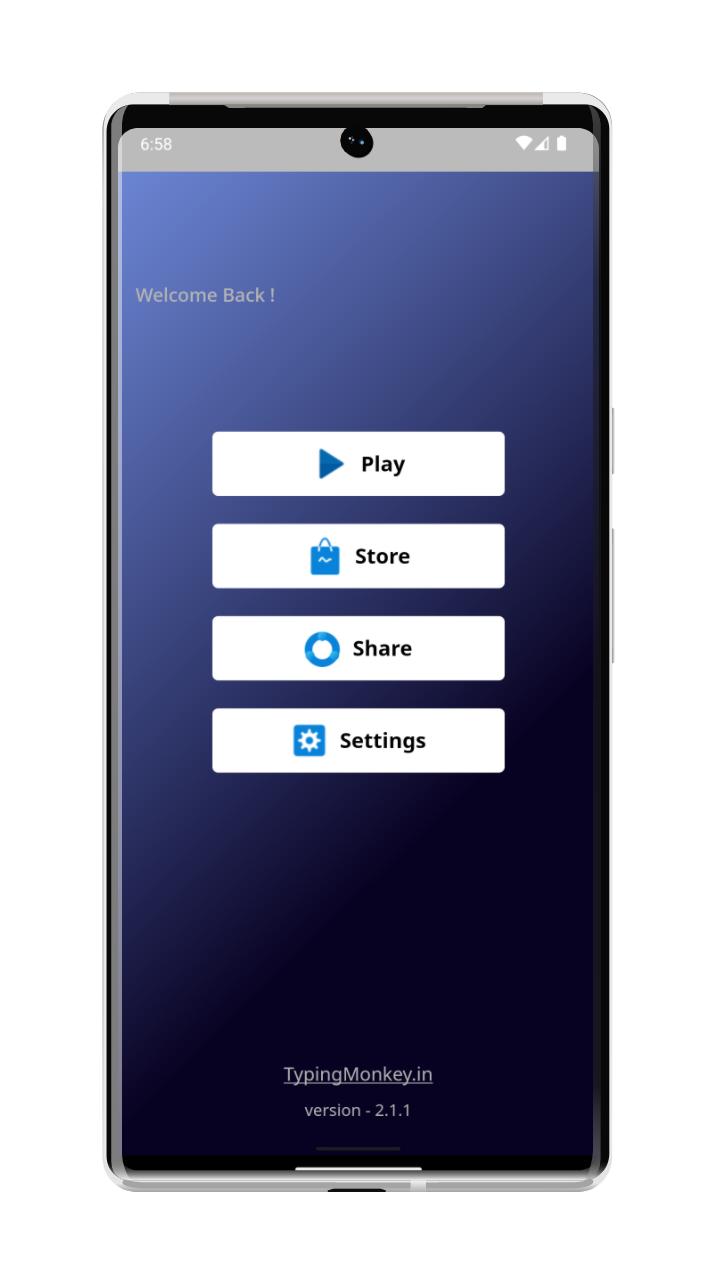
1) key practice - in this app you will able to learn where you put you finger for fast typing on keyboard key.
2) word practice -in word practice, you will lean how to type words fastly on keyboard with multiple lessons.
3) paragraph practice - in sentence practice, you will be able to learn how to type capital letter and many things in the paragraph easily
4) sentence drill - In this you will be able too lean how to type sentences using keyboard with many lessons
5) score board - this will display your typing speed, accuracy and typing key difficulties to improve your typing speed with less error in the words.
typing screen shows information like:-
1) timer
2) WPM
3) Progress
it's 100% keyboard supports so if you want get exist from typing speed test screen you can go back using your keyboard.
Preview
Tags
EducationInformation
Developer
Panther Nine
Latest Version
3.0.0
Last Updated
2025-09-01
Category
Education
Available on
Google Play
Show More
How to play Typing Monkey: a typing master with GameLoop on PC
1. Download GameLoop from the official website, then run the exe file to install GameLoop
2. Open GameLoop and search for “Typing Monkey: a typing master” , find Typing Monkey: a typing master in the search results and click “Install”
3. Enjoy playing Typing Monkey: a typing master on GameLoop
Minimum requirements
OS
Windows 8.1 64-bit or Windows 10 64-bit
GPU
GTX 1050
CPU
i3-8300
Memory
8GB RAM
Storage
1GB available space
Recommended requirements
OS
Windows 8.1 64-bit or Windows 10 64-bit
GPU
GTX 1050
CPU
i3-9320
Memory
16GB RAM
Storage
1GB available space