Mathematics Graph Calculator PC
Aurelien Texier
Download Mathematics Graph Calculator on PC With GameLoop Emulator
Mathematics Graph Calculator on PC
Mathematics Graph Calculator, coming from the developer Aurelien Texier, is running on Android systerm in the past.
Now, You can play Mathematics Graph Calculator on PC with GameLoop smoothly.
Download it in the GameLoop library or search results. No more eyeing the battery or frustrating calls at the wrong time any more.
Just enjoy Mathematics Graph Calculator PC on the large screen for free!
Mathematics Graph Calculator Introduction
📊 Mathematics – Powerful Graphing Calculator
Mathematics is a fast and intuitive graphing calculator designed to help you visualize mathematical functions directly on your Android device.
Whether you are a student, teacher, engineer, or math enthusiast, this app lets you explore equations, curves, and derivatives with clarity and precision.
✏️ Key Features
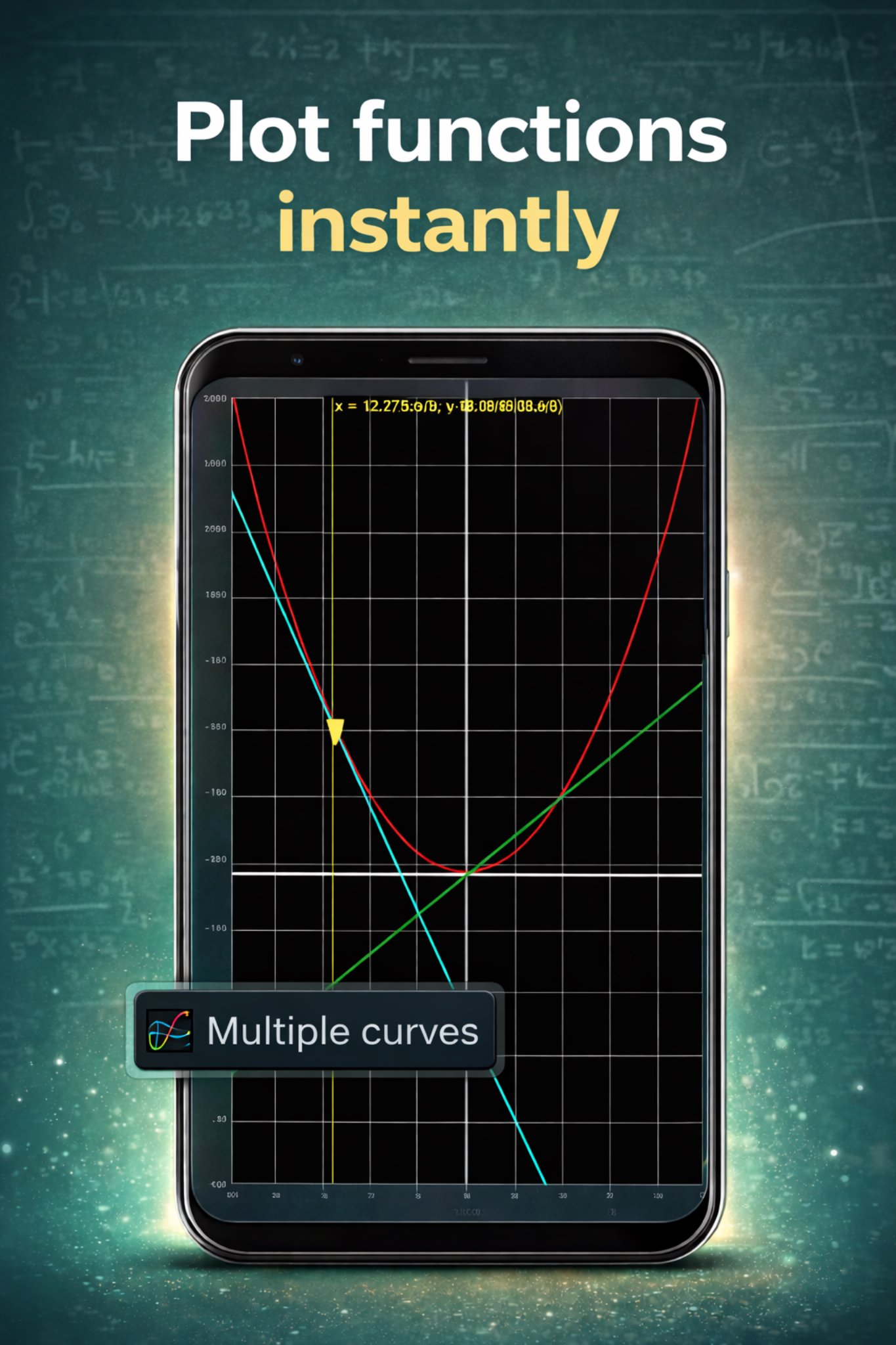
✔️ Plot mathematical functions f(x) instantly
✔️ Display derivatives f′(x) on the same graph
✔️ Visualize the tangent line at any point
✔️ Interactive tracing with real-time coordinates
✔️ Adjustable X and Y axis ranges
✔️ Generate tables of values between chosen bounds
✔️ Export and share graphs as images
✔️ Clean interface, optimized for mobile screens
📐 Supported Functions
You can plot a wide range of expressions, including:
• Linear and polynomial functions
• Trigonometric functions: sin, cos, tan
• Exponential and logarithmic functions
• Composite functions
• Constants such as π
Examples:
f(x) = 3x²
f(x) = cos(x)
f(x) = exp(-3x)
f(x) = ln(x + 10)
f(x) = x·sin(x) − 6/x
🎓 Who Is This App For?
• High school and university students
• Teachers and educators
• Engineers and scientists
• Anyone learning or practicing mathematics
Mathematics can replace a scientific calculator for many graphing and analysis tasks.
📱 Simple, Fast, Educational
No complex menus. No unnecessary clutter.
Just enter your formula and see the math come alive.
🚀 Download Mathematics Today
Improve your understanding of functions, derivatives, and curves with an intuitive math visualization tool built for Android.
Preview

Tags
EducationInformation
Developer
Aurelien Texier
Latest Version
7.2
Last Updated
2025-11-23
Category
Education
Available on
Google Play
Show More
How to play Mathematics Graph Calculator with GameLoop on PC
1. Download GameLoop from the official website, then run the exe file to install GameLoop
2. Open GameLoop and search for “Mathematics Graph Calculator” , find Mathematics Graph Calculator in the search results and click “Install”
3. Enjoy playing Mathematics Graph Calculator on GameLoop
Minimum requirements
OS
Windows 8.1 64-bit or Windows 10 64-bit
GPU
GTX 1050
CPU
i3-8300
Memory
8GB RAM
Storage
1GB available space
Recommended requirements
OS
Windows 8.1 64-bit or Windows 10 64-bit
GPU
GTX 1050
CPU
i3-9320
Memory
16GB RAM
Storage
1GB available space