
Clefs: Music Reading Trainer PC
Crazy Ootka Software AB
Download Clefs: Music Reading Trainer on PC With GameLoop Emulator
Clefs: Music Reading Trainer on PC
Clefs: Music Reading Trainer, coming from the developer Crazy Ootka Software AB, is running on Android systerm in the past.
Now, You can play Clefs: Music Reading Trainer on PC with GameLoop smoothly.
Download it in the GameLoop library or search results. No more eyeing the battery or frustrating calls at the wrong time any more.
Just enjoy Clefs: Music Reading Trainer PC on the large screen for free!
Clefs: Music Reading Trainer Introduction
Ever wondered how to read those mysterious signs on five lines? What is a treble clef? What is a bass clef? Sight reading? Prima vista?
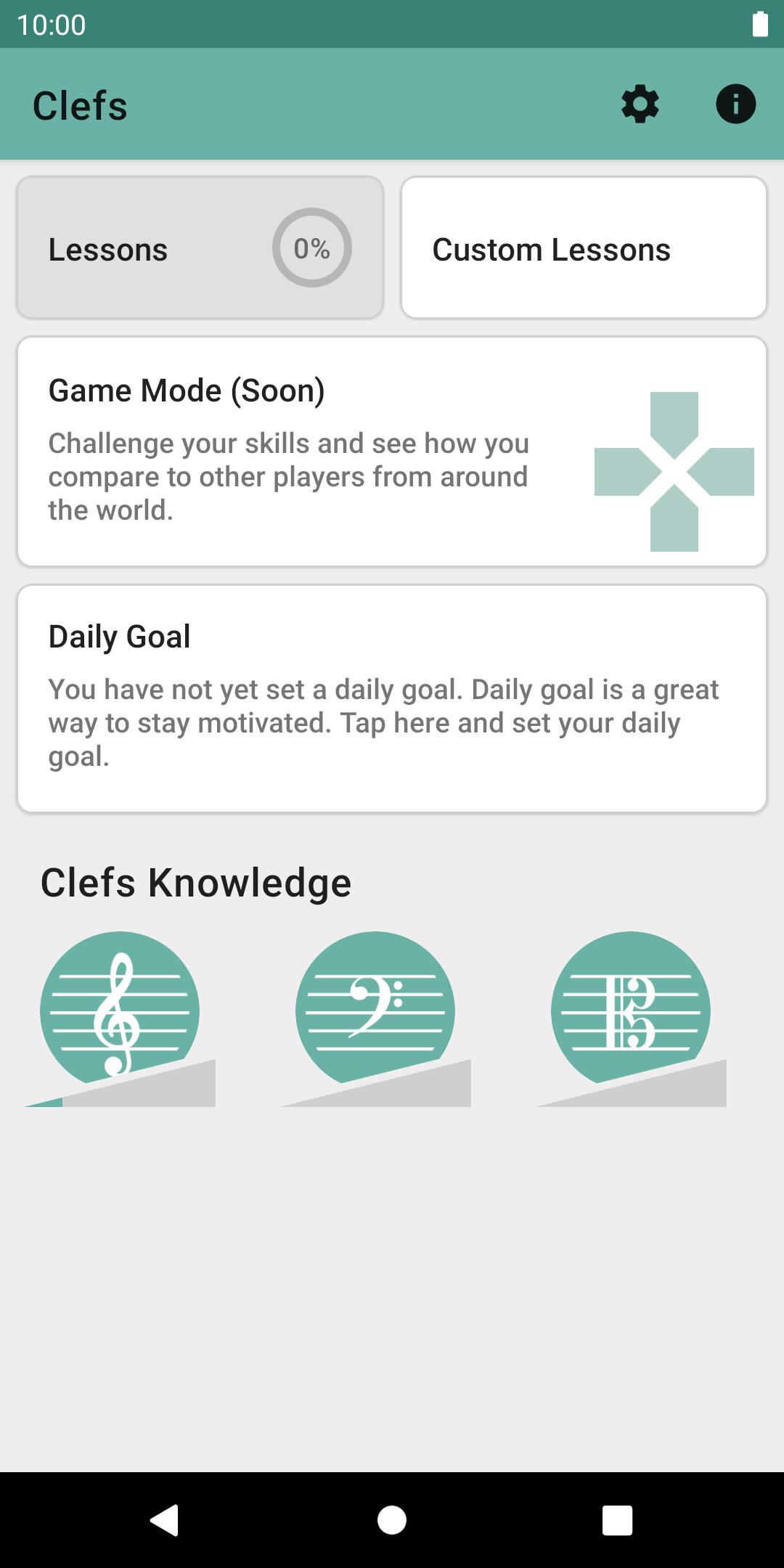
Clefs is the ultimate application that will help you find answers to these questions and so much more. You will learn how to read sheet music and how to write music down on the stave.
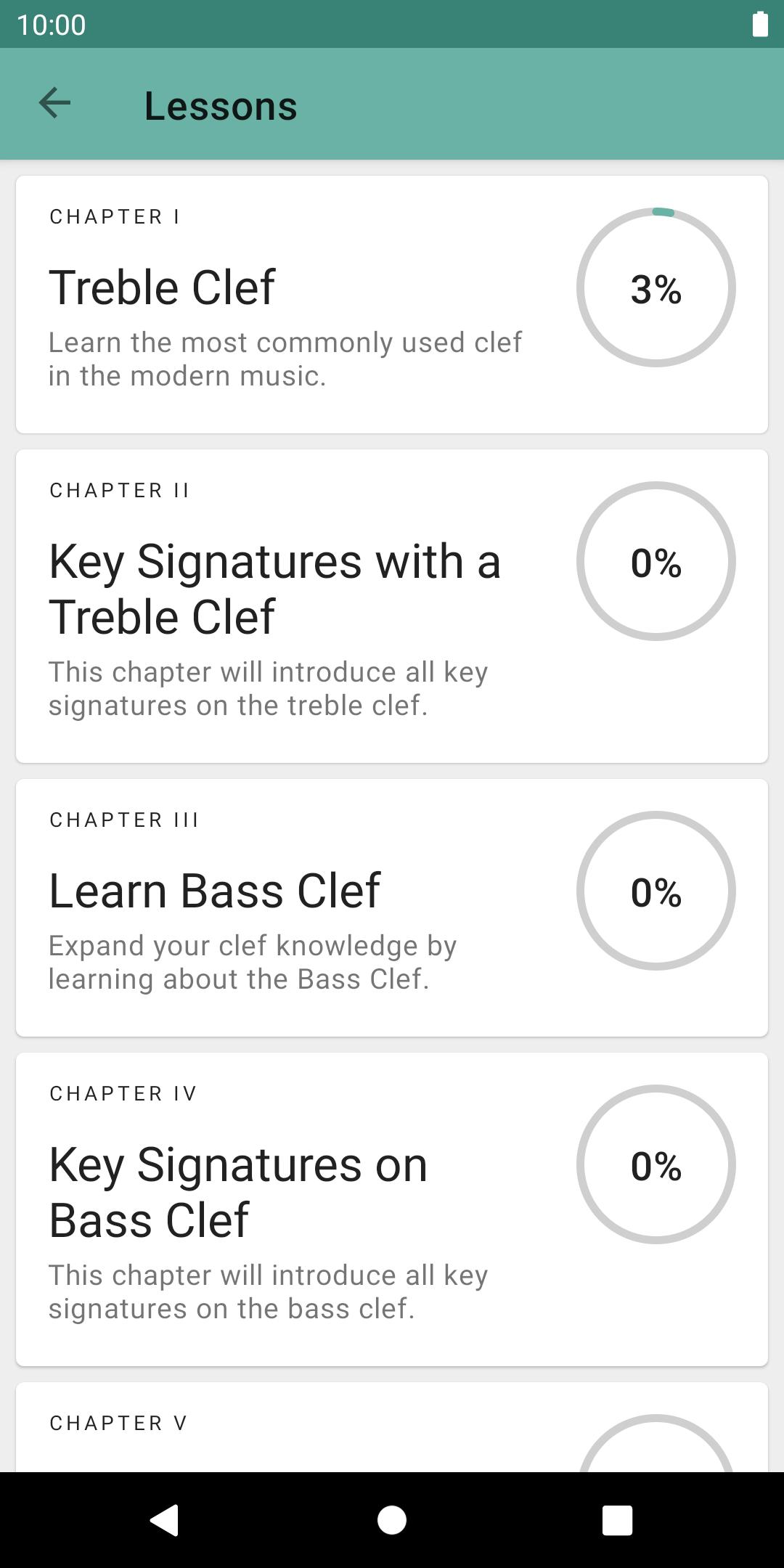
Clefs includes a course seven chapters of total over 200 music reading and writing lessons designed in progression from simplest to most difficult to teach you reading music on most popular clefs in modern music. A powerful custom exercise editor will empower you to create fine tuned exercises for your demands and needs.
Features:
* More than 200 music reading and writing lessons split into 7 chapters with exams
* Powerful custom lesson editor
* Introductory theory for each chapter
* Detailed daily statistics
* Daily exercises generated specifically for you
* Support for using your MIDI-keyboard in sight reading exercises
* Competitive Game mode (coming soon)
* Simple and beautiful design supporting light and dark themes.
Clef comes from developers of Perfect Ear - a highly rated the most downloaded music education app in the Play Store.
Preview
Tags
EducationInformation
Developer
Crazy Ootka Software AB
Latest Version
1.0.51
Last Updated
2024-11-13
Category
Education
Available on
Google Play
Show More
How to play Clefs: Music Reading Trainer with GameLoop on PC
1. Download GameLoop from the official website, then run the exe file to install GameLoop
2. Open GameLoop and search for “Clefs: Music Reading Trainer” , find Clefs: Music Reading Trainer in the search results and click “Install”
3. Enjoy playing Clefs: Music Reading Trainer on GameLoop
Minimum requirements
OS
Windows 8.1 64-bit or Windows 10 64-bit
GPU
GTX 1050
CPU
i3-8300
Memory
8GB RAM
Storage
1GB available space
Recommended requirements
OS
Windows 8.1 64-bit or Windows 10 64-bit
GPU
GTX 1050
CPU
i3-9320
Memory
16GB RAM
Storage
1GB available space