ChildPlus Attendance PC
ChildPlus Software
Download ChildPlus Attendance on PC With GameLoop Emulator
ChildPlus Attendance on PC
ChildPlus Attendance, coming from the developer ChildPlus Software, is running on Android systerm in the past.
Now, You can play ChildPlus Attendance on PC with GameLoop smoothly.
Download it in the GameLoop library or search results. No more eyeing the battery or frustrating calls at the wrong time any more.
Just enjoy ChildPlus Attendance PC on the large screen for free!
ChildPlus Attendance Introduction
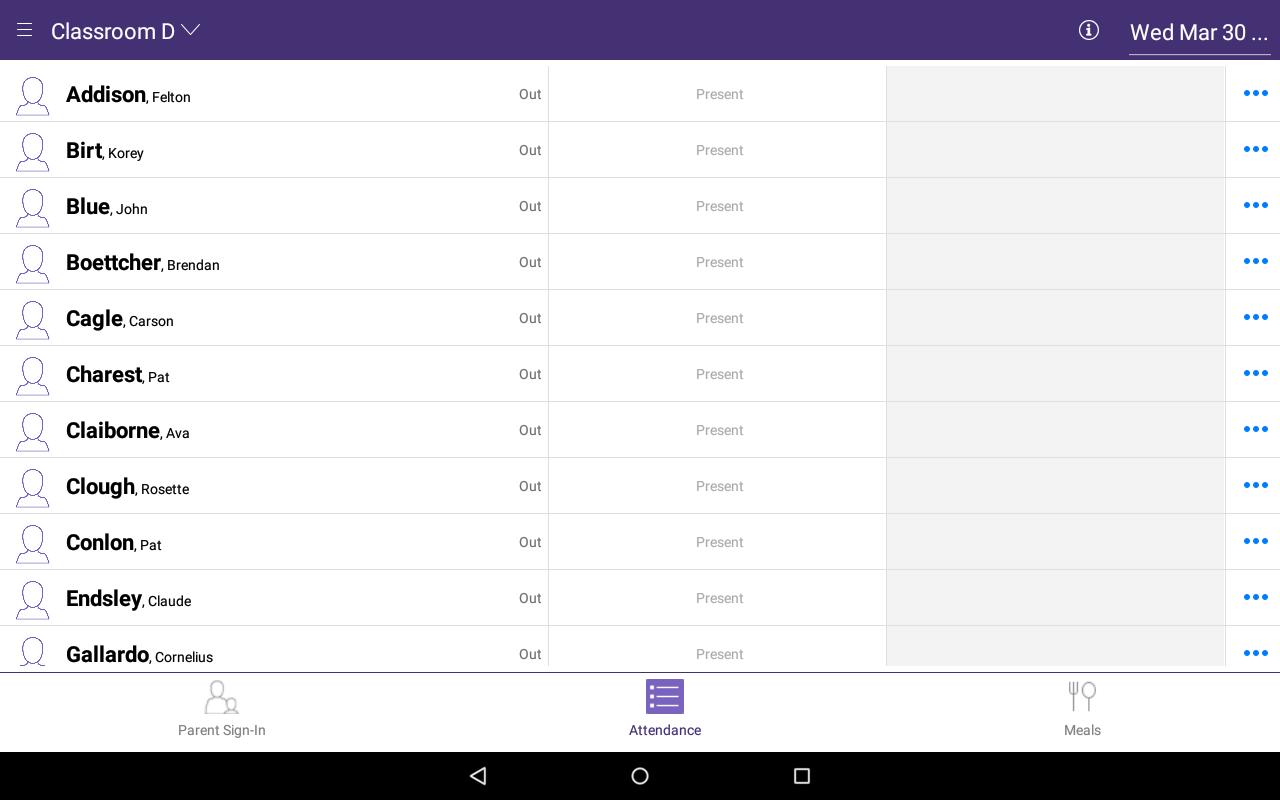
Take attendance for your Head Start and Early Head Start classrooms from your tablet! Teachers or parents can use the ChildPlus Attendance App in the classroom to check children in and out each day or use the app at your attendance kiosk at your receptionist desk. The ChildPlus Attendance App records:
• Exact arrival and departure times at check in/out for accurate attendance.
• Signatures of who dropped off or picked up a child create accountability.
• Meal counts at point of service for CACFP.
Who Can Use This App
This app is designed for use with the ChildPlus Head Start data management system. Users must already have a ChildPlus subscription, the Attendance App option enabled in ChildPlus, and valid login credentials for your ChildPlus database.
About ChildPlus
ChildPlus is the leading professional Head Start management software and provides data tracking for 3 out of every 4 Head Start children. With over 30 years of experience providing quality software and service, ChildPlus knows what your Head Start agency needs to succeed. Visit our website to watch videos and learn more about ChildPlus.
Preview
Tags
EducationInformation
Developer
ChildPlus Software
Latest Version
2.7.0
Last Updated
2024-02-05
Category
Education
Available on
Google Play
Show More
How to play ChildPlus Attendance with GameLoop on PC
1. Download GameLoop from the official website, then run the exe file to install GameLoop
2. Open GameLoop and search for “ChildPlus Attendance” , find ChildPlus Attendance in the search results and click “Install”
3. Enjoy playing ChildPlus Attendance on GameLoop
Minimum requirements
OS
Windows 8.1 64-bit or Windows 10 64-bit
GPU
GTX 1050
CPU
i3-8300
Memory
8GB RAM
Storage
1GB available space
Recommended requirements
OS
Windows 8.1 64-bit or Windows 10 64-bit
GPU
GTX 1050
CPU
i3-9320
Memory
16GB RAM
Storage
1GB available space