
Hachette Learning eBooks PC
Hachette UK
Download Hachette Learning eBooks on PC With GameLoop Emulator
Hachette Learning eBooks on PC
Hachette Learning eBooks, coming from the developer Hachette UK, is running on Android systerm in the past.
Now, You can play Hachette Learning eBooks on PC with GameLoop smoothly.
Download it in the GameLoop library or search results. No more eyeing the battery or frustrating calls at the wrong time any more.
Just enjoy Hachette Learning eBooks PC on the large screen for free!
Hachette Learning eBooks Introduction
Hachette Learning eBooks are interactive, accessible and flexible. Our personalised eBooks allow you to take control of your learning – anytime, anywhere.
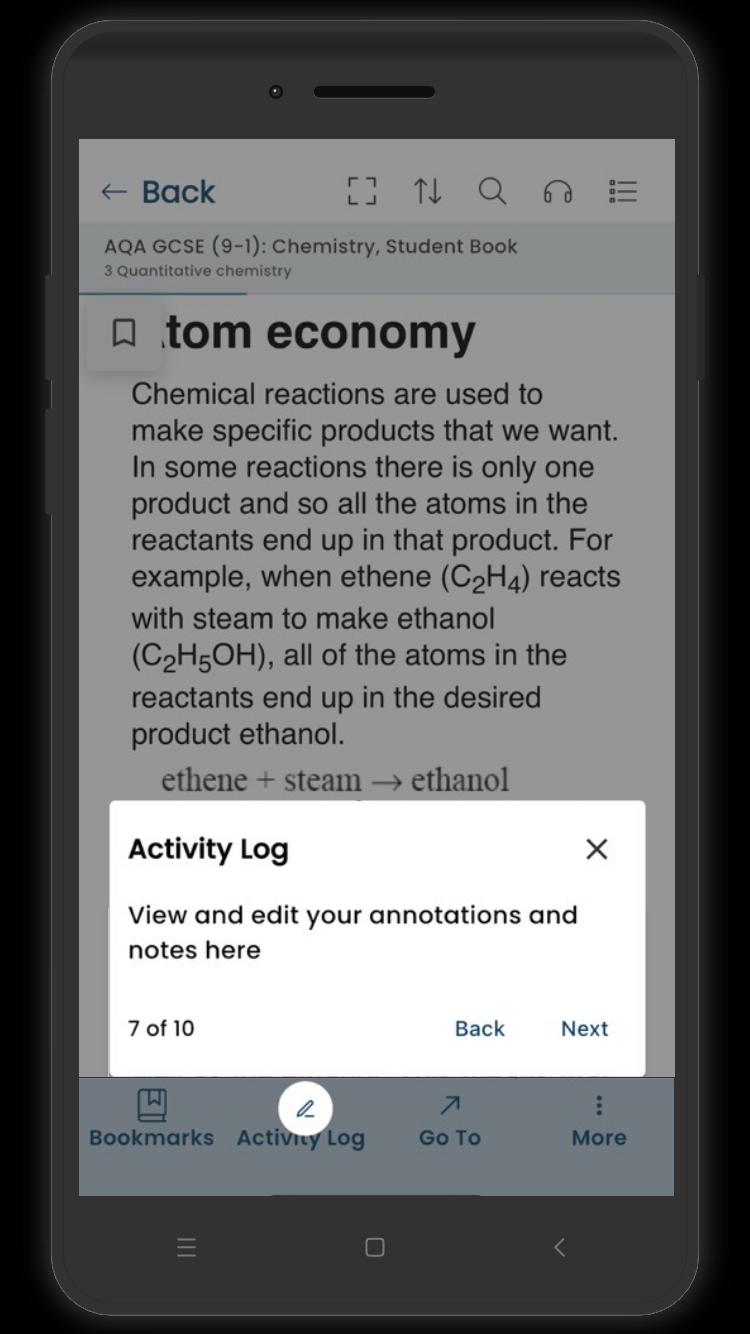
- Personalise: easily navigate the eBooks with search, zoom and an image gallery. Make it your own with notes, bookmarks and highlights.
- Revise: select key facts and definitions in the text and save them as flashcards for revision.
- Listen: use text-to-speech to make the content more accessible to students and improve comprehension and pronunciation.
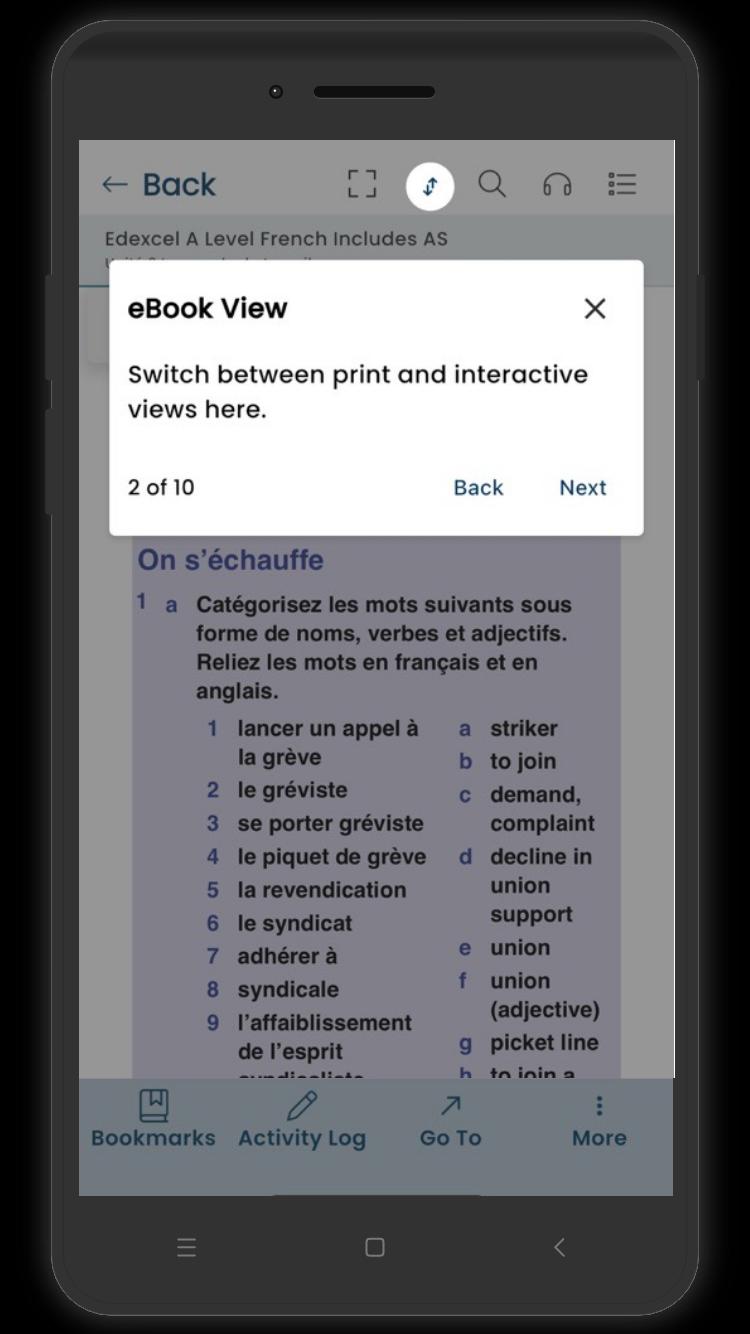
- Switch: seamlessly move between the printed view and the interactive view.
- Translate: highlight sections of the eBook text and translate into six available languages, including Spanish, Arabic and French.
- Download: access the eBook offline on any device – in school, at home or on the move.
We’d love to hear what you think of our eBooks app. Leave a comment below or get in touch with us at www.hachettelearning.com/contact-us
Preview
Tags
EducationInformation
Developer
Hachette UK
Latest Version
1.0.315.3
Last Updated
2025-09-30
Category
Education
Available on
Google Play
Show More
How to play Hachette Learning eBooks with GameLoop on PC
1. Download GameLoop from the official website, then run the exe file to install GameLoop
2. Open GameLoop and search for “Hachette Learning eBooks” , find Hachette Learning eBooks in the search results and click “Install”
3. Enjoy playing Hachette Learning eBooks on GameLoop
Minimum requirements
OS
Windows 8.1 64-bit or Windows 10 64-bit
GPU
GTX 1050
CPU
i3-8300
Memory
8GB RAM
Storage
1GB available space
Recommended requirements
OS
Windows 8.1 64-bit or Windows 10 64-bit
GPU
GTX 1050
CPU
i3-9320
Memory
16GB RAM
Storage
1GB available space