TestDriller BECE 2026 PC
IAF SAWII Limited
Download TestDriller BECE 2026 on PC With GameLoop Emulator
TestDriller BECE 2026 on PC
TestDriller BECE 2026, coming from the developer IAF SAWII Limited, is running on Android systerm in the past.
Now, You can play TestDriller BECE 2026 on PC with GameLoop smoothly.
Download it in the GameLoop library or search results. No more eyeing the battery or frustrating calls at the wrong time any more.
Just enjoy TestDriller BECE 2026 PC on the large screen for free!
TestDriller BECE 2026 Introduction
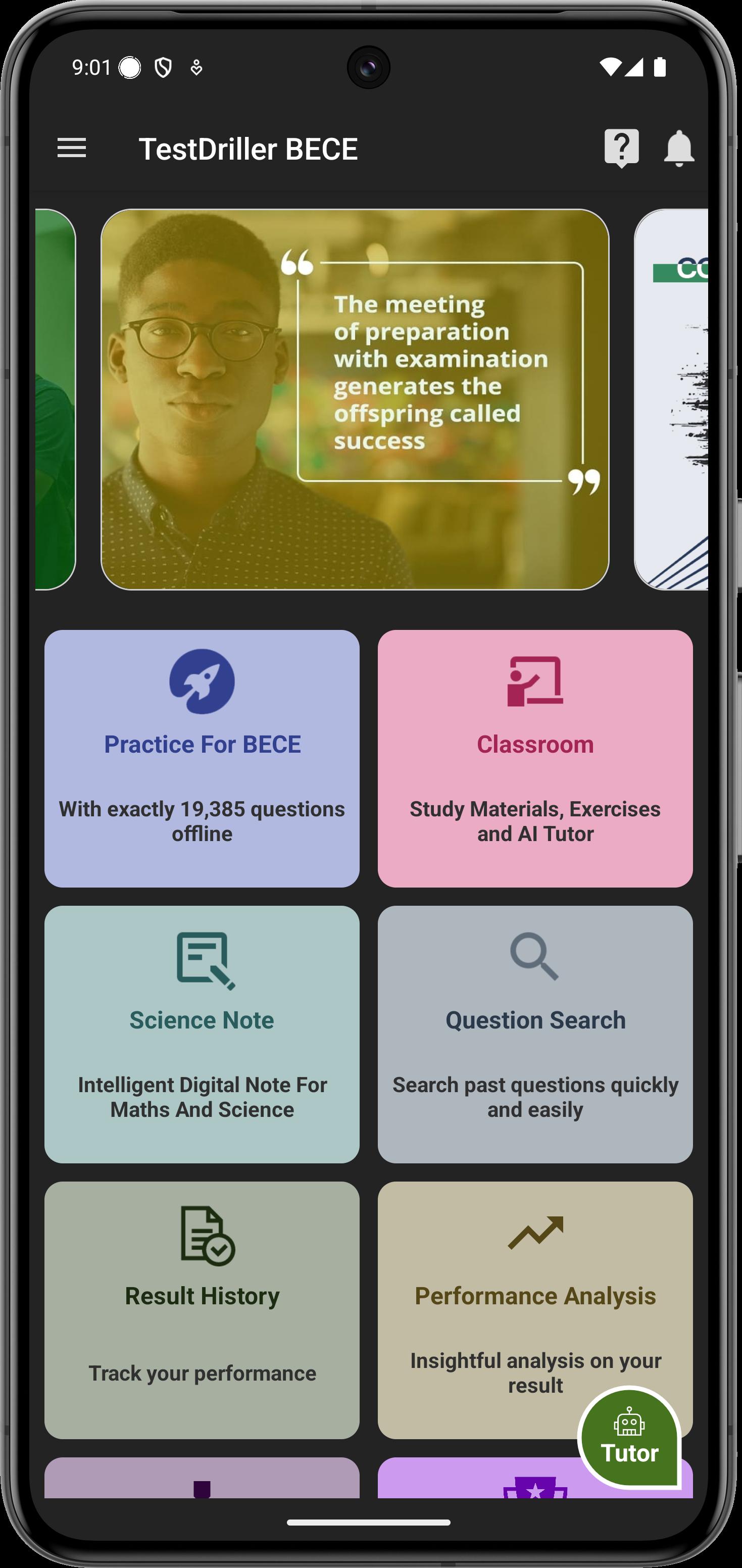
TestDriller for BECE is a comprehensive offline e-learning and testing app that helps candidates prepare effectively for Junior WAEC (BECE). It combines past questions, classroom materials, AI Tutor, Science Note, flashcards, and more—everything you need to succeed.
The app works offline, giving you the freedom to study anytime, anywhere.
Key Features
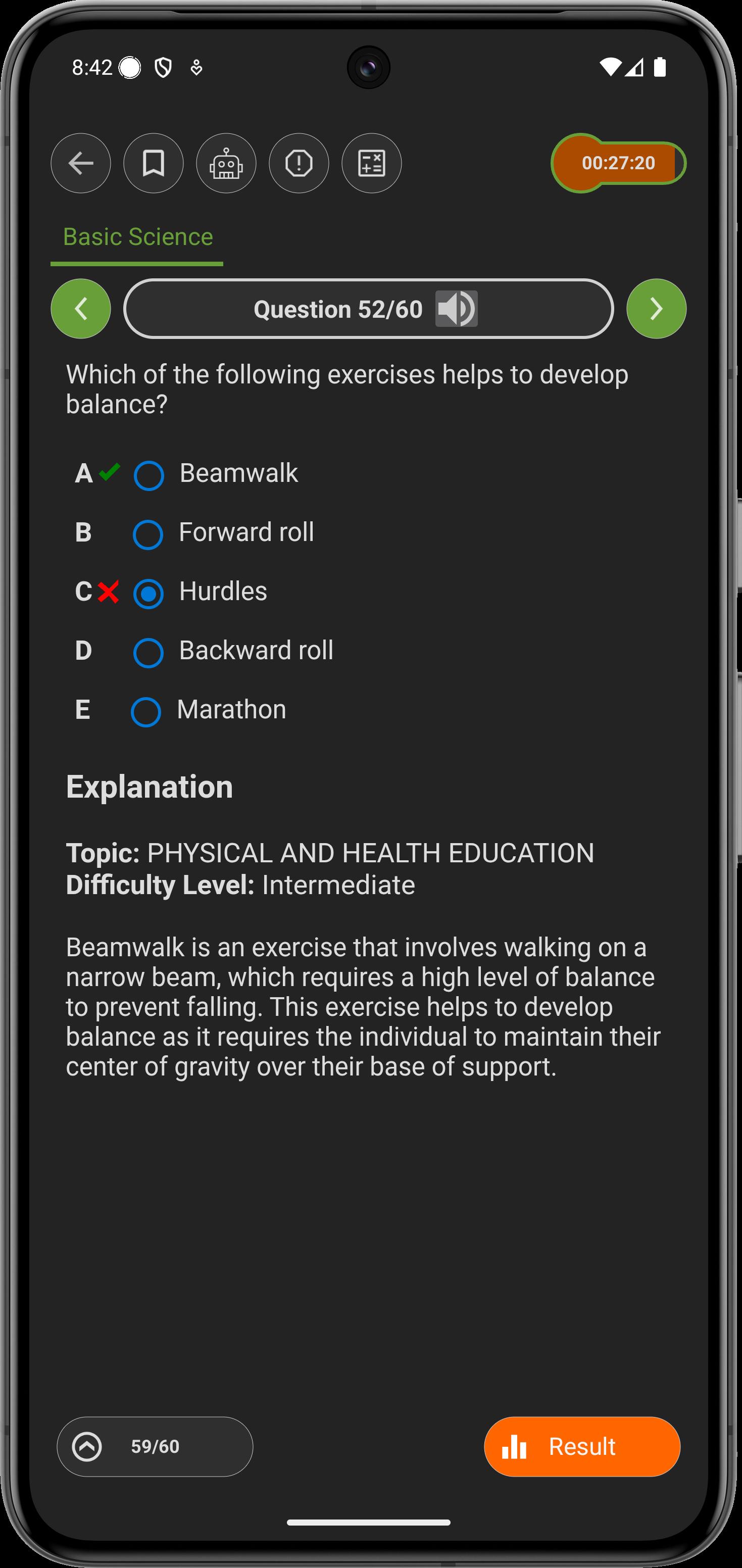
• Extensive Question Bank – practice authentic BECE past questions with detailed explanations.
• Classroom – access curriculum-based study materials, interactive exercises, and get instant help from the AI Tutor powered by ChatGPT.
• Flashcards – revise faster with lesson summaries in flashcard format.
• Science Note – solve math and science problems easily with our intelligent digital notebook.
• Practice by Topics – focus on specific topics to build mastery.
• BECE Challenge – compete with your peers nationwide and win prizes.
• Rich Results – view corrections in result history and get advanced performance analysis.
• Educational Games – learn while having fun with interactive games.
• Dark Mode – enjoy a comfortable study experience anytime.
• Improved User Experience – smoother interface, updated materials (including new Literature questions), and enhanced performance tracking.
Disclaimer
TestDriller is not affiliated with NECO or WAEC. It is an independent platform designed to help students prepare adequately for their exams.
Preview
Tags
EducationInformation
Developer
IAF SAWII Limited
Latest Version
2026.01.7
Last Updated
2025-10-24
Category
Education
Available on
Google Play
Show More
How to play TestDriller BECE 2026 with GameLoop on PC
1. Download GameLoop from the official website, then run the exe file to install GameLoop
2. Open GameLoop and search for “TestDriller BECE 2026” , find TestDriller BECE 2026 in the search results and click “Install”
3. Enjoy playing TestDriller BECE 2026 on GameLoop
Minimum requirements
OS
Windows 8.1 64-bit or Windows 10 64-bit
GPU
GTX 1050
CPU
i3-8300
Memory
8GB RAM
Storage
1GB available space
Recommended requirements
OS
Windows 8.1 64-bit or Windows 10 64-bit
GPU
GTX 1050
CPU
i3-9320
Memory
16GB RAM
Storage
1GB available space