
Ayuscholar - E-School of Ayurv PC
Ayuscholar
Download Ayuscholar - E-School of Ayurv on PC With GameLoop Emulator
Ayuscholar - E-School of Ayurv on PC
Ayuscholar - E-School of Ayurv, coming from the developer Ayuscholar, is running on Android systerm in the past.
Now, You can play Ayuscholar - E-School of Ayurv on PC with GameLoop smoothly.
Download it in the GameLoop library or search results. No more eyeing the battery or frustrating calls at the wrong time any more.
Just enjoy Ayuscholar - E-School of Ayurv PC on the large screen for free!
Ayuscholar - E-School of Ayurv Introduction
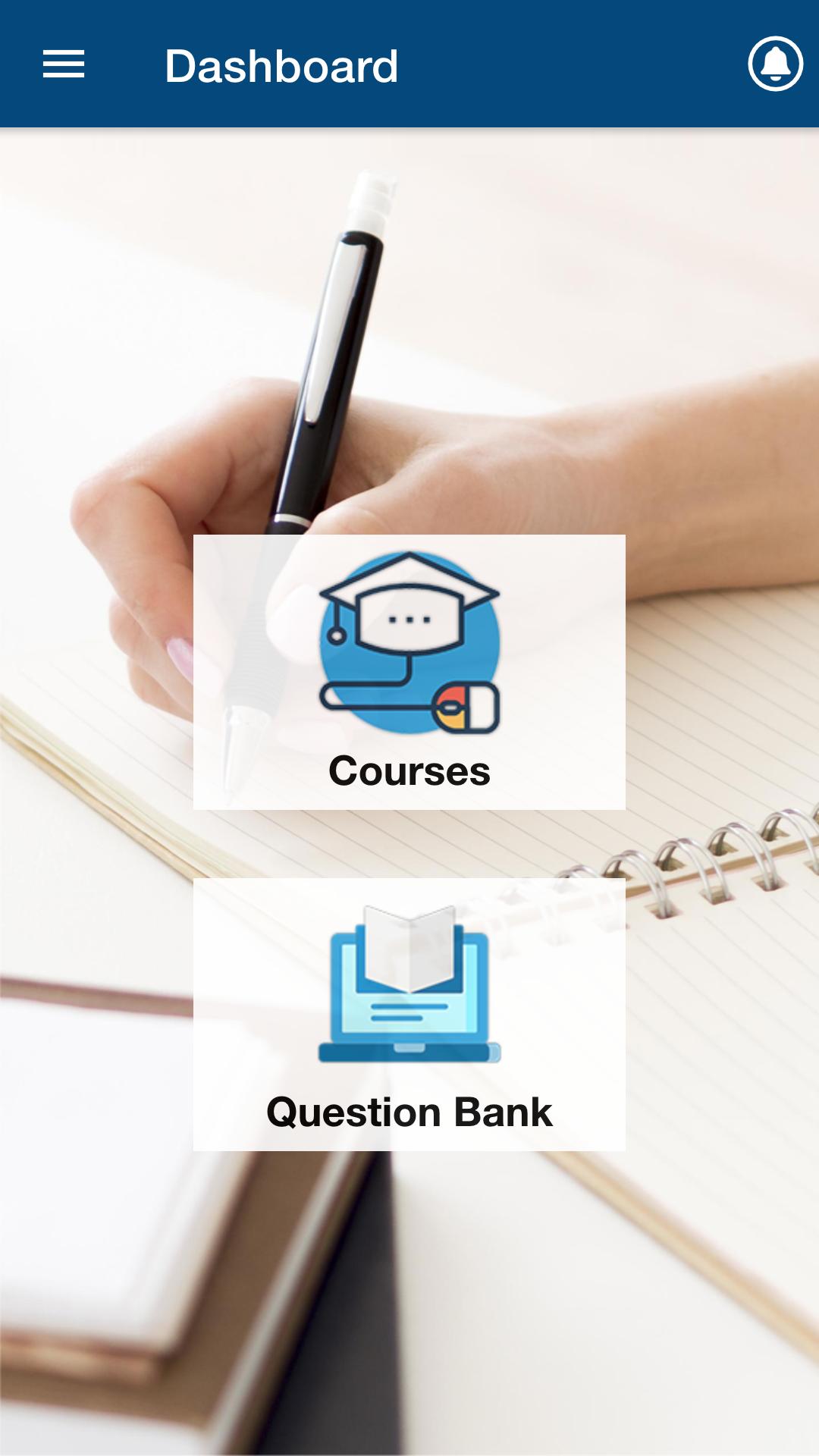
AyuScholar ( E- School of Ayurveda ) is a pioneer in advanced learning ; an online platform for the aspirants of AIAPGET (Ayurveda). It aims to provide guidance and teachings to the aspiring students who are dedicated and want to achieve excellence in their career.
Ayuscholar app & website is owned by Ayuscholar Education Private Limited registered address is F-332 , KH NO-203 , Street NO. 7 GANGA VIHAR , Delhi DL 110094 IN.
It is an integrated effort by the top mentors for AIAPGET ( Top rankers ) in Ayurveda for teaching , guidance , counselling , personal assistance and motivation to help you reach your highest potential.
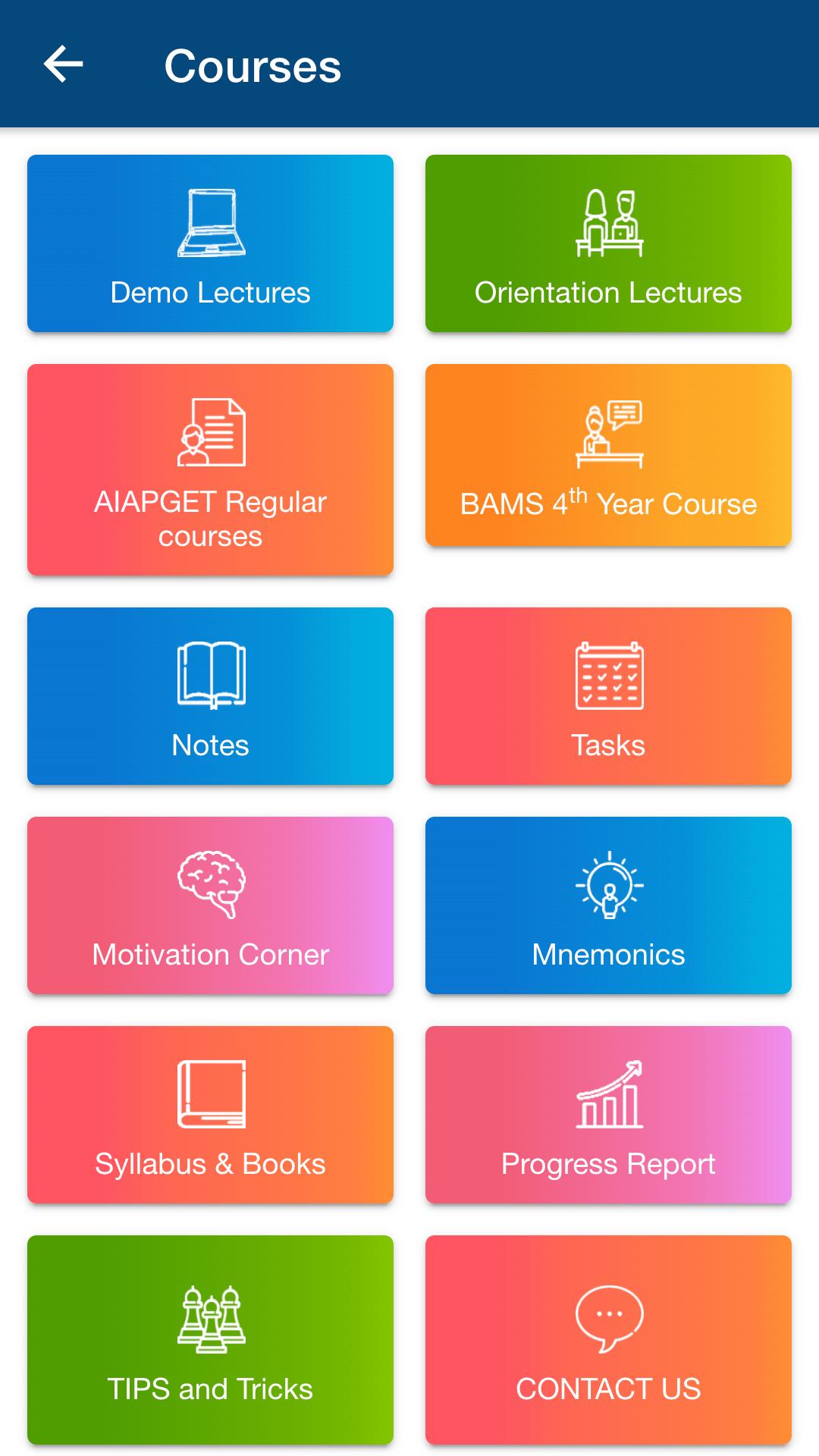
The platform has 600+ hours of video lectures containing complete syllabus of AIAPGET. The classes are structured based on the recent exam pattern with the principle of consistency and hard work.
QBank with a vast number of MCQs.
The content is systematically organised based on the new AIAPGET exam pattern.
It is an initiative to create an environment of learning and growth,
The motto of our classes “Education for Excellence” inspires us to achieve, create a conducive atmosphere for the students to learn their lessons well.
Preview
Tags
EducationInformation
Developer
Ayuscholar
Latest Version
2.1.5
Last Updated
2024-04-29
Category
Education
Available on
Google Play
Show More
How to play Ayuscholar - E-School of Ayurv with GameLoop on PC
1. Download GameLoop from the official website, then run the exe file to install GameLoop
2. Open GameLoop and search for “Ayuscholar - E-School of Ayurv” , find Ayuscholar - E-School of Ayurv in the search results and click “Install”
3. Enjoy playing Ayuscholar - E-School of Ayurv on GameLoop
Minimum requirements
OS
Windows 8.1 64-bit or Windows 10 64-bit
GPU
GTX 1050
CPU
i3-8300
Memory
8GB RAM
Storage
1GB available space
Recommended requirements
OS
Windows 8.1 64-bit or Windows 10 64-bit
GPU
GTX 1050
CPU
i3-9320
Memory
16GB RAM
Storage
1GB available space