
Conversations by Brevo PC
Sendinblue
Download Conversations by Brevo on PC With GameLoop Emulator
Conversations by Brevo on PC
Conversations by Brevo, coming from the developer Sendinblue, is running on Android systerm in the past.
Now, You can play Conversations by Brevo on PC with GameLoop smoothly.
Download it in the GameLoop library or search results. No more eyeing the battery or frustrating calls at the wrong time any more.
Just enjoy Conversations by Brevo PC on the large screen for free!
Conversations by Brevo Introduction
Seamlessly communicate with leads and customers in real time with personalized chat tools. Use our live chat, universal inbox and chatbot to convert web visitors into customers, save time with automated replies and delight customers with instant support.
This mobile app is for managing Conversations on Brevo. For the full Brevo experience including campaigns, please visit brevo.com with your desktop.
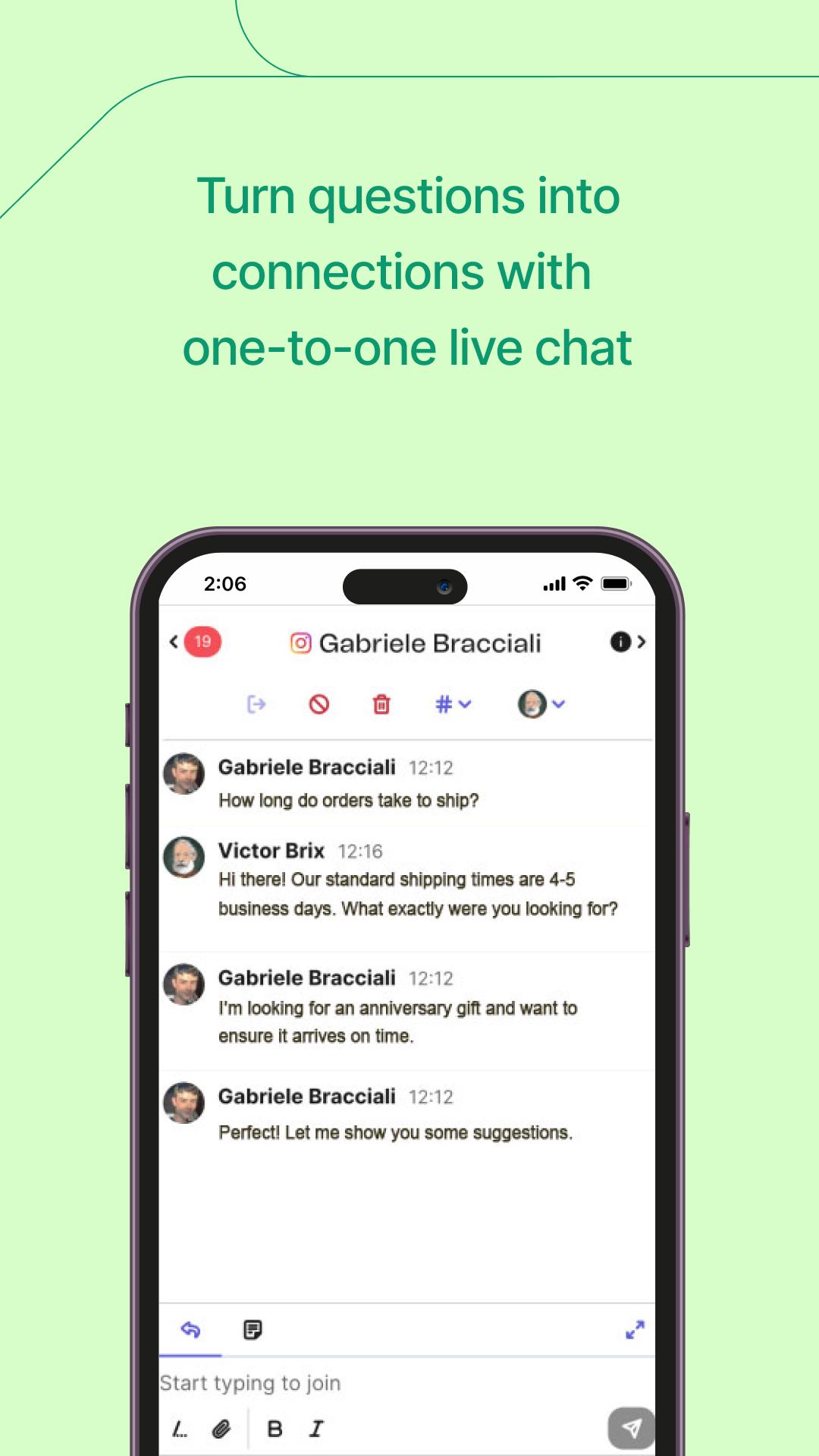
LIVE CHAT: Drive real-time visitor engagement, make more sales and build brand loyalty with personalized interactions.
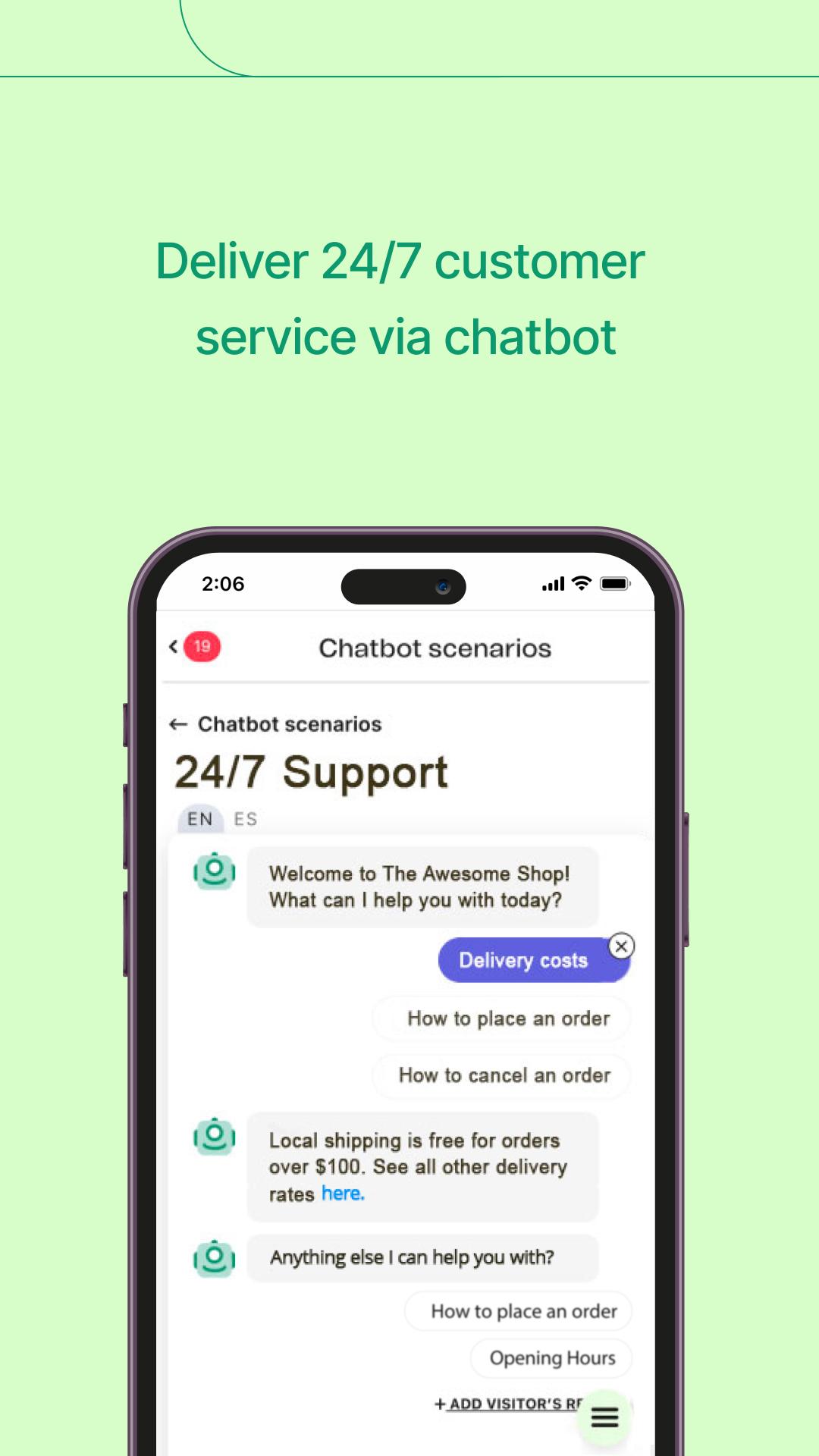
CHATBOT: Grow your contact list and boost efficiency with automated lead capture and FAQ answers.
UNIVERSAL INBOX: Meet customers on their preferred communication channel and manage all conversations from one convenient spot. Connect your live chat, WhatsApp, Instagram, Facebook and email accounts.
VISITOR INTELLIGENCE: Start conversations or trigger automated messages based on visitor insights like their location or what’s in their shopping cart
CHAT REPORTS: Track customer satisfaction, chat volume, agent responsiveness and more.
MESSAGE ALERTS: Never miss an opportunity again by enabling mobile notifications and chatting on-the-go.
Preview
Tags
BusinessInformation
Developer
Sendinblue
Latest Version
2.11.0
Last Updated
2025-05-27
Category
Business
Available on
Google Play
Show More
How to play Conversations by Brevo with GameLoop on PC
1. Download GameLoop from the official website, then run the exe file to install GameLoop
2. Open GameLoop and search for “Conversations by Brevo” , find Conversations by Brevo in the search results and click “Install”
3. Enjoy playing Conversations by Brevo on GameLoop
Minimum requirements
OS
Windows 8.1 64-bit or Windows 10 64-bit
GPU
GTX 1050
CPU
i3-8300
Memory
8GB RAM
Storage
1GB available space
Recommended requirements
OS
Windows 8.1 64-bit or Windows 10 64-bit
GPU
GTX 1050
CPU
i3-9320
Memory
16GB RAM
Storage
1GB available space