Output Messenger PC
Srimax Software System
Download Output Messenger on PC With GameLoop Emulator
Output Messenger on PC
Output Messenger, coming from the developer Srimax Software System, is running on Android systerm in the past.
Now, You can play Output Messenger on PC with GameLoop smoothly.
Download it in the GameLoop library or search results. No more eyeing the battery or frustrating calls at the wrong time any more.
Just enjoy Output Messenger PC on the large screen for free!
Output Messenger Introduction
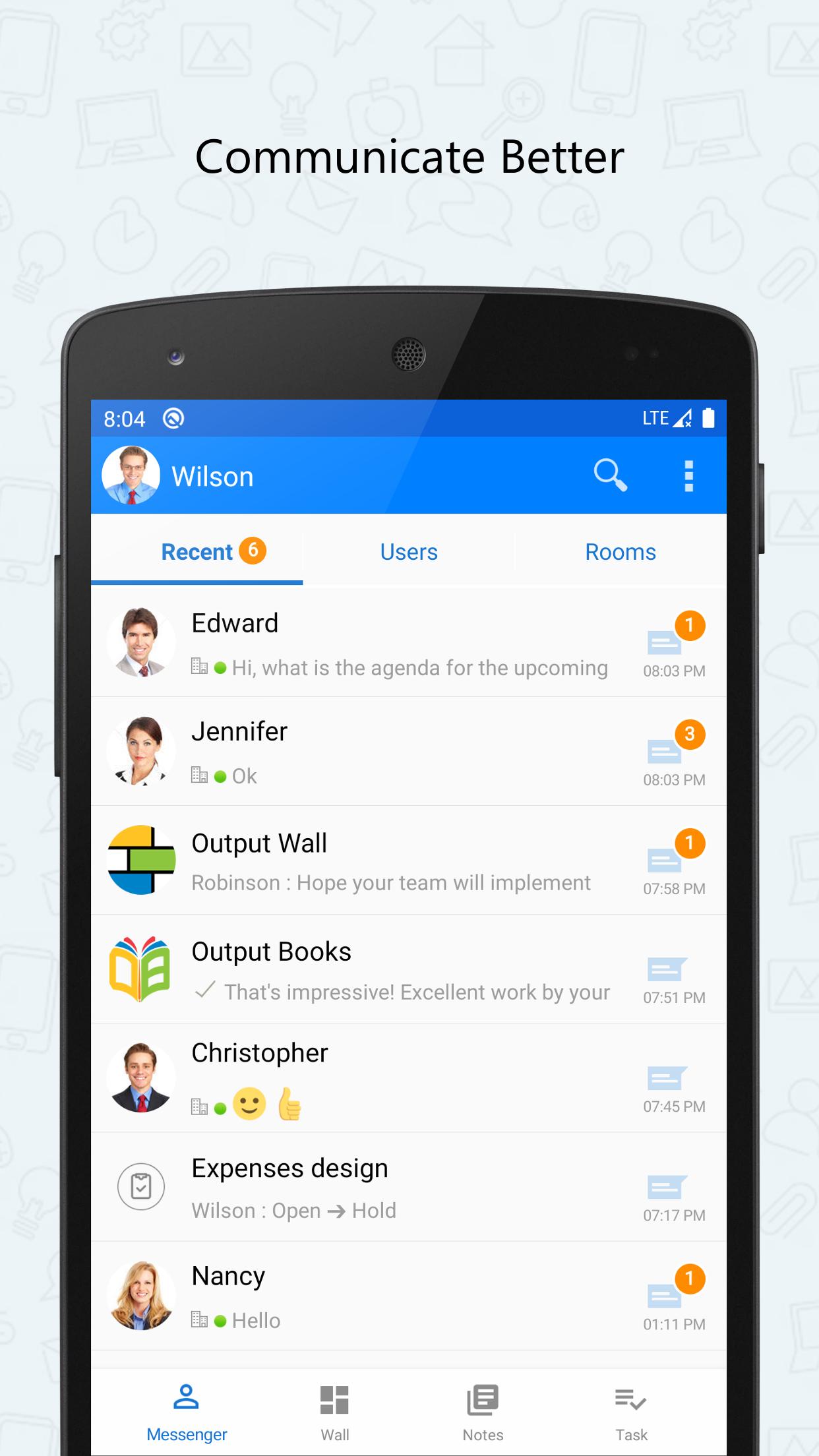
Output Messenger is designed to use as a private secure messenger for your Office. This intranet messenger improves internal communications, business productivity and relationships with colleagues inside Office.
IMPORTANT:
This app requires a Server application to be installed and running in your server.
The Public IP Address or Domain name of the server running host should be provided in this app to connect with server.
For more details on purchasing & installing Output Messenger:
http://www.outputmessenger.com/
This Android Mobile app extends the power of Output LAN Messenger to your Smartphone & Tablet bringing Instant Messaging, Group Chat, File Transfer and several other features. Software features are tailor made to improve collaboration between teams to work together efficiently within office campus's and remote sites. The On-premises server and high level encryption technology ensures privacy and confidentiality for internal communication in the small, medium and corporate environments, hospitals with HIPAA regulations, and in the government and banking sectors.
Android App & Desktop Features:
• One to One Private Text Chat
• Group Chat, Chat Room, Chat Group
• Send Files
• Send Voice Message
• Take Photo, Video and Send
• Scribble Pad
• Send Buzz
• OTR – Off the Record Messaging
• Read Notification
• Online Status
Additional Features for Desktop:
• Desktop Sharing Screen Sharing
• Voice & Video Calls & Conferencing
• Remote Desktop Screen Sharing
• Announcements, Internal Mailing, Sticky Notes, Remainders
Why this LAN Messenger?
• Easy to Use
• Quick Installation by anyone within 1 minute • Works in LAN, WAN, Wifi, VPN, Multiple Sub Networks, Terminal Service and Internet • Works in Windows, Mac, Linux, Browser, Free App for iOS and Android Phones & Tablets • Customizable Chat Server & Client Settings
Preview

Tags
BusinessInformation
Developer
Srimax Software System
Latest Version
1.0.110
Last Updated
2025-08-01
Category
Business
Available on
Google Play
Show More
How to play Output Messenger with GameLoop on PC
1. Download GameLoop from the official website, then run the exe file to install GameLoop
2. Open GameLoop and search for “Output Messenger” , find Output Messenger in the search results and click “Install”
3. Enjoy playing Output Messenger on GameLoop
Minimum requirements
OS
Windows 8.1 64-bit or Windows 10 64-bit
GPU
GTX 1050
CPU
i3-8300
Memory
8GB RAM
Storage
1GB available space
Recommended requirements
OS
Windows 8.1 64-bit or Windows 10 64-bit
GPU
GTX 1050
CPU
i3-9320
Memory
16GB RAM
Storage
1GB available space