
NYS Excelsior Pass Scanner PC
NYS Office of Information Technology Services
Download NYS Excelsior Pass Scanner on PC With GameLoop Emulator
NYS Excelsior Pass Scanner on PC
NYS Excelsior Pass Scanner, coming from the developer NYS Office of Information Technology Services, is running on Android systerm in the past.
Now, You can play NYS Excelsior Pass Scanner on PC with GameLoop smoothly.
Download it in the GameLoop library or search results. No more eyeing the battery or frustrating calls at the wrong time any more.
Just enjoy NYS Excelsior Pass Scanner PC on the large screen for free!
NYS Excelsior Pass Scanner Introduction
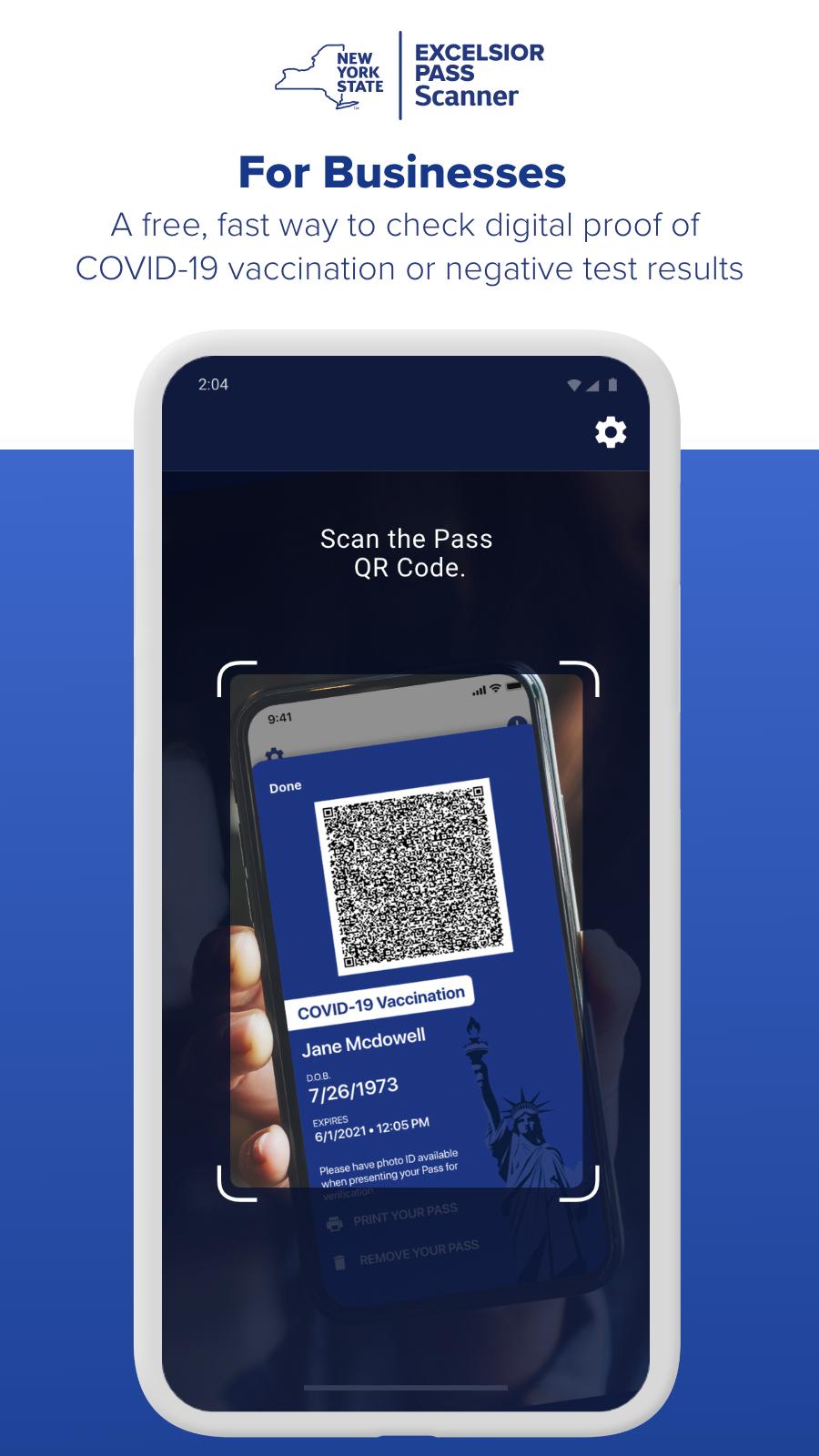
• A free, fast way to check digital proof of COVID-19 vaccination or negative test results.
• Become part of New York's Safe Reopening. For New York businesses, Excelsior Pass is the fastest and easiest way to accept proof of COVID-19 vaccination or negative test results to ensure compliance with State reopening guidelines.
• Sponsored by the State of New York, Excelsior Pass provides secure, digital proof of COVID-19 vaccination or negative test results.
• Excelsior pass is free to download and use.
• Similar to a mobile airline boarding pass, New Yorkers can store Passes digitally on their smartphones to present at participating businesses and venues.
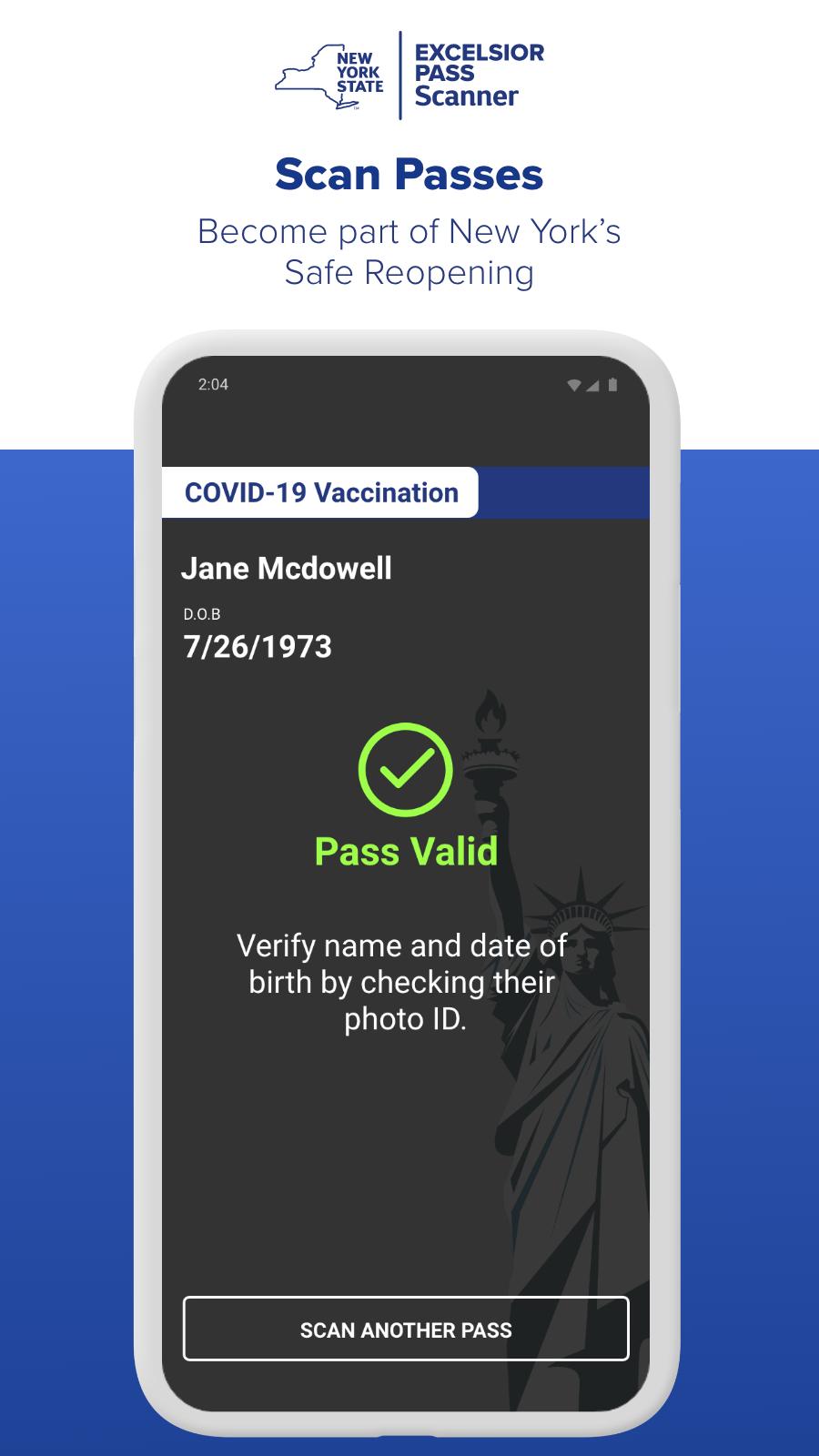
• As a business, you can use the Excelsior Pass Scanner app to validate that your employees or customers have valid Passes and are safe to enter your establishment.
• You are required to verify identification by matching the name and birth date on the Pass to a photo ID.
• In accordance with State reopening guidelines for your industry, you may also accept alternate forms of proof of vaccination or negative test results, like a CDC card or lab report.
• Download Excelsior Pass Scanner and be part of the safe reopening of New York State.
Preview
Tags
BusinessInformation
Developer
NYS Office of Information Technology Services
Latest Version
2.7.0
Last Updated
2022-09-29
Category
Business
Available on
Google Play
Show More
How to play NYS Excelsior Pass Scanner with GameLoop on PC
1. Download GameLoop from the official website, then run the exe file to install GameLoop
2. Open GameLoop and search for “NYS Excelsior Pass Scanner” , find NYS Excelsior Pass Scanner in the search results and click “Install”
3. Enjoy playing NYS Excelsior Pass Scanner on GameLoop
Minimum requirements
OS
Windows 8.1 64-bit or Windows 10 64-bit
GPU
GTX 1050
CPU
i3-8300
Memory
8GB RAM
Storage
1GB available space
Recommended requirements
OS
Windows 8.1 64-bit or Windows 10 64-bit
GPU
GTX 1050
CPU
i3-9320
Memory
16GB RAM
Storage
1GB available space