
MyBudget: Account Manager PC
Techno information
Download MyBudget: Account Manager on PC With GameLoop Emulator
MyBudget: Account Manager on PC
MyBudget: Account Manager, coming from the developer Techno information, is running on Android systerm in the past.
Now, You can play MyBudget: Account Manager on PC with GameLoop smoothly.
Download it in the GameLoop library or search results. No more eyeing the battery or frustrating calls at the wrong time any more.
Just enjoy MyBudget: Account Manager PC on the large screen for free!
MyBudget: Account Manager Introduction
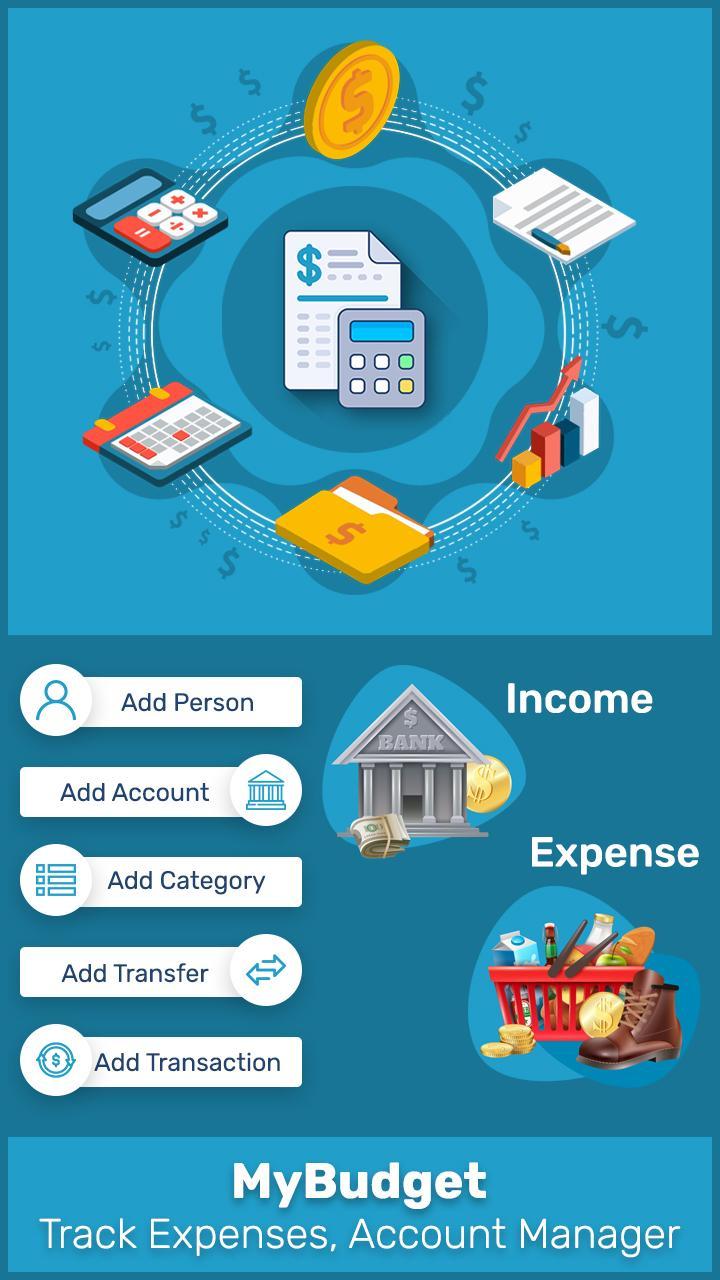
MyBudget: Account Manager app keep track of your daily income-expense transactions categories-wise history. It makes accounting easy to manage and user-friendly easy to use.
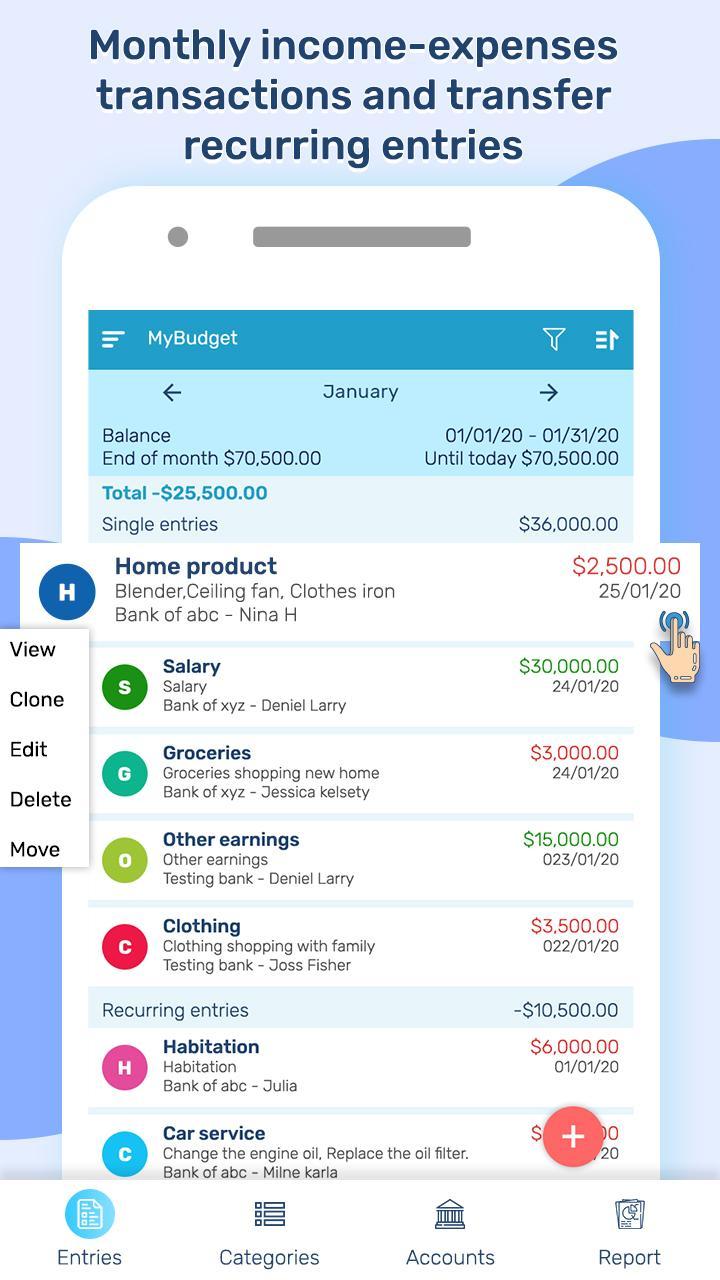
* Monthly income-expenses transactions, see where you spent the most and least of your money this month. You can navigate to any month/year from left pane.
* Transaction and transfer entries organized by categories, accounts and income-expense wise.
* To get sorted list of expenses as you would like date ascending/ descending, amount and description wise.
* Manage multiple accounts and person’s transactions entries using this best budget manager feature.
* Explore monthly summary for all accounts with start of month, this month and end of this month.
* Set expense budget for every category and see the progress in category list.
* Pie chart report for category, person and account wise to understand which category accounts for how much % in your monthly expenditure.
**Why user prefer MyBudget: Track Expenses, Account Manager app more?
• Recurring expense and income transaction and transfer entries
• Add, Update and Delete transaction and transfer details
• Add multiple expense or income records for daily income expense manager
• Search your any entry by description, categories, accounts, persons, date range and notes.
• Backup data and restore data (phone, drive backup)
• Share all your transaction monthly reports with pdf
• Password protection (system default protection will apply)
• Multiple currency supported (change it from settings)
Please email questions and feature requests directly to the developer email. We actively support users.
Preview
Tags
BusinessInformation
Developer
Techno information
Latest Version
1.8
Last Updated
2024-08-20
Category
Business
Available on
Google Play
Show More
How to play MyBudget: Account Manager with GameLoop on PC
1. Download GameLoop from the official website, then run the exe file to install GameLoop
2. Open GameLoop and search for “MyBudget: Account Manager” , find MyBudget: Account Manager in the search results and click “Install”
3. Enjoy playing MyBudget: Account Manager on GameLoop
Minimum requirements
OS
Windows 8.1 64-bit or Windows 10 64-bit
GPU
GTX 1050
CPU
i3-8300
Memory
8GB RAM
Storage
1GB available space
Recommended requirements
OS
Windows 8.1 64-bit or Windows 10 64-bit
GPU
GTX 1050
CPU
i3-9320
Memory
16GB RAM
Storage
1GB available space