
Mendix PC
Mendix Research & Development
Download Mendix on PC With GameLoop Emulator
Mendix on PC
Mendix, coming from the developer Mendix Research & Development, is running on Android systerm in the past.
Now, You can play Mendix on PC with GameLoop smoothly.
Download it in the GameLoop library or search results. No more eyeing the battery or frustrating calls at the wrong time any more.
Just enjoy Mendix PC on the large screen for free!
Mendix Introduction
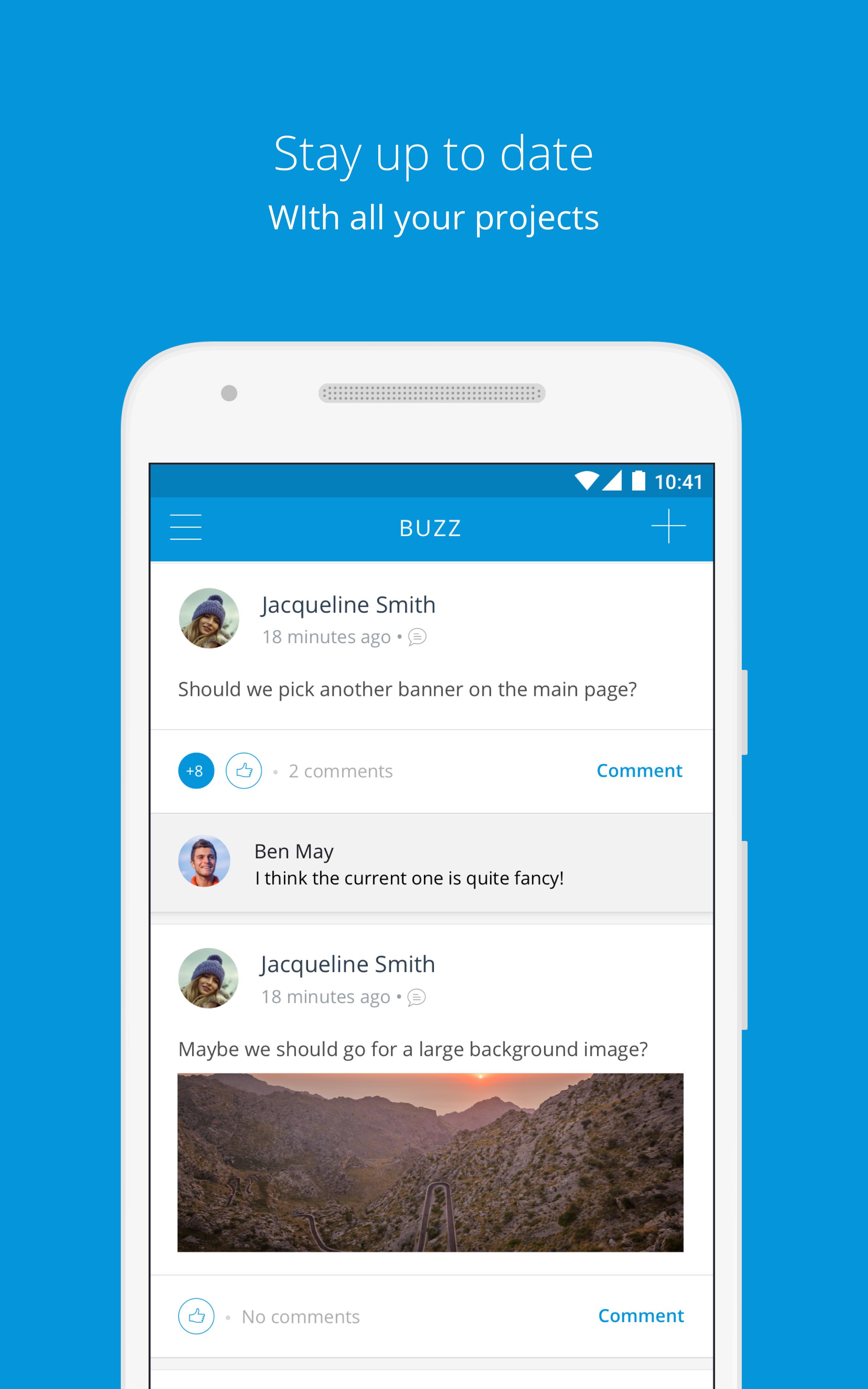
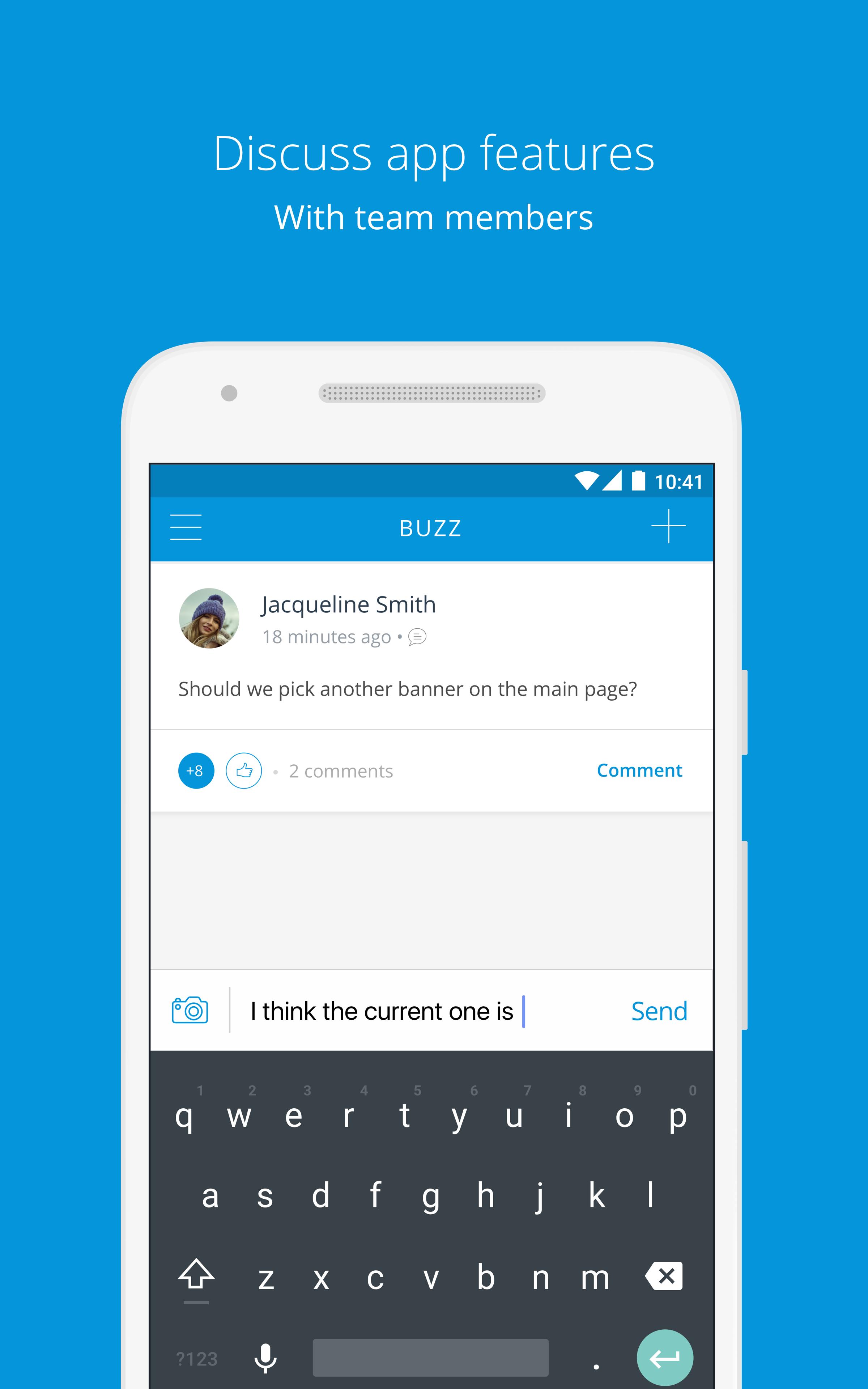
The Mendix app connects every stakeholder in the app delivery process. Share your thoughts on Buzz, your project’s social media feed, to discuss app features with other team members and follow up on the conversation while you're away from your desk.
The QR code scanning functionality allows you to easily preview & test your mobile app on any device – without going through the hassle of building & installing an app-specific native package. To view any Mendix mobile app on your device, just open the QR scanner and scan the code shown in the Mendix Modeler.
Curious about what you can achieve with Mendix? Review examples of mobile apps in the Showcase, or check out all details of the extensive capabilities of Atlas UI.
About Mendix
Mendix is the fastest and easiest platform to create and continuously improve mobile and web applications at scale. Recognized as a Leader in two Magic Quadrants by Gartner, we help our customers digitally transform their organizations and industries by building, managing, and improving apps at unprecedented speed and scale. More than 4,000 forward-thinking organizations, including KLM, Medtronic, Merck, and Philips, use our platform to build business applications to delight their customers and improve operational efficiency. Learn why customers give us high marks on Gartner Peer Insights.
Preview
Tags
BusinessInformation
Developer
Mendix Research & Development
Latest Version
4.7.1
Last Updated
2018-03-26
Category
Business
Available on
Google Play
Show More
How to play Mendix with GameLoop on PC
1. Download GameLoop from the official website, then run the exe file to install GameLoop
2. Open GameLoop and search for “Mendix” , find Mendix in the search results and click “Install”
3. Enjoy playing Mendix on GameLoop
Minimum requirements
OS
Windows 8.1 64-bit or Windows 10 64-bit
GPU
GTX 1050
CPU
i3-8300
Memory
8GB RAM
Storage
1GB available space
Recommended requirements
OS
Windows 8.1 64-bit or Windows 10 64-bit
GPU
GTX 1050
CPU
i3-9320
Memory
16GB RAM
Storage
1GB available space