
LBM Fleet PC
GDML Pty Ltd
Download LBM Fleet on PC With GameLoop Emulator
LBM Fleet on PC
LBM Fleet, coming from the developer GDML Pty Ltd, is running on Android systerm in the past.
Now, You can play LBM Fleet on PC with GameLoop smoothly.
Download it in the GameLoop library or search results. No more eyeing the battery or frustrating calls at the wrong time any more.
Just enjoy LBM Fleet PC on the large screen for free!
LBM Fleet Introduction
This is the companion app for registered 'LBM Fleet' (previously called ‘LogbookMe’) users and drivers in Australia & New Zealand to access functionality such as our vehicle tax logbook solution, pool vehicle bookings, vehicle inspections & driver safety records. To use this app, you must already have a ‘LBM Fleet’ supplied GPS device for your vehicle and a paid or employee account. If you are unsure contact your fleet administrator or manager or support@lbmfleet.com
VEHICLE LOGBOOK
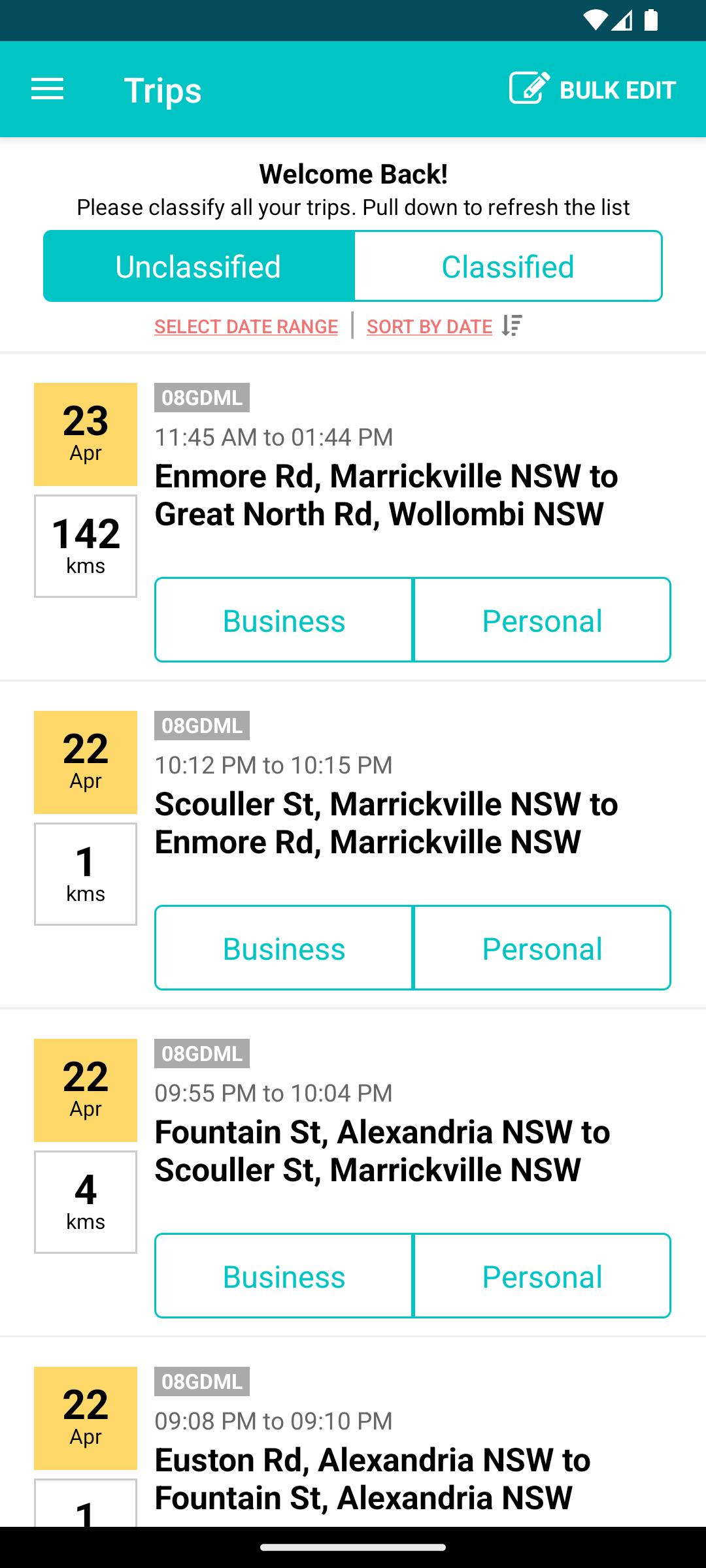
- View and classify all your trips in real-time
- Works with your calendar to pre-fill trip descriptions
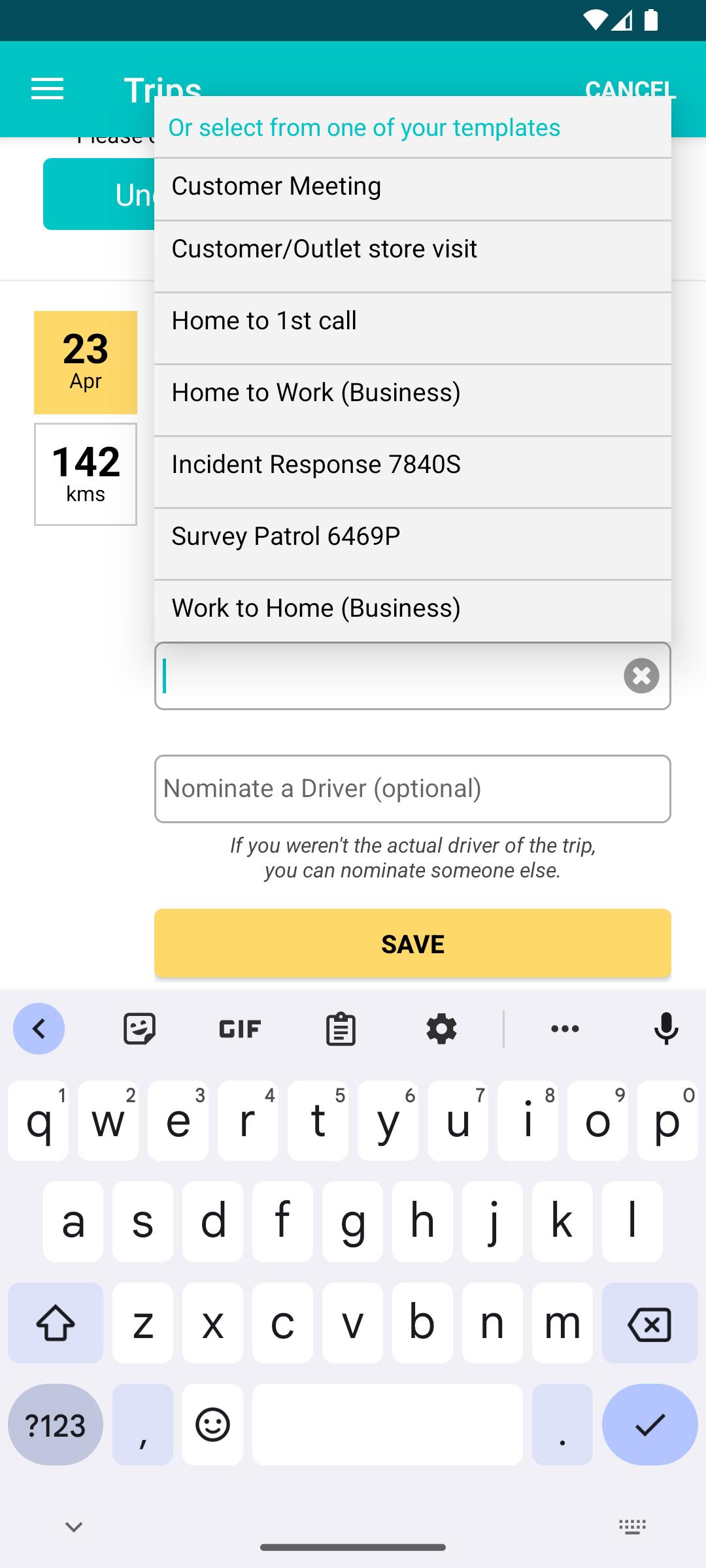
- Bulk updating and trip templates to make classifying trips easier
- Instant notifications when you complete a trip
- Keep track of your Business Use % and other useful on the Dashboard
- Locate your vehicle using the 'Find My Car' feature
- End Trips Manually Option
- Servicing & Maintenance Records (If enabled)
POOL VEHICLES
- Pool Vehicle Bookings
- Pick Up/Return Vehicle
- Damage Reporting
- End Trips Manually Option
INSPECTIONS (If enabled)
- Complete pre-drive or routine vehicle inspections
- Attach photos
DRIVER SAFETY (if enabled)
- View your Safety Score
- View driver safety events
- Journey Planner
CLASSIFY YOUR TRIPS IN 2-STEPS
Your trips will appear on your dashboard almost instantly after you have finished a trip. All you have to do is select from 'Business' or 'Personal' and add a description (optional for personal trips).
CALENDAR INTEGRATION
The most annoying thing about keeping a log book is filling out the descriptions. The ‘LBM Fleet Logbook’ app works seamlessly with your phones' calendar to suggest and pre-fill descriptions of your trips if they match.
If there is a match, all you have to do is tap on the calendar event and your trip description is automatically completed!
DASHBOARD
Keep on top of your logbook by getting quick access to this handy info:
- Current Business Use %
- Target Business Use % and how far you have to go
- Start date of your log book
- End date and how many days you have left
- How many unclassified trips you have
- The latest logged trips, so you can easily classify them
LBM Fleet's Logbook is an ATO approved (Class ruling: CR2014/27) FBT log book solution.
For support please contact "support@lbmfleet.com"
Preview
Tags
BusinessInformation
Developer
GDML Pty Ltd
Latest Version
4.2.26
Last Updated
2025-09-04
Category
Business
Available on
Google Play
Show More
How to play LBM Fleet with GameLoop on PC
1. Download GameLoop from the official website, then run the exe file to install GameLoop
2. Open GameLoop and search for “LBM Fleet” , find LBM Fleet in the search results and click “Install”
3. Enjoy playing LBM Fleet on GameLoop
Minimum requirements
OS
Windows 8.1 64-bit or Windows 10 64-bit
GPU
GTX 1050
CPU
i3-8300
Memory
8GB RAM
Storage
1GB available space
Recommended requirements
OS
Windows 8.1 64-bit or Windows 10 64-bit
GPU
GTX 1050
CPU
i3-9320
Memory
16GB RAM
Storage
1GB available space