LG G7 ThinQ AR PC
LG Electronics, Inc.
Download LG G7 ThinQ AR on PC With GameLoop Emulator
LG G7 ThinQ AR on PC
LG G7 ThinQ AR, coming from the developer LG Electronics, Inc., is running on Android systerm in the past.
Now, You can play LG G7 ThinQ AR on PC with GameLoop smoothly.
Download it in the GameLoop library or search results. No more eyeing the battery or frustrating calls at the wrong time any more.
Just enjoy LG G7 ThinQ AR PC on the large screen for free!
LG G7 ThinQ AR Introduction
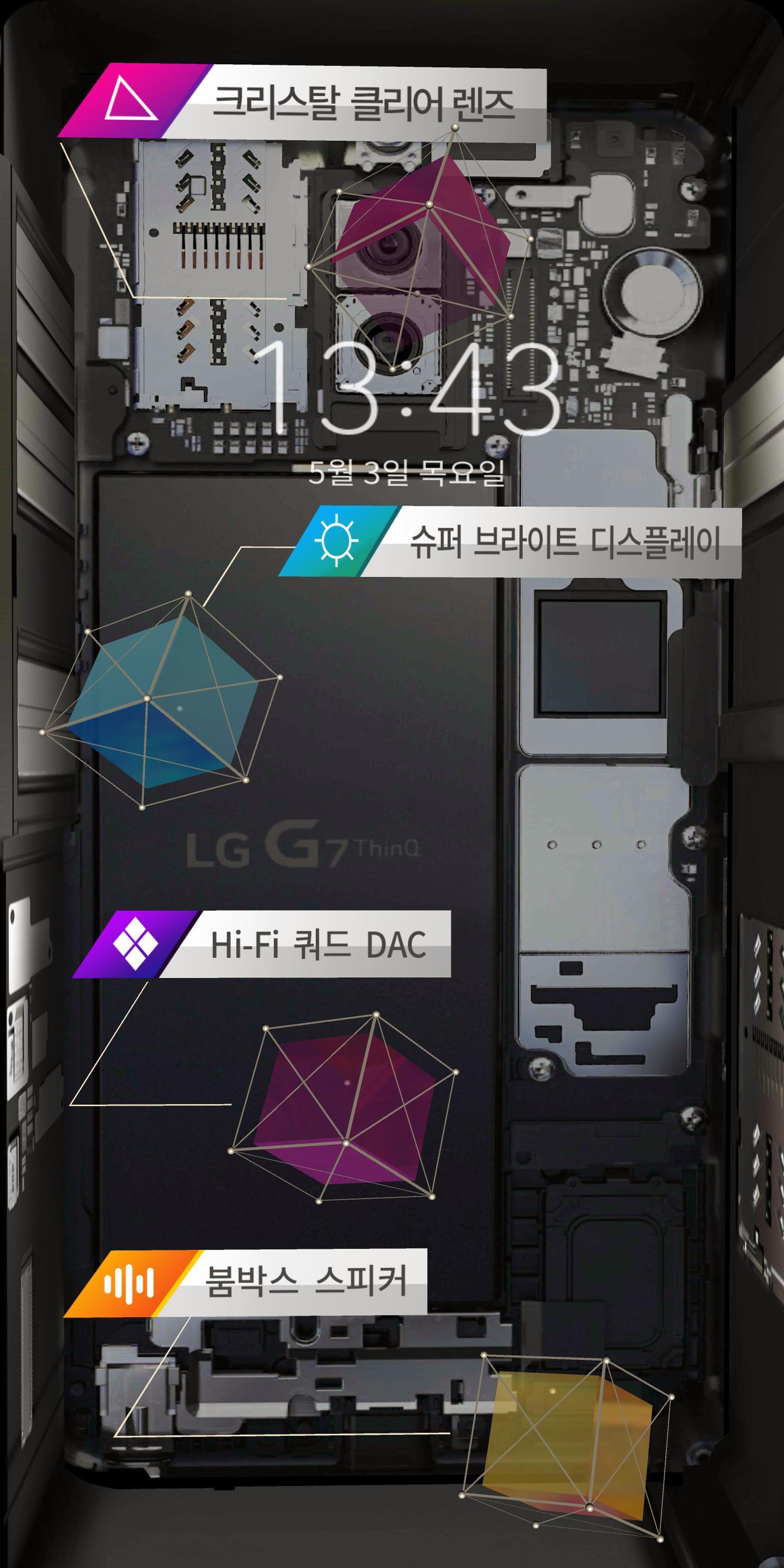
# 크리스탈 클리어 렌즈
- 글라스 렌즈를 적용하여 더 밝고 선명한 사진을 찍어주는 크리스탈 클리어 렌즈.
# 슈퍼 브라이트 디스플레이
- 기존 대비 약 2배 이상 밝아진 1,000nit의 밝기로 햇빛 강한 야외에서도 밝고 선명하게 볼 수 있는 슈퍼 브라이트 디스플레이.
# Hi-Fi 쿼드 DAC
- 4개의 사운드 전문칩을 탑재하여 노이즈를 현저히 줄이고, 원음에 가까운 생생한 사운드를 제공하는 Hi-Fi 쿼드 DAC.
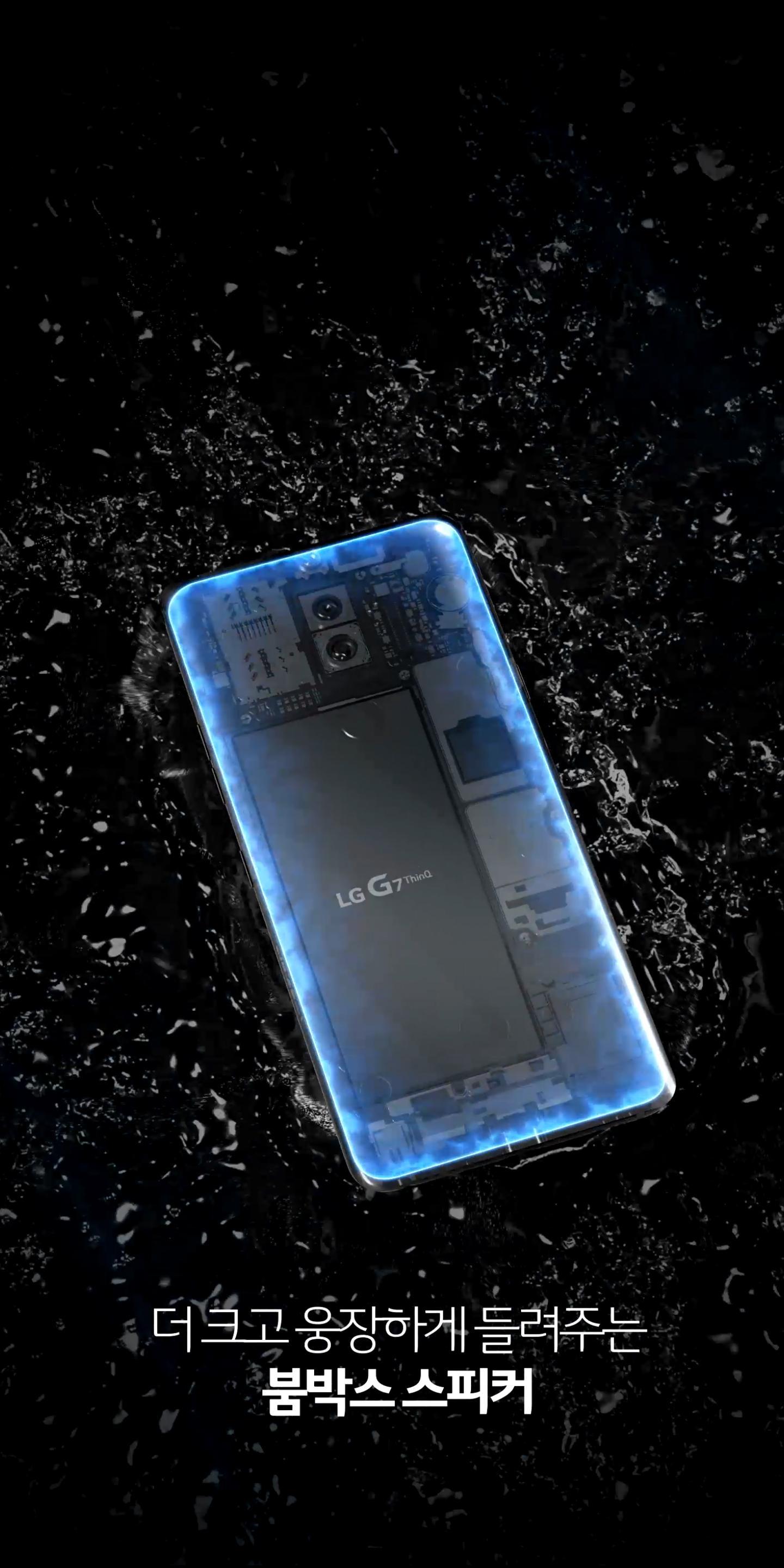
# 붐박스 스피커
- 음악을 켜고, 테이블 위에 올려 놓으면 폰 전체가 마치 스피커처럼 변신하여 크고 웅장한 사운드 효과를 내는 붐박스 스피커.
Preview
Information
Developer
LG Electronics, Inc.
Latest Version
1.0
Last Updated
2018-05-09
Category
Business
Available on
Google Play
Show More
How to play LG G7 ThinQ AR with GameLoop on PC
1. Download GameLoop from the official website, then run the exe file to install GameLoop
2. Open GameLoop and search for “LG G7 ThinQ AR” , find LG G7 ThinQ AR in the search results and click “Install”
3. Enjoy playing LG G7 ThinQ AR on GameLoop
Minimum requirements
OS
Windows 8.1 64-bit or Windows 10 64-bit
GPU
GTX 1050
CPU
i3-8300
Memory
8GB RAM
Storage
1GB available space
Recommended requirements
OS
Windows 8.1 64-bit or Windows 10 64-bit
GPU
GTX 1050
CPU
i3-9320
Memory
16GB RAM
Storage
1GB available space