Flash HR PC
FlashExpress
Download Flash HR on PC With GameLoop Emulator
Flash HR on PC
Flash HR, coming from the developer FlashExpress, is running on Android systerm in the past.
Now, You can play Flash HR on PC with GameLoop smoothly.
Download it in the GameLoop library or search results. No more eyeing the battery or frustrating calls at the wrong time any more.
Just enjoy Flash HR PC on the large screen for free!
Flash HR Introduction
What can Flash HR do for you:
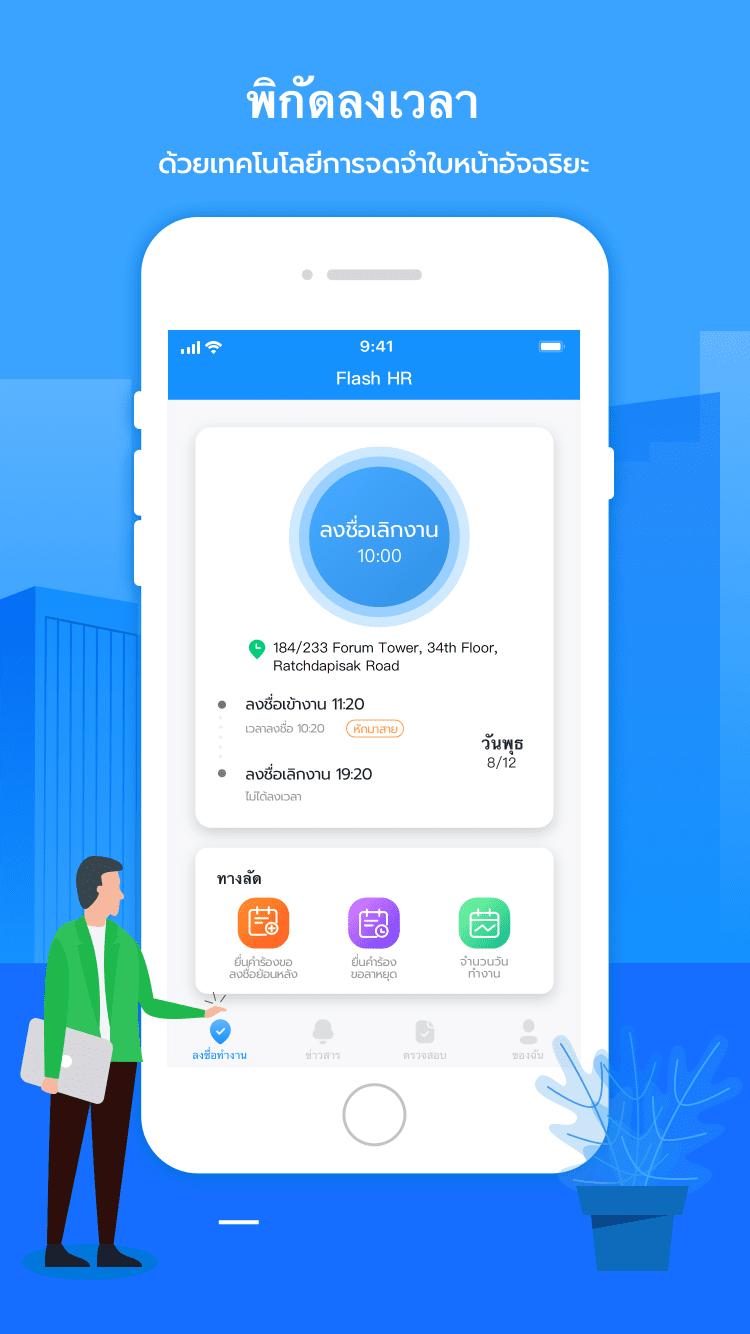
[Convenient clocking in] One-click clocking in and out of get off work, accurate and fast face clocking mode. There is no need to wait in line for the check-in machine anymore.
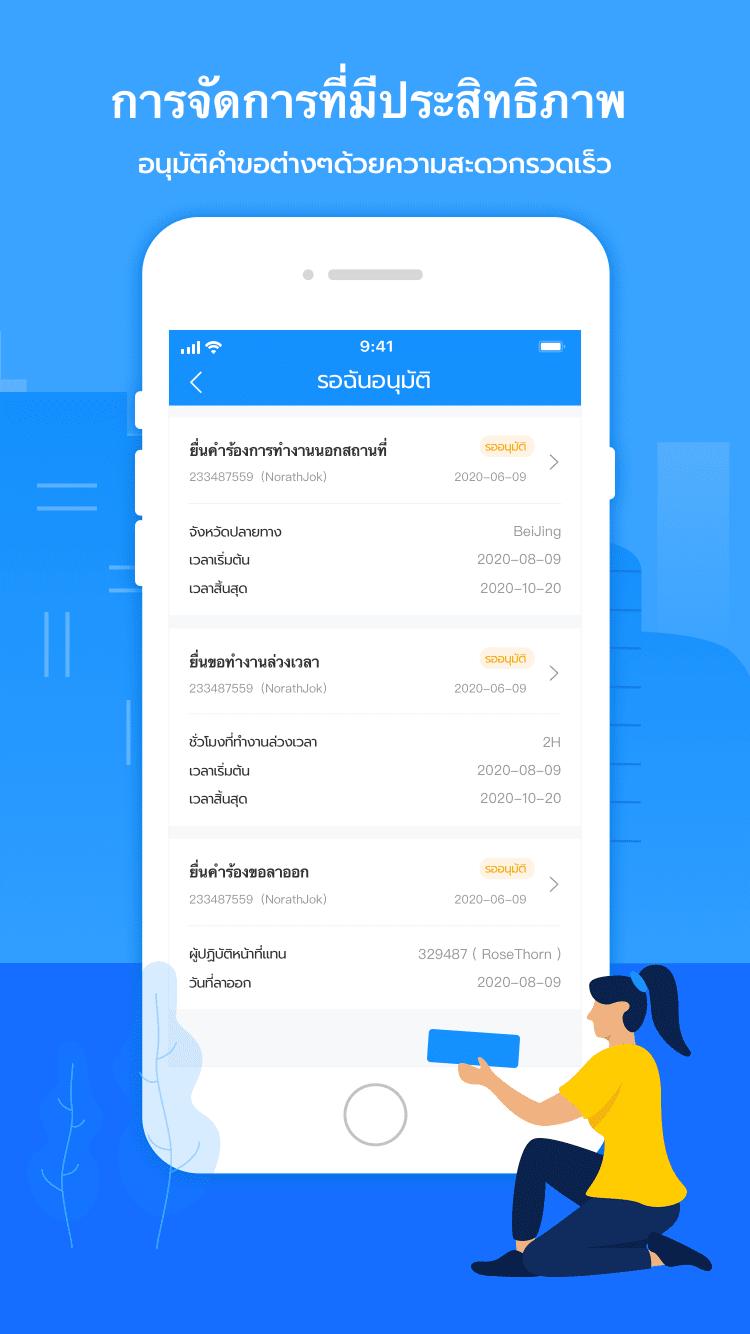
[Flexible Attendance] For leave application, overtime application, business trip application, card replacement application and approval processing. The above attendances all support user-defined attendance rules in the background, which can be flexible and diverse to meet the company's diversified management needs.
[Message synchronization] Important messages can be notified to each employee more quickly, saving communication costs and improving office efficiency.
[Organizational structure] Intuitively see the company's organizational structure, comprehensively and quickly understand the company's organization, and collaborate and communicate more efficiently.
Preview
Tags
BusinessInformation
Developer
FlashExpress
Latest Version
1.6.3
Last Updated
2023-11-16
Category
Business
Available on
Google Play
Show More
How to play Flash HR with GameLoop on PC
1. Download GameLoop from the official website, then run the exe file to install GameLoop
2. Open GameLoop and search for “Flash HR” , find Flash HR in the search results and click “Install”
3. Enjoy playing Flash HR on GameLoop
Minimum requirements
OS
Windows 8.1 64-bit or Windows 10 64-bit
GPU
GTX 1050
CPU
i3-8300
Memory
8GB RAM
Storage
1GB available space
Recommended requirements
OS
Windows 8.1 64-bit or Windows 10 64-bit
GPU
GTX 1050
CPU
i3-9320
Memory
16GB RAM
Storage
1GB available space