FAX App: Send Faxes from Phone PC
Municorn
Download FAX App: Send Faxes from Phone on PC With GameLoop Emulator
FAX App: Send Faxes from Phone on PC
FAX App: Send Faxes from Phone, coming from the developer Municorn, is running on Android systerm in the past.
Now, You can play FAX App: Send Faxes from Phone on PC with GameLoop smoothly.
Download it in the GameLoop library or search results. No more eyeing the battery or frustrating calls at the wrong time any more.
Just enjoy FAX App: Send Faxes from Phone PC on the large screen for free!
FAX App: Send Faxes from Phone Introduction
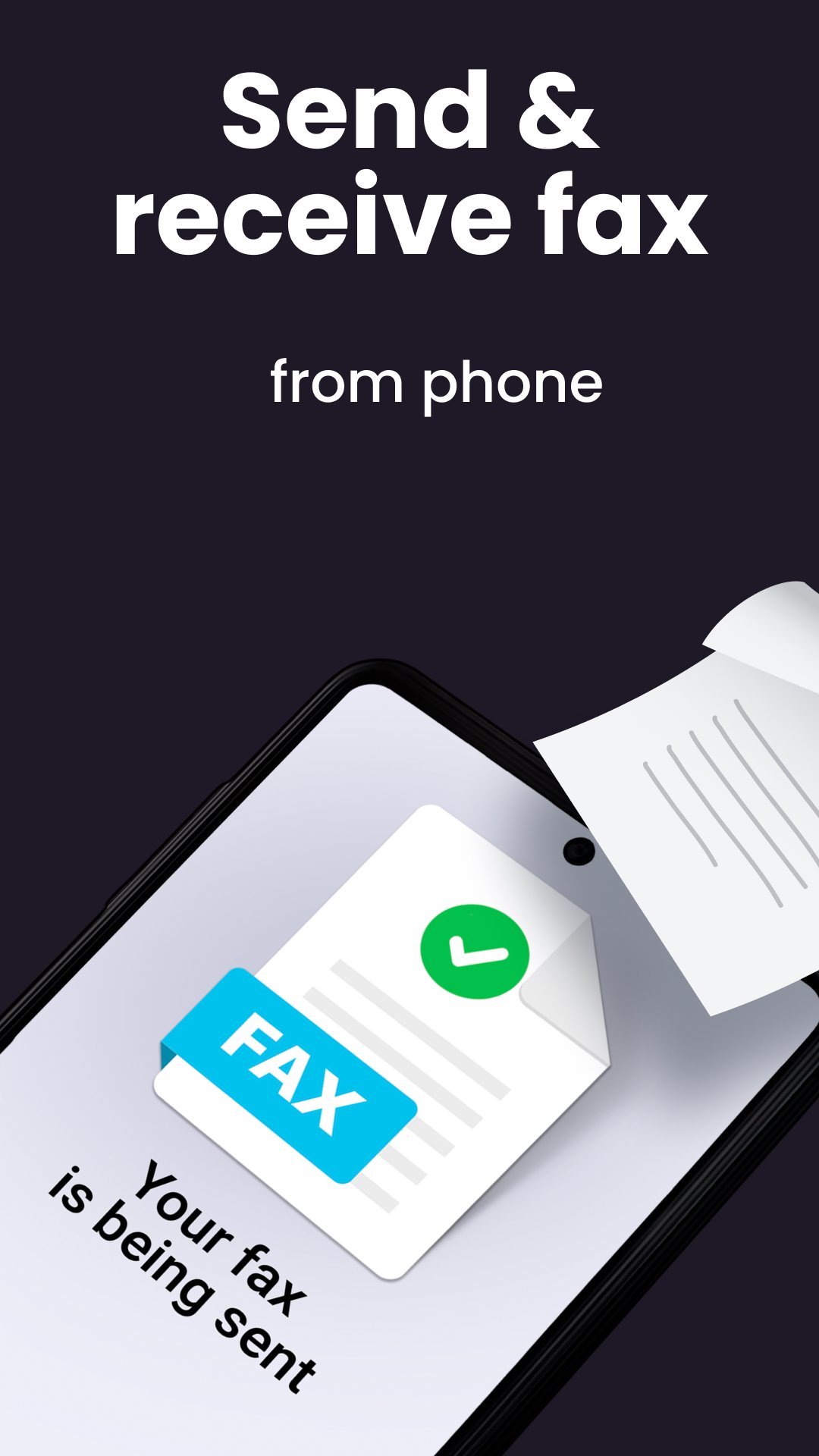
Fax for Free - a Send and Receive mobile machine. Easy Faxing App - Scan PDF documents on your Android phone or tablet now!
e FAX app, a digital machine number, will simplify your life and will let you receive and send documents to anyone in the world!
And without going out of your current place! And the best thing is that you can send many doc formats and you can also track the faxes that you already sent to make sure that they reached their destination.
e Fax from iPhone free with a business number. A faxing machine for iPad:
https://apps.apple.com/us/app/fax-from-iphone-send-receive/id978931264
Key features of Fax from Phone and Tablet for Android.
Sending mobile PDF documents:
★ Very easy to use reader ★
✓ Our app is straightforward to use, and you can run it within a few seconds. You can start receiving number and free faxing docs without complications.
★ Scan documents ★
✓ Use document scanner anytime and anywhere - easy fax file.
★ Many doc formats ★
✓ We support almost all forms of docs and images, such as receiving PDF, DOC, JPG, PNG & TIFF, and HTML.
★ Other features ★
✓ Preview any number and document before sending it to make sure that it’s the right one.
✓ Combine multiple reports into a single digital fax machine.
Download e FAX App reader: Sending Faxes from Phone for Free. Scan, Send & Receive mobile PDF documents. Easy Faxing App!
Preview

Tags
BusinessInformation
Developer
Municorn
Latest Version
3.28.0
Last Updated
2026-03-09
Category
Business
Available on
Google Play
Show More
How to play FAX App: Send Faxes from Phone with GameLoop on PC
1. Download GameLoop from the official website, then run the exe file to install GameLoop
2. Open GameLoop and search for “FAX App: Send Faxes from Phone” , find FAX App: Send Faxes from Phone in the search results and click “Install”
3. Enjoy playing FAX App: Send Faxes from Phone on GameLoop
Minimum requirements
OS
Windows 8.1 64-bit or Windows 10 64-bit
GPU
GTX 1050
CPU
i3-8300
Memory
8GB RAM
Storage
1GB available space
Recommended requirements
OS
Windows 8.1 64-bit or Windows 10 64-bit
GPU
GTX 1050
CPU
i3-9320
Memory
16GB RAM
Storage
1GB available space