Digithall PC
Citrix Systems, Inc
Download Digithall on PC With GameLoop Emulator
Digithall on PC
Digithall, coming from the developer Citrix Systems, Inc, is running on Android systerm in the past.
Now, You can play Digithall on PC with GameLoop smoothly.
Download it in the GameLoop library or search results. No more eyeing the battery or frustrating calls at the wrong time any more.
Just enjoy Digithall PC on the large screen for free!
Digithall Introduction
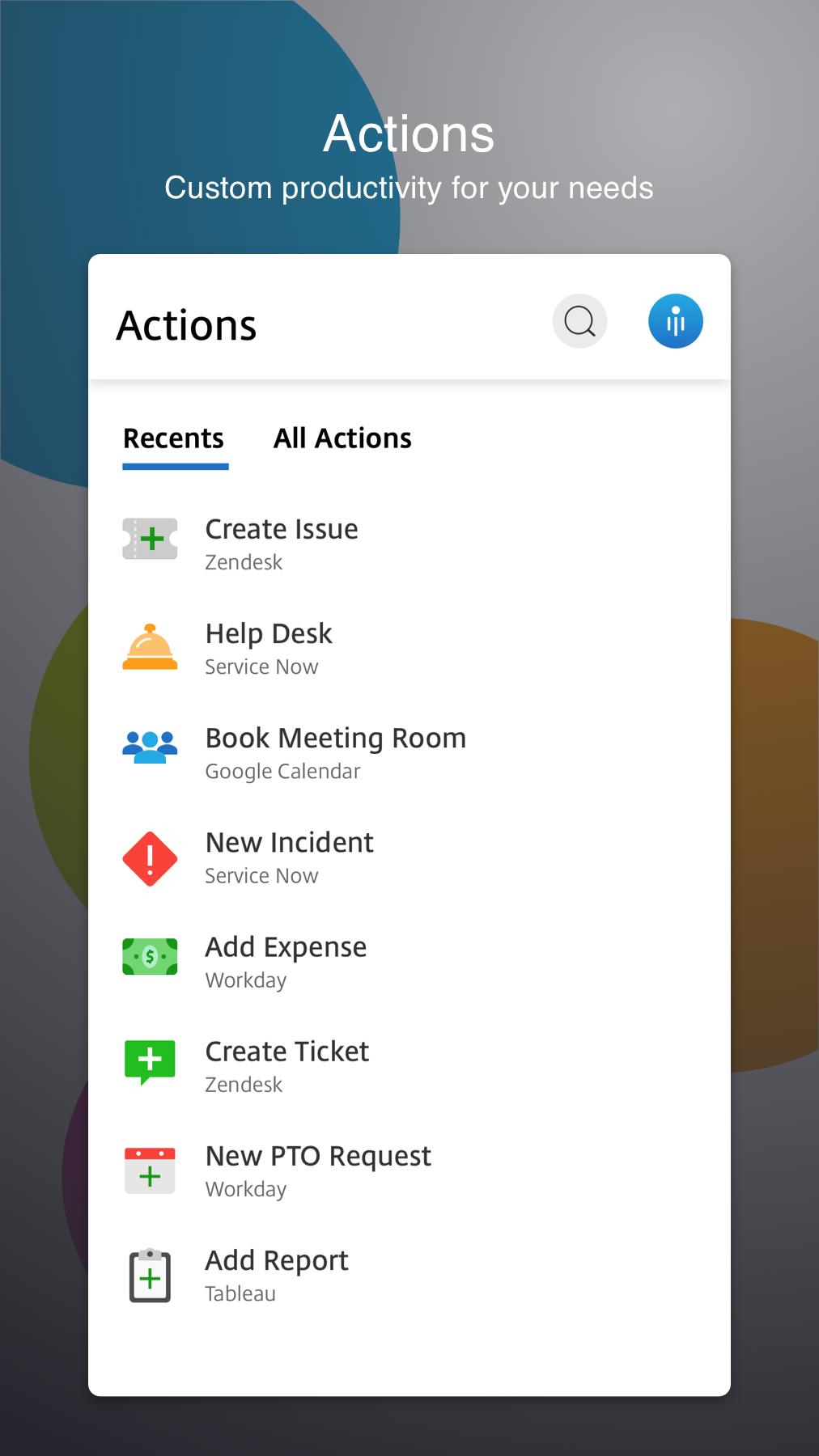
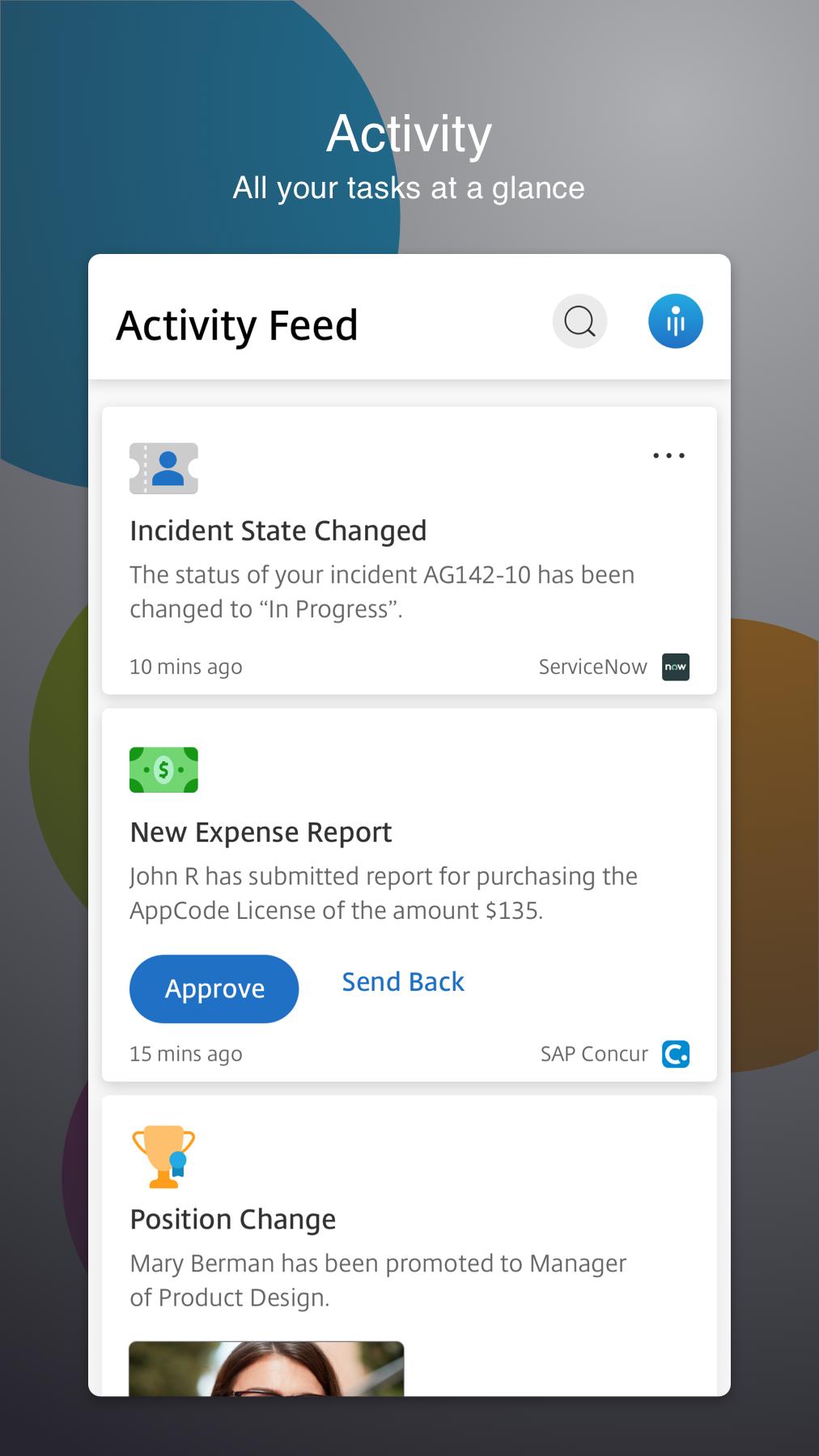
The new Digithall provides a great user experience - a secure, contextual, and unified workspace - on any device. It gives you instant access to all your SaaS and web apps, your mobile and virtual apps, files, and desktops from an easy-to-use, all-in-one interface powered by Citrix Workspace services.
Using your mobile and virtualized applications, files and desktops is faster and easier than ever. Just ask your IT department how to get started.
• Work on your favorite device from wherever you are
• Access email or other corporate applications
• Access your files, apps, desktop from your phone, tablet, or all in one from a unified view
• Provide single sign on capabilities with Citrix SecureHub and Citrix Files.
Location and Sensor Virtual Channel:
This virtual channel allows Workspace to redirect sensor information to applications running on server. For example, applications can use accelerometer data to drive 3D-modelling application, use ambient light level to control the brightness of the screen, use location data to alter behavior of application, and so on.
Support for Citrix Ready workspace hub:
Built on the Raspberry Pi 3 platform, the Citrix Ready workspace hub provides a secure connection to authorized apps and data. Citrix Workspace app for Android supports user authentication to Citrix Ready workspace hubs as an experimental feature. This allows authenticated users to cast their sessions to a hub. The feature is disabled by default.
Note: Location permission is required for the Citrix Ready workspace hub experimental feature. You can deny this permission if there are no workspace hubs present.
Problems downloading or installing the app? See https://www.citrix.com/downloads/workspace-app/
Still need help? Please tell us more about the issue. http://discussions.citrix.com/forum/1269-receiver-for-android
For more information about Citrix Workspace app, visit the product documentation https://docs.citrix.com/en-us/citrix-workspace-app-for-android.html
Preview
Tags
BusinessInformation
Developer
Citrix Systems, Inc
Latest Version
22.3.5
Last Updated
2022-04-21
Category
Business
Available on
Google Play
Show More
How to play Digithall with GameLoop on PC
1. Download GameLoop from the official website, then run the exe file to install GameLoop
2. Open GameLoop and search for “Digithall” , find Digithall in the search results and click “Install”
3. Enjoy playing Digithall on GameLoop
Minimum requirements
OS
Windows 8.1 64-bit or Windows 10 64-bit
GPU
GTX 1050
CPU
i3-8300
Memory
8GB RAM
Storage
1GB available space
Recommended requirements
OS
Windows 8.1 64-bit or Windows 10 64-bit
GPU
GTX 1050
CPU
i3-9320
Memory
16GB RAM
Storage
1GB available space