Comarch HRM PC
Comarch Cloud
Download Comarch HRM on PC With GameLoop Emulator
Comarch HRM on PC
Comarch HRM, coming from the developer Comarch Cloud, is running on Android systerm in the past.
Now, You can play Comarch HRM on PC with GameLoop smoothly.
Download it in the GameLoop library or search results. No more eyeing the battery or frustrating calls at the wrong time any more.
Just enjoy Comarch HRM PC on the large screen for free!
Comarch HRM Introduction
How to get the most out of your employees and make their work as effective as possible? The less they are burdened with organizational responsibilities, the more attention they will focus on their basic responsibilities.
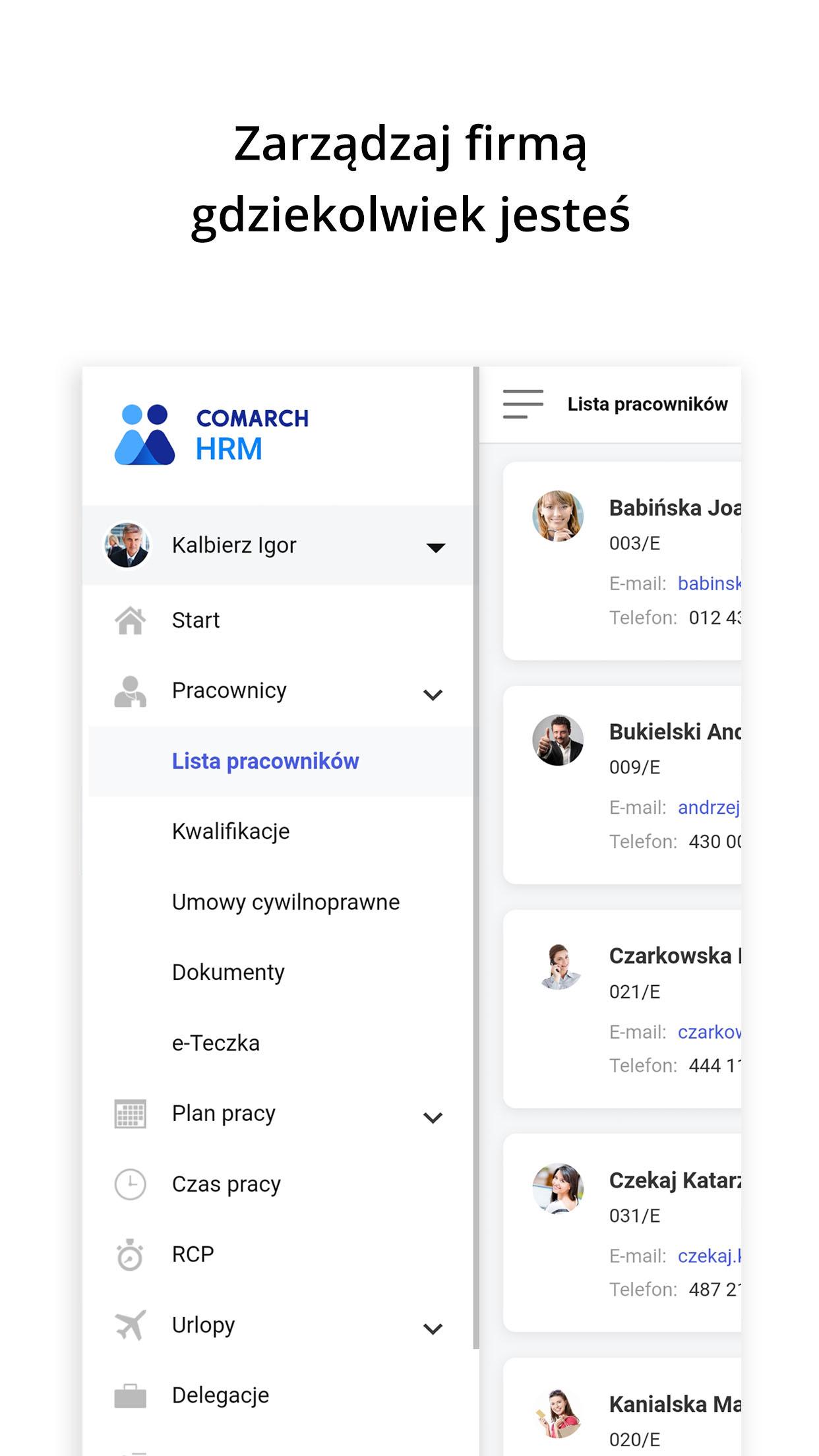
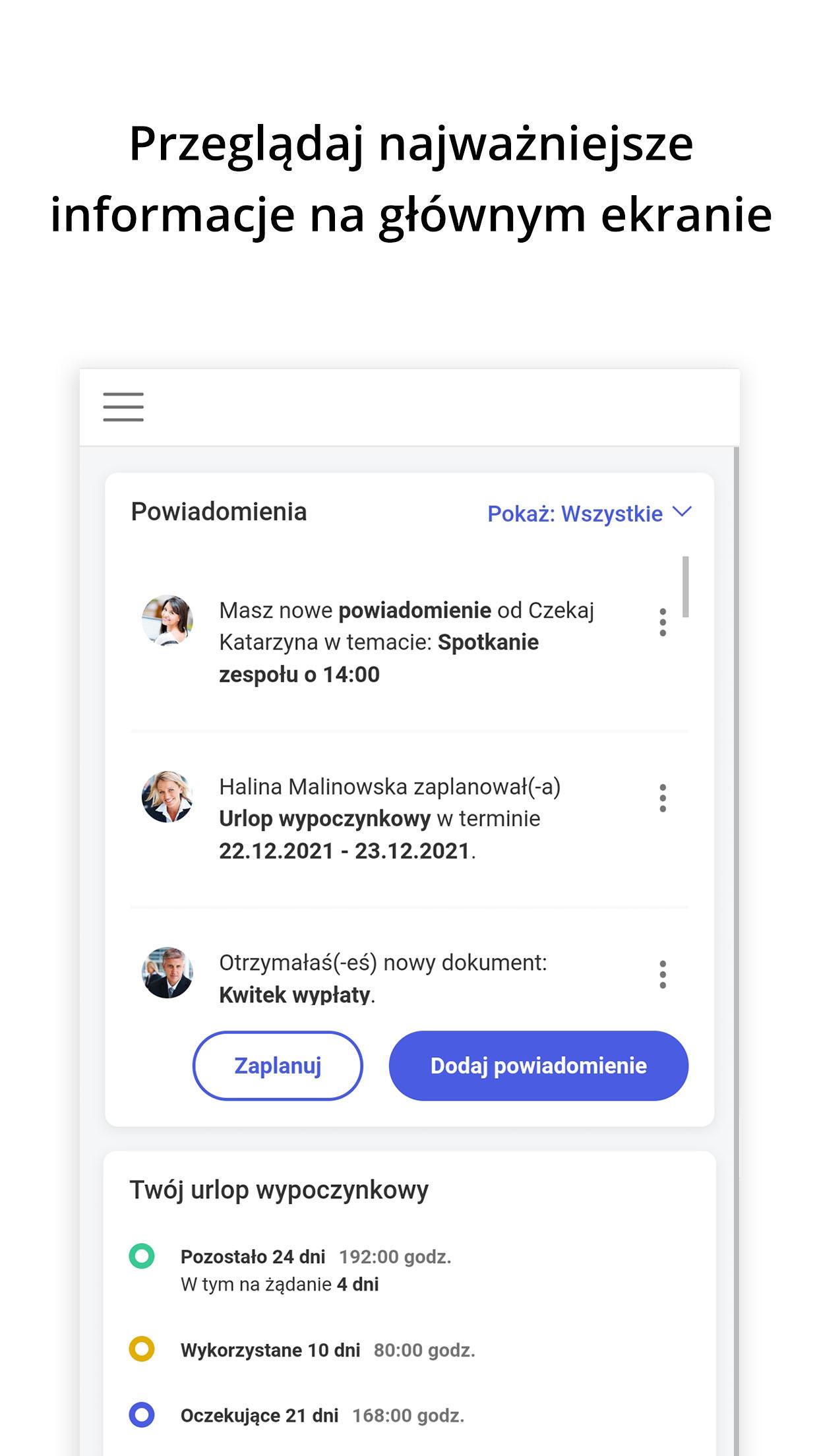
Thanks to the application of the Comarch HRM program, each of your employees will gain access to their vacation schedule or individual training schedule, as well as independently and quickly submit a vacation application, report absence or delegation.
In addition, from the application level, employees can easily check their status of participation in Employee Capital Plans (PPK) and the amount of declared contributions. He will also prepare an appropriate declaration if he wants to change the amount of declared contributions or change the status of participation in PPK.
This model of company management provides an alternative to the need to use archaic solutions, such as, for example, manually signing a paper vacation application - which in consequence will relieve not only employees, but also their superiors and the HR and payroll department. Employees will no longer have to ask the staff with recurring questions about the number of remaining vacation days or the available training budget - they will be able to control their personnel data themselves.
Thanks to Comarch HRM, your employees will also gain access to the intranet - the internal company network, which is an excellent platform for publishing information and documents.
The application is also available in English.
More information https://www.comarch.pl/erp/aplikacje-mobilne/comarch-hrm/
Preview
Tags
BusinessInformation
Developer
Comarch Cloud
Latest Version
1.25
Last Updated
2024-08-06
Category
Business
Available on
Google Play
Show More
How to play Comarch HRM with GameLoop on PC
1. Download GameLoop from the official website, then run the exe file to install GameLoop
2. Open GameLoop and search for “Comarch HRM” , find Comarch HRM in the search results and click “Install”
3. Enjoy playing Comarch HRM on GameLoop
Minimum requirements
OS
Windows 8.1 64-bit or Windows 10 64-bit
GPU
GTX 1050
CPU
i3-8300
Memory
8GB RAM
Storage
1GB available space
Recommended requirements
OS
Windows 8.1 64-bit or Windows 10 64-bit
GPU
GTX 1050
CPU
i3-9320
Memory
16GB RAM
Storage
1GB available space