
Ketoko.co.id PC
Inspirasi Media Kreatif
Download Ketoko.co.id on PC With GameLoop Emulator
Ketoko.co.id on PC
Ketoko.co.id, coming from the developer Inspirasi Media Kreatif, is running on Android systerm in the past.
Now, You can play Ketoko.co.id on PC with GameLoop smoothly.
Download it in the GameLoop library or search results. No more eyeing the battery or frustrating calls at the wrong time any more.
Just enjoy Ketoko.co.id PC on the large screen for free!
Ketoko.co.id Introduction
Ini adalah aplikasi penjualan "online" dalam bentuk mobile yang terhubung ke aplikasi web yaitu ketoko.co.id. Aplikasi tersedia untuk smartphone dan tablet android.
Cara Memulai Aplikasi :
- Mendaftarkan akun di https://billing.inspirasi.biz,
- Memilih Paket Layanan, tersedia layanan gratis dan berbayar,
- Login pada aplikasi web ketoko.co.id dan melakukan setup awal.
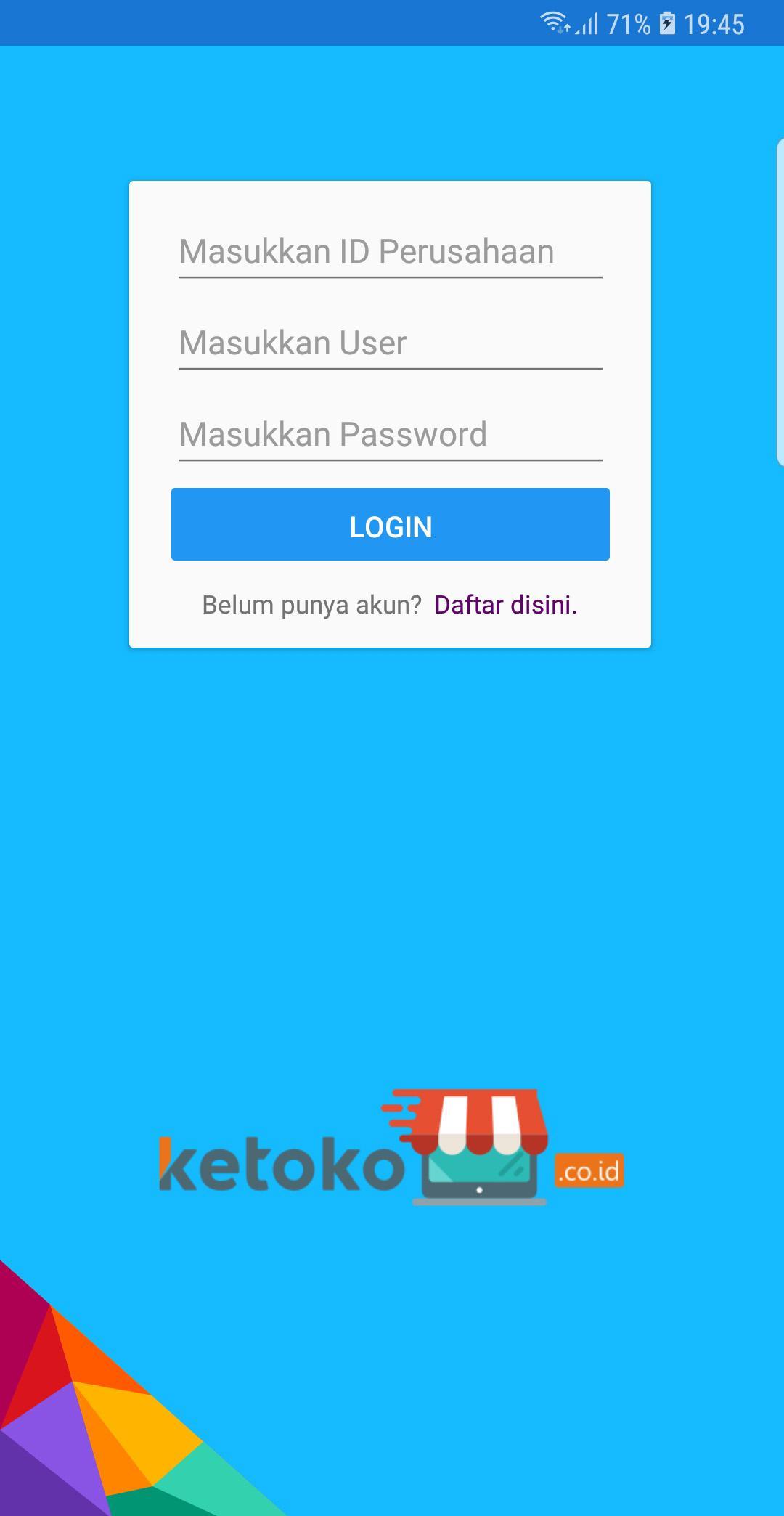
- Login pada aplikasi mobile.
Fitur :
Master Data
- Item Barang, dengan pencarian berdasarkan jenis, merek dan gudang/dept/outlet sehingga dapat melihat stok masing-masing gudang/dept/outlet
- Data Pelanggan
- Data Supplier
- Data Sales
Pembelian
- Transaksi Pembelian
- Pembayaran Hutang
Penjualan
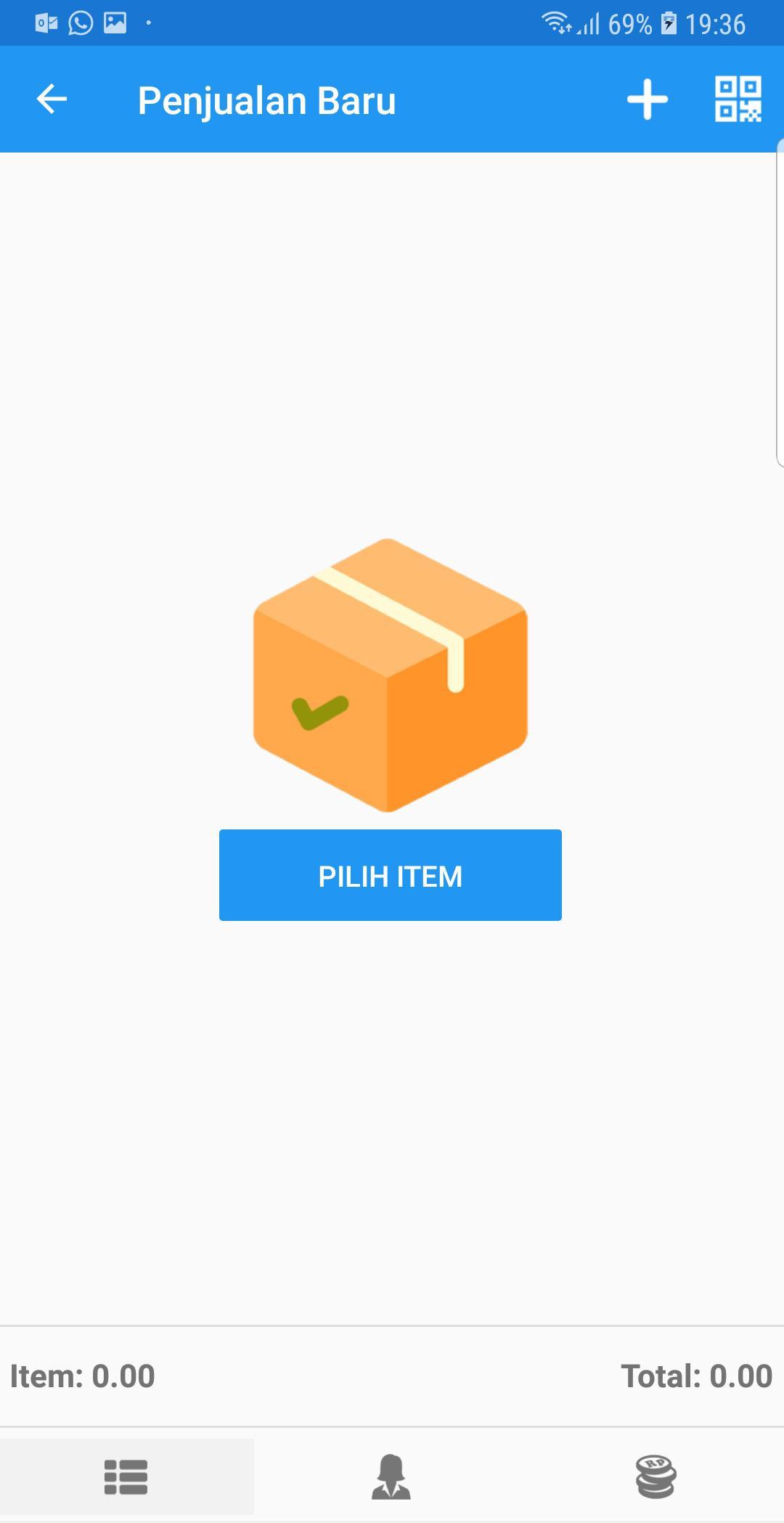
- Transaksi Penjualan
- Pembayaran Piutang
Akuntansi
- Kas Masuk
- Kas Keluar
- Buku Besar
- Jurnal
Laporan
- Laporan Pembelian
- Laporan Omset Harian dan Bulanan
- Laporan Laba Harian dan Bulanan
- Laporan Hutang
- Laporan Piutang
- Laporan Neraca
- Laporan Laba Rugi
Lain-lain
- Notifikasi Transaksi Pembelian, Penjualan, Pembayaran Hutang Piutang dan Kas, dengan notifikasi owner dapat melihat notifikasi transaksi tanpa harus membuka aplikasi.
- Cetak Nota dengan Printer POS Bluetooth, Printer POS Usb, Printer POS Lan
- Cetak nota ukuran 5,5cm, 7.0cm dan 8.5cm
- Generic Cashdrawer via RJ11
- Generic Autocutter
Preview
Information
Developer
Inspirasi Media Kreatif
Latest Version
1.0.0.6
Last Updated
2018-11-13
Category
Business
Available on
Google Play
Show More
How to play Ketoko.co.id with GameLoop on PC
1. Download GameLoop from the official website, then run the exe file to install GameLoop
2. Open GameLoop and search for “Ketoko.co.id” , find Ketoko.co.id in the search results and click “Install”
3. Enjoy playing Ketoko.co.id on GameLoop
Minimum requirements
OS
Windows 8.1 64-bit or Windows 10 64-bit
GPU
GTX 1050
CPU
i3-8300
Memory
8GB RAM
Storage
1GB available space
Recommended requirements
OS
Windows 8.1 64-bit or Windows 10 64-bit
GPU
GTX 1050
CPU
i3-9320
Memory
16GB RAM
Storage
1GB available space