
Cockpit PC
Grameenphone Limited
Download Cockpit on PC With GameLoop Emulator
Cockpit on PC
Cockpit, coming from the developer Grameenphone Limited, is running on Android systerm in the past.
Now, You can play Cockpit on PC with GameLoop smoothly.
Download it in the GameLoop library or search results. No more eyeing the battery or frustrating calls at the wrong time any more.
Just enjoy Cockpit PC on the large screen for free!
Cockpit Introduction
Cockpit by Grameenphone is the smarter way for GP’s physical distribution ecosystem to serve customers—fast, securely, and at scale. Built on years of learning from the field, Cockpit helps modernize the distribution value chain with tools that are simple to use and powerful under the hood.
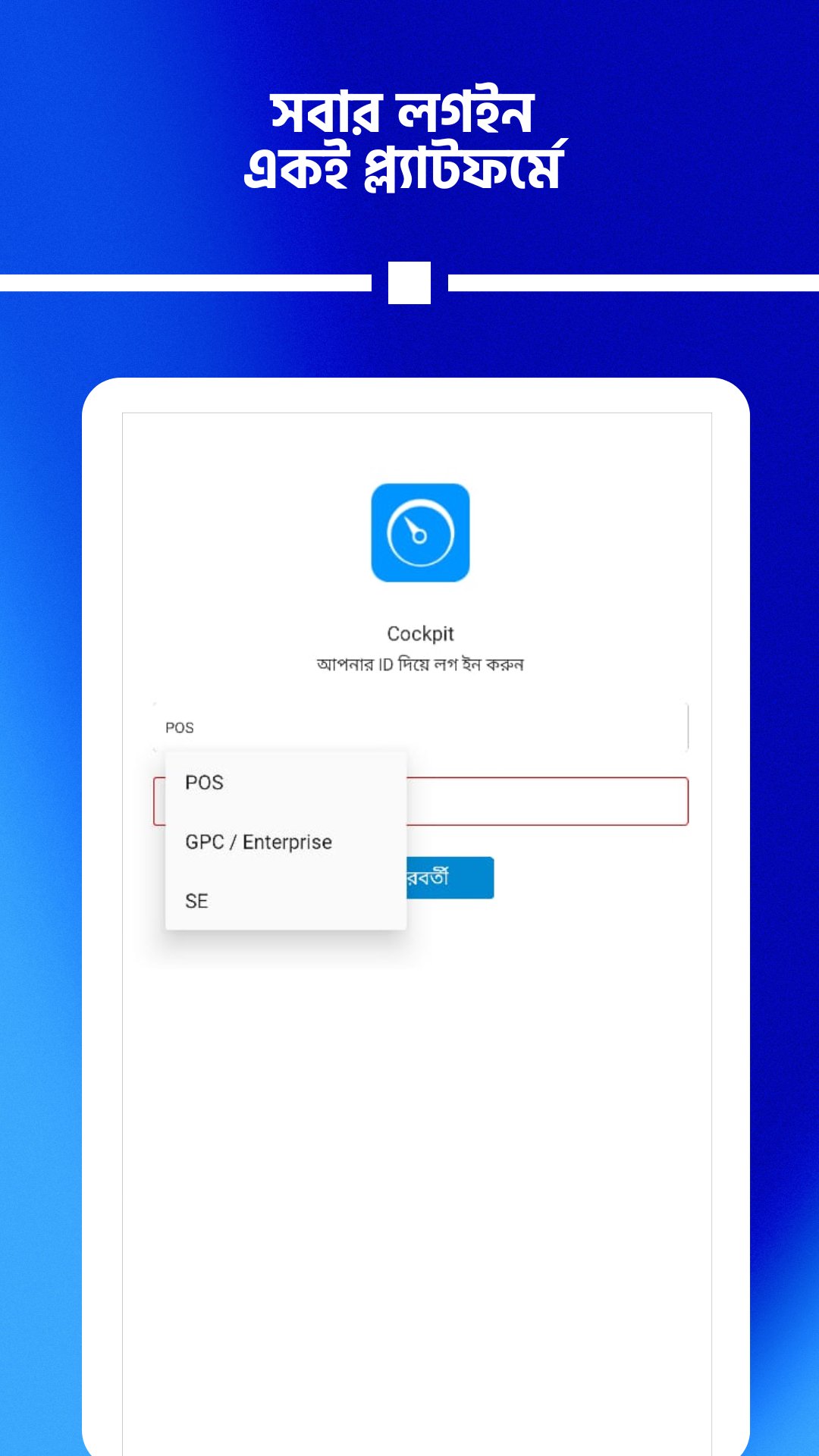
Designed for GP partners—including retailers, sales executives, and GPCF agents—Cockpit unifies the essentials you need to run and grow your business, in one streamlined app.
What you can do with Cockpit
* Mobile Recharge: Recharge any GP number in seconds with reliable, real-time confirmation.
* Sell New SIMs: Seamless onboarding for new customers with guided flows and checks.
* Personalized Offers: See customer-ready campaigns curated from GP’s latest propositions.
* Amar Khushi (Make Your Own Campaign): Create and run targeted retail campaigns based on your shop’s needs.
* Track Earnings & Performance: Monitor sales, commissions, and KPIs with clear dashboards.
* Campaign Communication: Get timely updates on new offers, announcements, and performance nudges—right inside the app.
Why partners choose Cockpit
* Built for Speed: Optimized for busy counters and low-connectivity scenarios.
* Field-Proven: Evolved with feedback from thousands of outlets across Bangladesh.
* Insight-Driven: Smarter recommendations help you lift sales and retain customers.
* Consistent Experience: A familiar, reliable workflow across all core journeys.
A single app for GP partners
Cockpit brings GP partner journeys into one consistent experience—reducing friction, minimizing training time, and helping you serve customers with confidence.
Made for growth
From everyday recharge to advanced campaign tools, Cockpit supports your transition from basic transactions to data-driven retailing. Plan better, sell smarter, and stay future-fit with GP.
Support & feedback
Need help or have a suggestion? Reach out to us, your feedback shapes our roadmap and helps us build what you really need at the counter.
Security & privacy
Cockpit uses industry-standard safeguards to protect your account and transaction data.
Note
Cockpit is for authorized Grameenphone partners only. Features and availability may vary by partner type, location, and eligibility. Data charges may apply.
Preview
Tags
BusinessInformation
Developer
Grameenphone Limited
Latest Version
5.0.14
Last Updated
2026-05-17
Category
Business
Available on
Google Play
Show More
How to play Cockpit with GameLoop on PC
1. Download GameLoop from the official website, then run the exe file to install GameLoop
2. Open GameLoop and search for “Cockpit” , find Cockpit in the search results and click “Install”
3. Enjoy playing Cockpit on GameLoop
Minimum requirements
OS
Windows 8.1 64-bit or Windows 10 64-bit
GPU
GTX 1050
CPU
i3-8300
Memory
8GB RAM
Storage
1GB available space
Recommended requirements
OS
Windows 8.1 64-bit or Windows 10 64-bit
GPU
GTX 1050
CPU
i3-9320
Memory
16GB RAM
Storage
1GB available space