
Business Glu PC
Online Sales Pro
Download Business Glu on PC With GameLoop Emulator
Business Glu on PC
Business Glu, coming from the developer Online Sales Pro, is running on Android systerm in the past.
Now, You can play Business Glu on PC with GameLoop smoothly.
Download it in the GameLoop library or search results. No more eyeing the battery or frustrating calls at the wrong time any more.
Just enjoy Business Glu PC on the large screen for free!
Business Glu Introduction
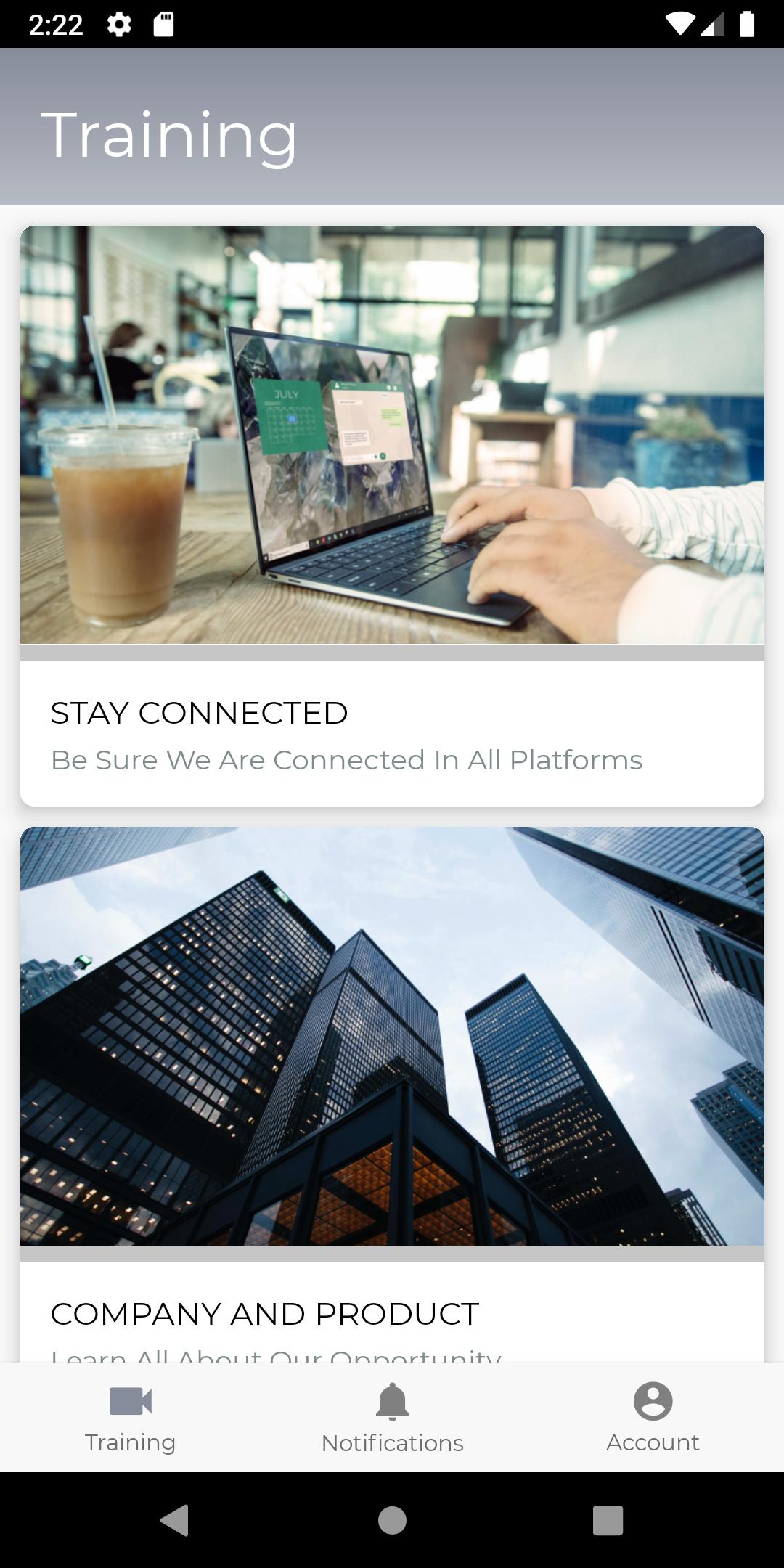
Leverage technology with a team training system and mobile app. Create training and and have the confidence your message is getting delivered. Business Glu is the step-by-step team app with big results.
Remove the reliance on ever-changing social groups and confusing chats for communicating with your team. Send team push notifications, alerts, and updates that are sent through Business Glu -- and get seen.
Stop wondering who is taking action on your leadership training! Get the data and metrics to see who watches and implements your training. No more free loaders, and common questions. Use the app to get your content and training distributed to your team on your terms.
Check on progress, gain accountability, and train your team on the go with a unique, team customized experience.
Glu helps leaders and teams grow.
Features:
-Unlimited Training - Be the leader and show people how to grow
-Team Accountability - See who is plugged in and taking action
-Push Notifications - Communicate directly with your team
-Access your training 24/7
Preview

Tags
BusinessInformation
Developer
Online Sales Pro
Latest Version
3.0.0
Last Updated
2023-10-28
Category
Business
Available on
Google Play
Show More
How to play Business Glu with GameLoop on PC
1. Download GameLoop from the official website, then run the exe file to install GameLoop
2. Open GameLoop and search for “Business Glu” , find Business Glu in the search results and click “Install”
3. Enjoy playing Business Glu on GameLoop
Minimum requirements
OS
Windows 8.1 64-bit or Windows 10 64-bit
GPU
GTX 1050
CPU
i3-8300
Memory
8GB RAM
Storage
1GB available space
Recommended requirements
OS
Windows 8.1 64-bit or Windows 10 64-bit
GPU
GTX 1050
CPU
i3-9320
Memory
16GB RAM
Storage
1GB available space