
ACC Mobile 2 PC
Avigilon Corporation
Download ACC Mobile 2 on PC With GameLoop Emulator
ACC Mobile 2 on PC
ACC Mobile 2, coming from the developer Avigilon Corporation, is running on Android systerm in the past.
Now, You can play ACC Mobile 2 on PC with GameLoop smoothly.
Download it in the GameLoop library or search results. No more eyeing the battery or frustrating calls at the wrong time any more.
Just enjoy ACC Mobile 2 PC on the large screen for free!
ACC Mobile 2 Introduction
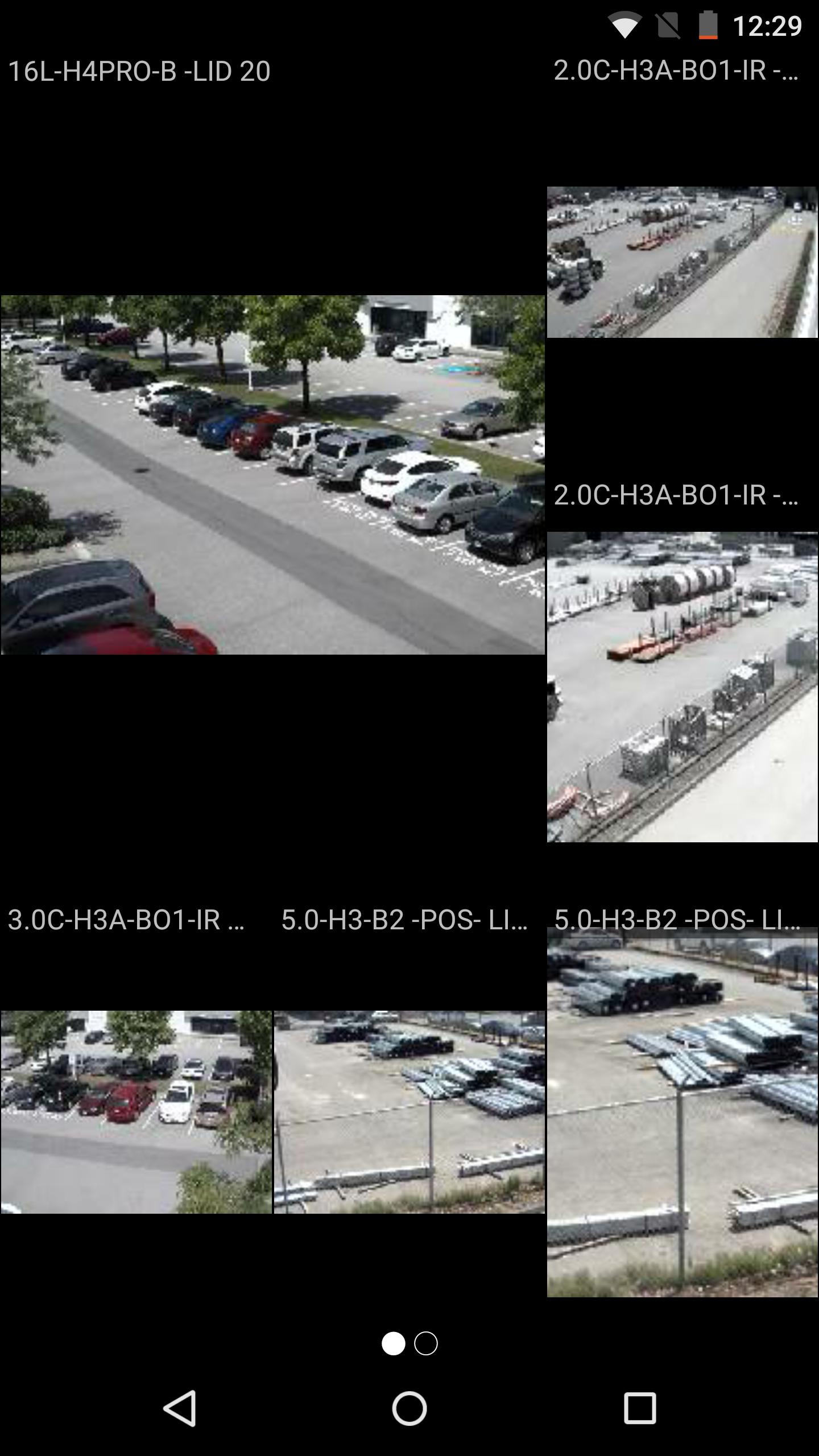
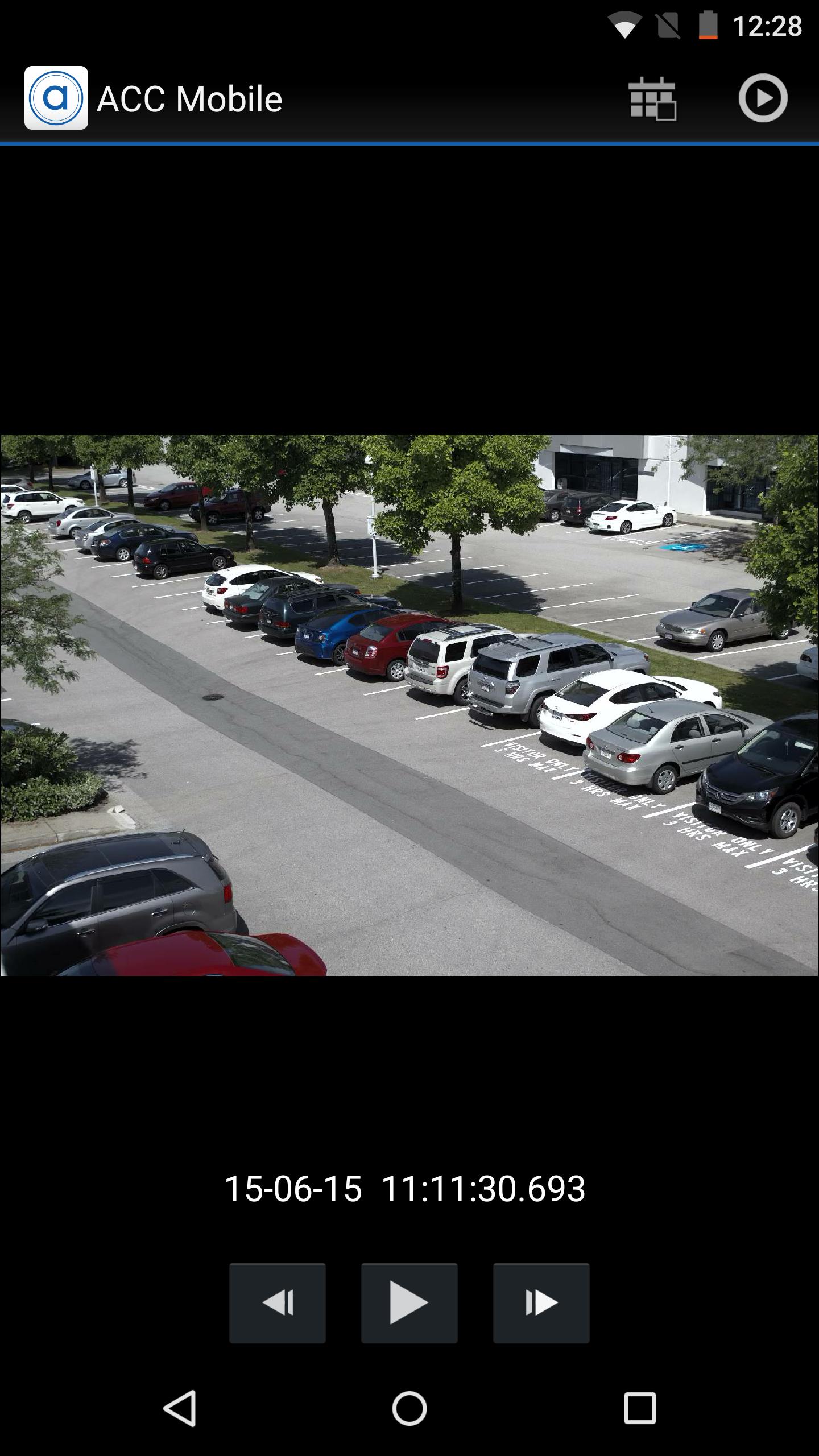
Avigilon Control Center Mobile 2 (ACC Mobile 2) enables security professionals to connect to the Avigilon Control Center (ACC) Network Video Management Software (NVMS) platform over any IP wireless network with Android smartphones and tablet devices. ACC Mobile 2 enables operators to remotely view live and recorded surveillance video, receive alarm push notifications, and speak back through enabled camera speakers to improve response times to incidents from any location.
Extending the award-winning High Definition Stream Management (HDSM) technology of Avigilon Control Center, ACC Mobile 2 is designed to efficiently support HD and megapixel images and detail up to 7K (30 MP). Leveraging the Avigilon Control Center Gateway, ACC Mobile 2 can be easily connected to an unlimited number of servers and cameras, expanding access to video surveillance data for greater coverage and remote monitoring.
System requirements:
• ACC 5.x or ACC 6.x
• Push alarm notifications require ACC Enterprise edition
• Audio talk down requires ACC Standard or ACC Enterprise edition
• ACC Gateway installed
Preview
Information
Developer
Avigilon Corporation
Latest Version
2.2.10 (00)
Last Updated
2019-10-10
Category
Business
Available on
Google Play
Show More
How to play ACC Mobile 2 with GameLoop on PC
1. Download GameLoop from the official website, then run the exe file to install GameLoop
2. Open GameLoop and search for “ACC Mobile 2” , find ACC Mobile 2 in the search results and click “Install”
3. Enjoy playing ACC Mobile 2 on GameLoop
Minimum requirements
OS
Windows 8.1 64-bit or Windows 10 64-bit
GPU
GTX 1050
CPU
i3-8300
Memory
8GB RAM
Storage
1GB available space
Recommended requirements
OS
Windows 8.1 64-bit or Windows 10 64-bit
GPU
GTX 1050
CPU
i3-9320
Memory
16GB RAM
Storage
1GB available space