
1stPayMobile EMV PC
ROAM Data
Download 1stPayMobile EMV on PC With GameLoop Emulator
1stPayMobile EMV on PC
1stPayMobile EMV, coming from the developer ROAM Data, is running on Android systerm in the past.
Now, You can play 1stPayMobile EMV on PC with GameLoop smoothly.
Download it in the GameLoop library or search results. No more eyeing the battery or frustrating calls at the wrong time any more.
Just enjoy 1stPayMobile EMV PC on the large screen for free!
1stPayMobile EMV Introduction
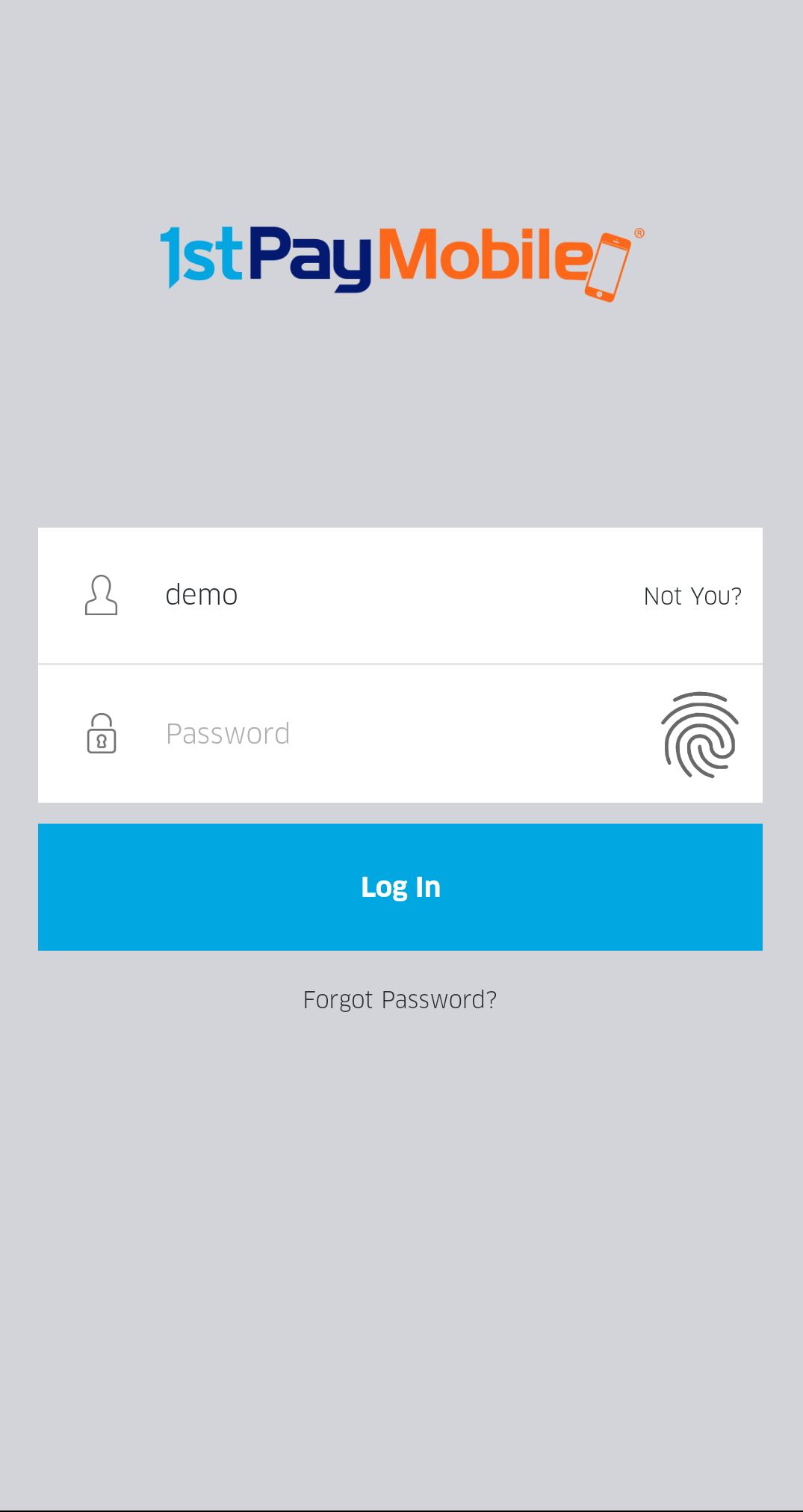
Grow your business with 1stPayMobile EMV, a free mobile payments application that allows you to accept debit, credit and EMV payments with a merchant account and approved hardware. Enjoy the flexibility that the application allows in accepting payments anywhere with peace of mind that all payments are secure. Access sales data and analytics to help you track and run your business. 1stPayMobile EMV is backed by U.S. based award-winning customer service, 24/7.
In addition to ongoing performance and reliability improvements, 1stPayMobile EMV 5.5.1 offers the following enhancements.
- Enhanced Help screen
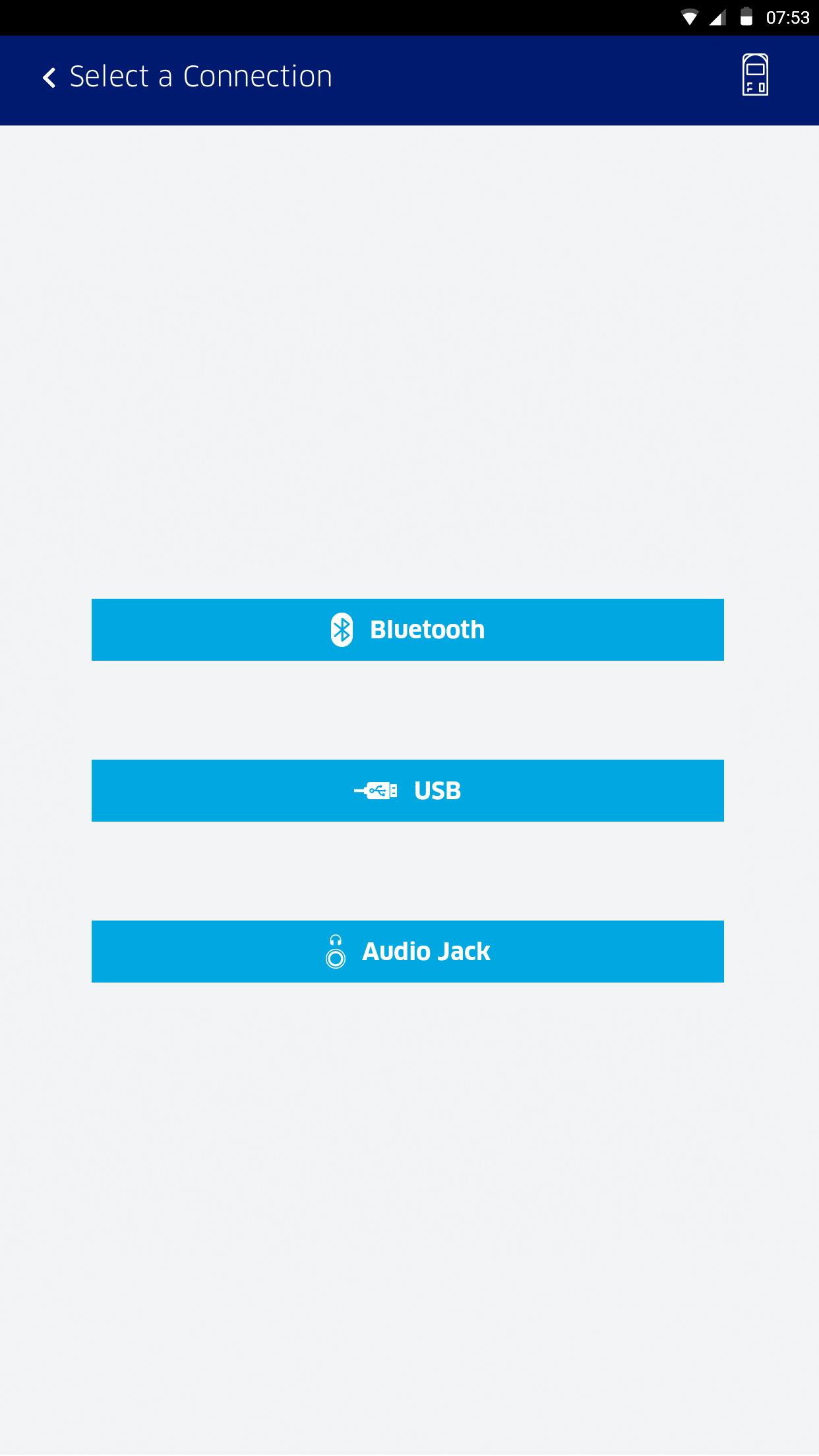
- New Manage Readers screen supporting USB reader connectivity (requires OTG cable).
- Ability to configure a start date for Daily Totals summary
- For readers with a PINPad, ability to key-in card data securely onto the reader's PINPad.
Please contact your representative if you wish to utilize this feature.
- Refund receipts include maps
- Catalog entries are always sorted left to right alphabetically by name
- Stored transactions in offline mode can be voided
Preview
Tags
BusinessInformation
Developer
ROAM Data
Latest Version
6.1.0.23
Last Updated
2023-07-06
Category
Business
Available on
Google Play
Show More
How to play 1stPayMobile EMV with GameLoop on PC
1. Download GameLoop from the official website, then run the exe file to install GameLoop
2. Open GameLoop and search for “1stPayMobile EMV” , find 1stPayMobile EMV in the search results and click “Install”
3. Enjoy playing 1stPayMobile EMV on GameLoop
Minimum requirements
OS
Windows 8.1 64-bit or Windows 10 64-bit
GPU
GTX 1050
CPU
i3-8300
Memory
8GB RAM
Storage
1GB available space
Recommended requirements
OS
Windows 8.1 64-bit or Windows 10 64-bit
GPU
GTX 1050
CPU
i3-9320
Memory
16GB RAM
Storage
1GB available space