
Wiki Reader - Wikipedia TTS PC
KavySoftech
Download Wiki Reader - Wikipedia TTS on PC With GameLoop Emulator
Wiki Reader - Wikipedia TTS on PC
Wiki Reader - Wikipedia TTS, coming from the developer KavySoftech, is running on Android systerm in the past.
Now, You can play Wiki Reader - Wikipedia TTS on PC with GameLoop smoothly.
Download it in the GameLoop library or search results. No more eyeing the battery or frustrating calls at the wrong time any more.
Just enjoy Wiki Reader - Wikipedia TTS PC on the large screen for free!
Wiki Reader - Wikipedia TTS Introduction
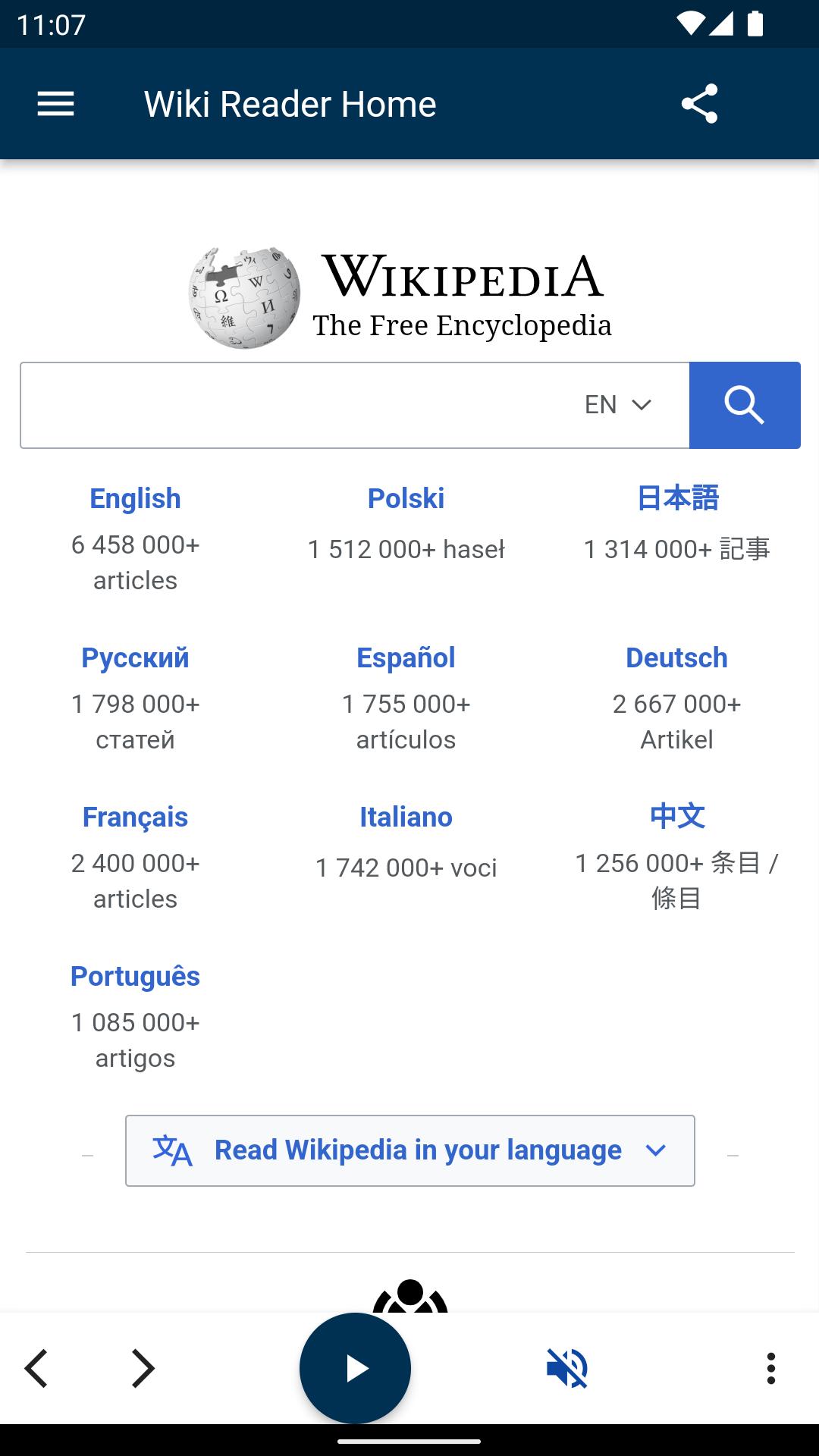
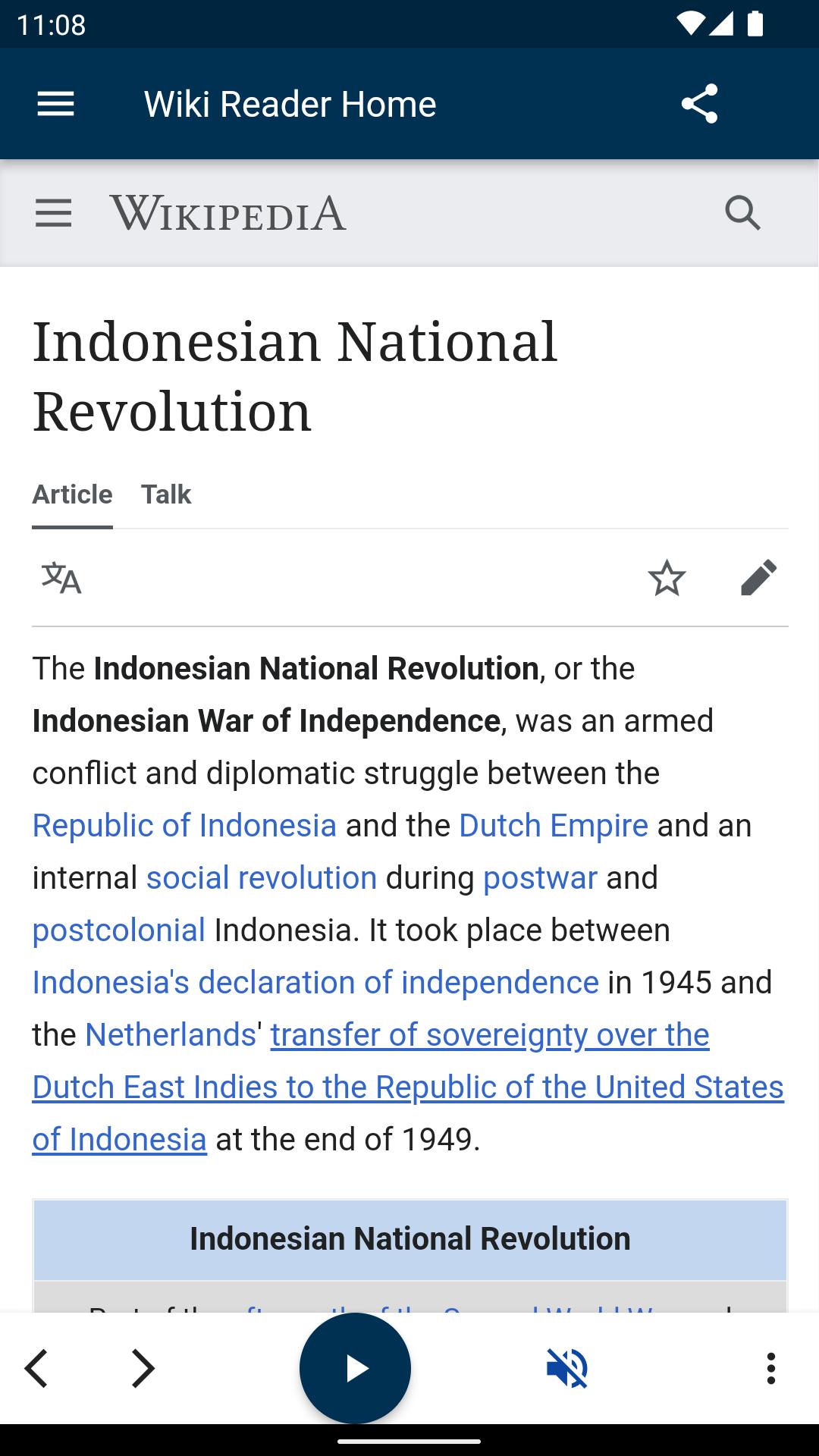
Wiki Reader is an Encyclopedia. You can listen all wiki Articles while on the go. Articles on Wikipedia are freely licensed. The heart and soul of Wikipedia is a community of people working to bring you unlimited access to reliable and neutral information. TTS support porivded.
1.Reads text with different accents - try it out
2.Control the speed & pitch of the voice. Set your preferred volume specifically for the app.
3. Keeps reading in the background- so you can do other things with the phone, or even turn off the screen to save battery.
4.Choose whatever language you want, and switch between them easily.
5.Ideal for listening while driving, traveling, exercising, working and more.Wiki Reader is really helpful for busy people who want to be able to listen to written content .
WikiReader gives you access to the usual wikis like Wikipedia, Wiktionary, but also to the likes of Uncyclopedia, Wikivoyage, and many, many more.
Fast
✔ Fast searching
✔ Loads articles quickly and shows them while still loading
✔ Articles and images are cached for even faster access
✔ Search widget (shortcut on older devices) for instant search on your home screen
Beautiful
✔ Transforms articles into a more readable and pleasant format
✔ shows all images in high resolution
✔ Material design
✔ white and dark themes
Wikis
✔ Lots of Wikis about video games
✔ Wikis about TV shows
✔ and many, many more
Privacy: We at kavysoftech value your privacy, and that's why we do not store anything you type or in fact any other data about you.
Enjoy wikipedia listening!
Preview
Tags
Books-&Information
Developer
KavySoftech
Latest Version
1.2.1
Last Updated
2022-05-14
Category
Books-reference
Available on
Google Play
Show More
How to play Wiki Reader - Wikipedia TTS with GameLoop on PC
1. Download GameLoop from the official website, then run the exe file to install GameLoop
2. Open GameLoop and search for “Wiki Reader - Wikipedia TTS” , find Wiki Reader - Wikipedia TTS in the search results and click “Install”
3. Enjoy playing Wiki Reader - Wikipedia TTS on GameLoop
Minimum requirements
OS
Windows 8.1 64-bit or Windows 10 64-bit
GPU
GTX 1050
CPU
i3-8300
Memory
8GB RAM
Storage
1GB available space
Recommended requirements
OS
Windows 8.1 64-bit or Windows 10 64-bit
GPU
GTX 1050
CPU
i3-9320
Memory
16GB RAM
Storage
1GB available space