
Libby: Read Library Books PC
OverDrive, Inc.
Download Libby: Read Library Books on PC With GameLoop Emulator
Libby: Read Library Books on PC
Libby: Read Library Books, coming from the developer OverDrive, Inc., is running on Android systerm in the past.
Now, You can play Libby: Read Library Books on PC with GameLoop smoothly.
Download it in the GameLoop library or search results. No more eyeing the battery or frustrating calls at the wrong time any more.
Just enjoy Libby: Read Library Books PC on the large screen for free!
Libby: Read Library Books Introduction
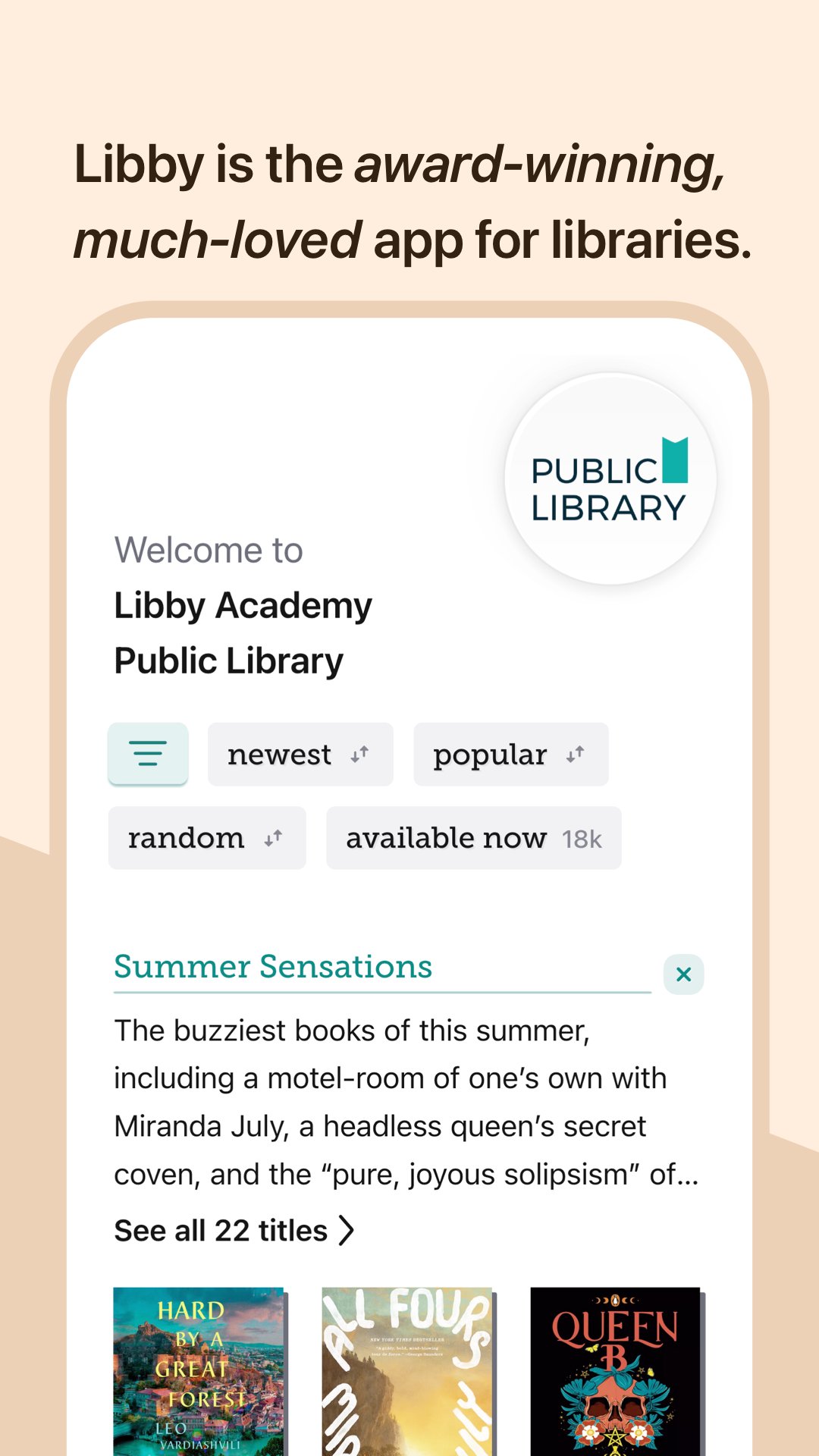
Discover millions of ebooks, audiobooks, and magazines from your local library with Libby, the award-winning reading app. Borrow instantly with your library card and start reading or listening today.
From bestsellers and new releases to classics, romance, memoirs, mystery, fantasy, self-help, and kids’ books, Libby gives you access to your library’s full digital collection anytime, anywhere.
Borrow and read instantly
- Access millions of ebooks and audiobooks from your local library
- Browse popular titles, classics, self-help, and New York Times bestsellers
- Borrow instantly with your library card
- Read or listen anytime, anywhere
Flexible reading and listening
- Download books for offline reading or stream to save storage
- Sync your progress across all devices automatically
- Send ebooks to Kindle (U.S. only)
- Listen to audiobooks in your car with Android Auto
Personalized library experience
- Create custom reading lists with tags like “Want to Read”
- Get recommendations based on your interests
- Keep track of your borrowed books, due dates, and reading history
Powerful ebook reader
- Customize font size, layout, and background color
- Built-in dictionary to define and search words
- Highlight text, add notes, and bookmark pages
- Read magazines, comics, cookbooks, and children’s books with ease
Advanced audiobook player
- Adjust playback speed from 0.6x to 3.0x
- Set a sleep timer for listening
- Skip forward or back with simple controls
- Bookmark key moments and add notes
Libby is developed by OverDrive to support local libraries worldwide, helping more people access books digitally.
Download Libby today and explore ebooks, audiobooks, and magazines from your library.
Preview
Tags
Books-&Information
Developer
OverDrive, Inc.
Latest Version
9.5.0
Last Updated
2026-08-26
Category
Books-reference
Available on
Google Play
Show More
How to play Libby: Read Library Books with GameLoop on PC
1. Download GameLoop from the official website, then run the exe file to install GameLoop
2. Open GameLoop and search for “Libby: Read Library Books” , find Libby: Read Library Books in the search results and click “Install”
3. Enjoy playing Libby: Read Library Books on GameLoop
Minimum requirements
OS
Windows 8.1 64-bit or Windows 10 64-bit
GPU
GTX 1050
CPU
i3-8300
Memory
8GB RAM
Storage
1GB available space
Recommended requirements
OS
Windows 8.1 64-bit or Windows 10 64-bit
GPU
GTX 1050
CPU
i3-9320
Memory
16GB RAM
Storage
1GB available space