WAWReader - Book Library PC
WAW Koncepts
Download WAWReader - Book Library on PC With GameLoop Emulator
WAWReader - Book Library on PC
WAWReader - Book Library, coming from the developer WAW Koncepts, is running on Android systerm in the past.
Now, You can play WAWReader - Book Library on PC with GameLoop smoothly.
Download it in the GameLoop library or search results. No more eyeing the battery or frustrating calls at the wrong time any more.
Just enjoy WAWReader - Book Library PC on the large screen for free!
WAWReader - Book Library Introduction
WAWReader gives you access loads of ebooks which you can read offline on your device. Pick from your favourite genre, search by title or author name, or browse through our alphabetical catalog.
Read latest books from your favorite authors offline, from available genres which include: Business & Finance, Health & Fitness, Romance, Sci-fi & Fantasy, Teen, Horror, Poetry, Religion & Mythology, Parenting & Family, Textbooks and Self Help books.
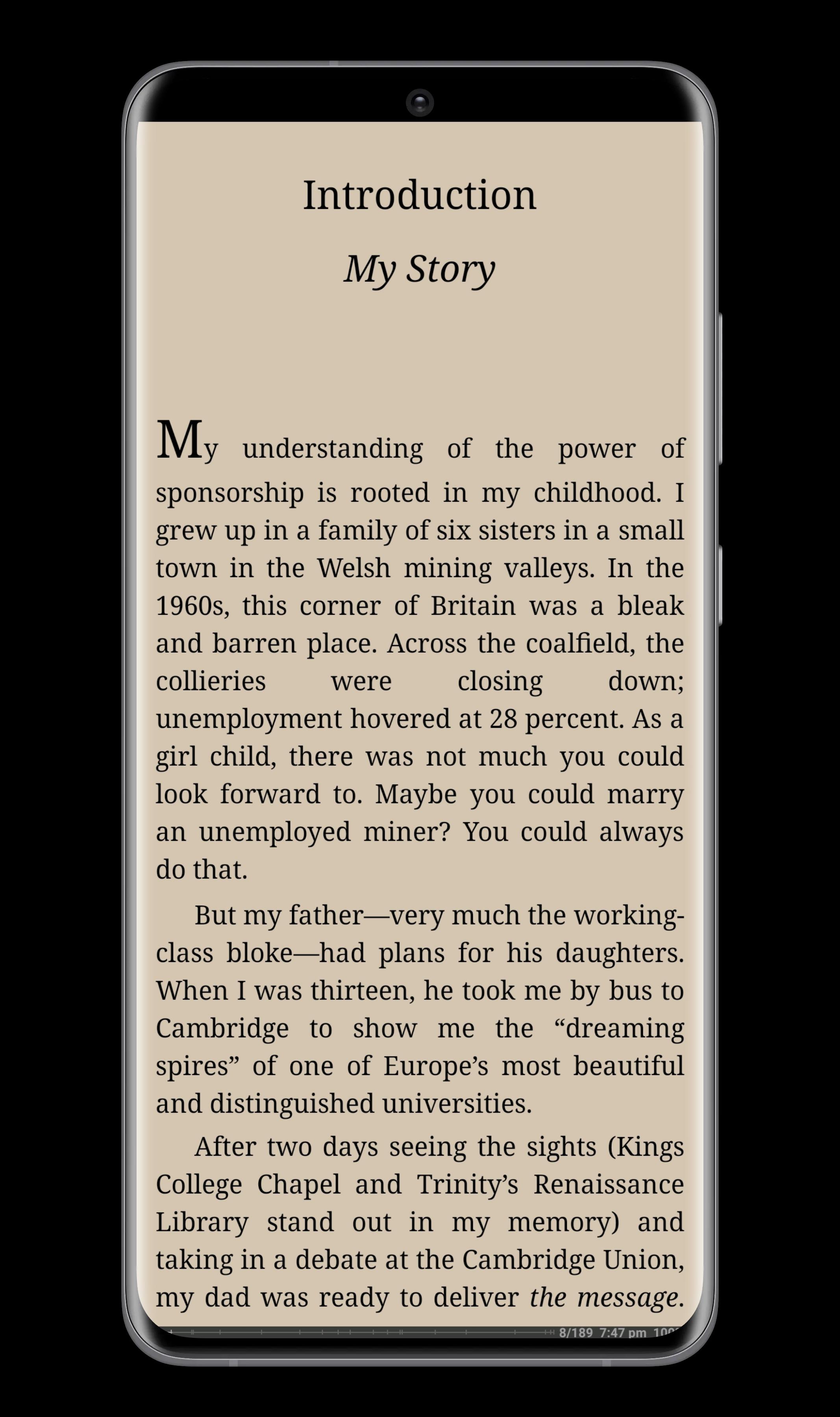
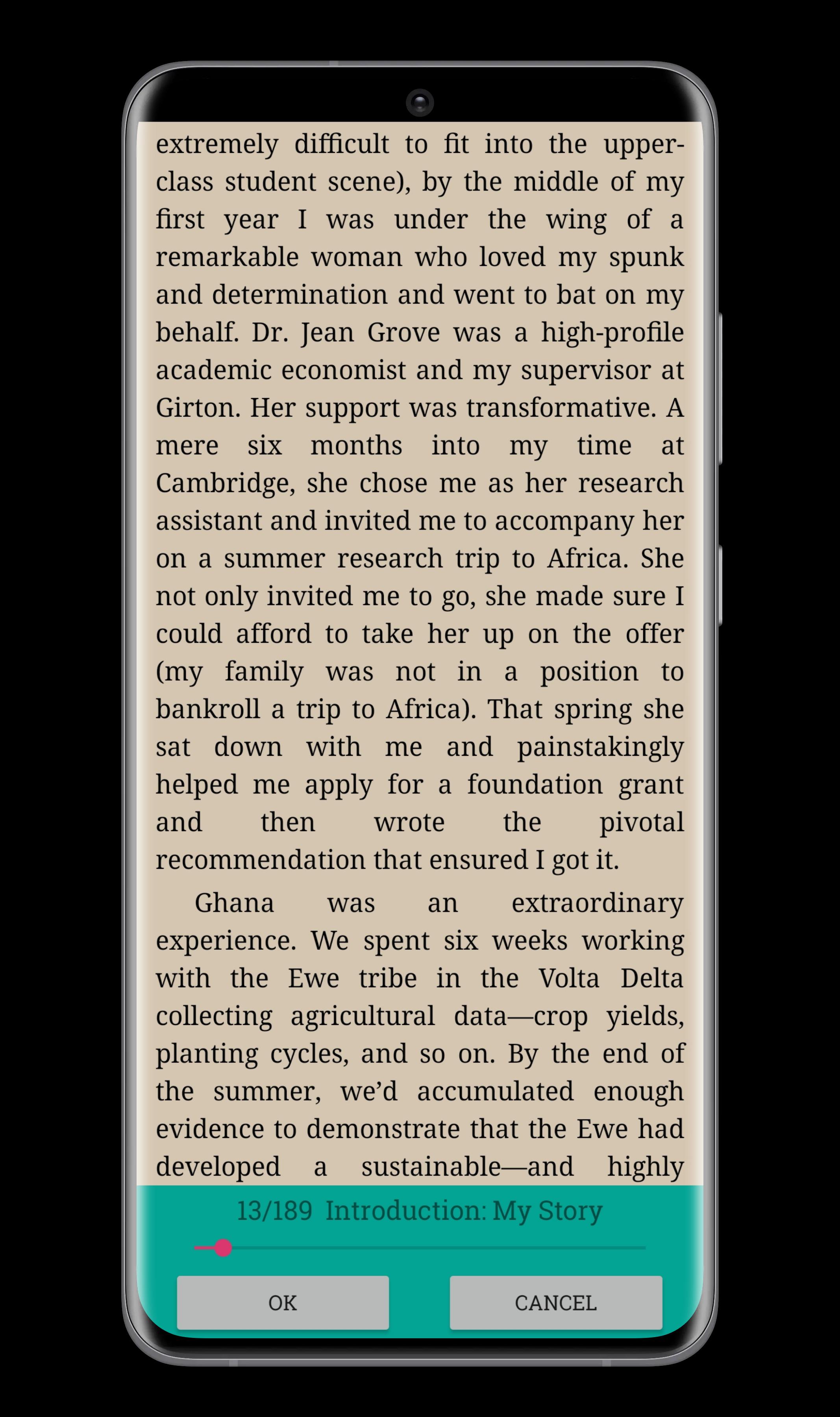
The e-reader UI is designed to be simple and highly customisable - it supports external font types and changing font size, the screen brightness can be adjusted while reading by sliding the finger up/down along the left screen edge, and there is full screen and dark theme for an enjoyable reading experience
WAWReader also supports most popular text formats. Choose from your local storage using the file picker and WAWReader automatically lists them with your current reading list.
Supported formats: fb2, html, txt, epub, mobi, rtf, doc, pdf, djvu, cbz, cbr.
FEATURES:
- Loads of ebooks
- Offline reading
- Bookmarks and TOC
- Vertical or Horizontal Scrolling
- Landscape or portrait orientation
- Easy navigation
- Dark theme for night reading
- Adjust font size
More titles to read offline everyday. WAWReader app contains hundreds of e-books and there will be more!
Preview
Tags
Books-&Information
Developer
WAW Koncepts
Latest Version
2.0.4
Last Updated
2022-08-17
Category
Books-reference
Available on
Google Play
Show More
How to play WAWReader - Book Library with GameLoop on PC
1. Download GameLoop from the official website, then run the exe file to install GameLoop
2. Open GameLoop and search for “WAWReader - Book Library” , find WAWReader - Book Library in the search results and click “Install”
3. Enjoy playing WAWReader - Book Library on GameLoop
Minimum requirements
OS
Windows 8.1 64-bit or Windows 10 64-bit
GPU
GTX 1050
CPU
i3-8300
Memory
8GB RAM
Storage
1GB available space
Recommended requirements
OS
Windows 8.1 64-bit or Windows 10 64-bit
GPU
GTX 1050
CPU
i3-9320
Memory
16GB RAM
Storage
1GB available space